


“Why is my computer so slow now?”
From software bloat and inefficient background processes to aging hardware and overheating issues, system slowdown can happen for a number of reasons. The causes listed below are based on real-world scenarios I’ve observed while working on client PCs. If you’re experiencing similar issues, keep in mind that not every solution will apply to your specific situation. I recommend visiting your local repair shop or trying some of the tips below to see if you can speed up your computer yourself.
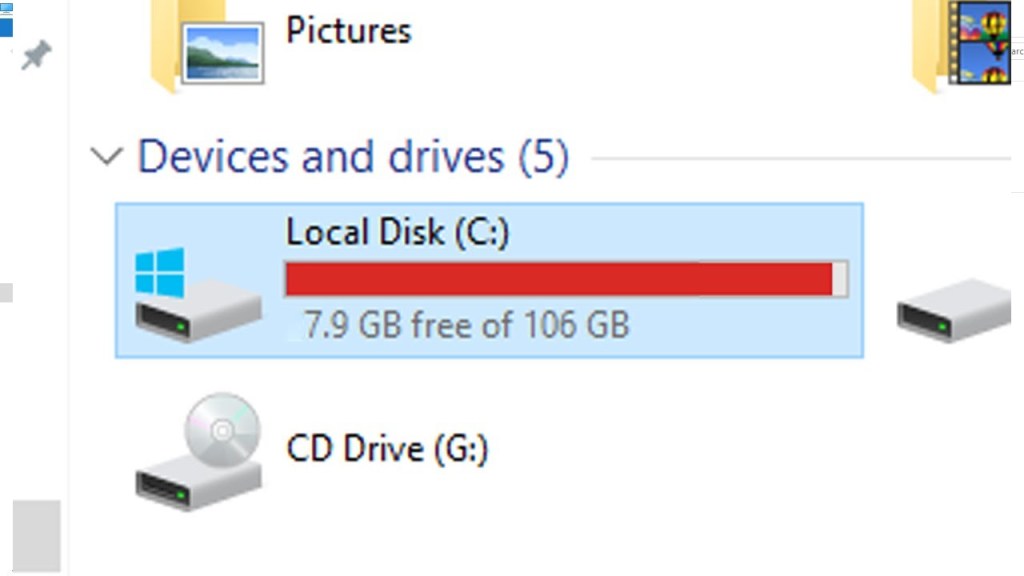
1. Drive Near Full Capacity
One common reason I’ve seen for slow computer performance is the system drive (usually the C: drive) being almost full. On the surface, the computer may appear clean—no suspicious programs, no unnecessary startup apps—but it still takes forever to open programs or even load the operating system.
When I check File Explorer, the problem becomes obvious: the drive is nearly maxed out.
Why this matters:
We typically advise our clients to keep at least 20% of their primary drive’s capacity free. When the drive is too full, the system struggles to create temporary cache files and virtual memory, which are essential for running programs smoothly. Without enough space, the operating system’s performance can drop significantly.
Quick Fix:
Uninstall unused apps, delete unnecessary files, and consider transferring personal files (photos, videos, etc.) to an external drive or cloud storage.
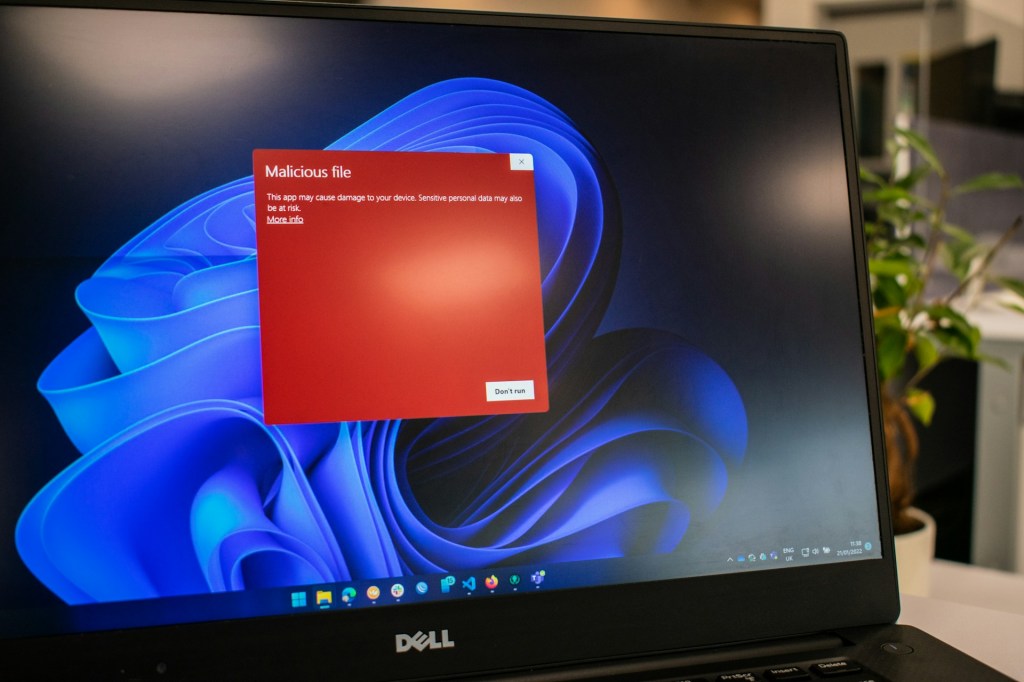
2. Viruses or Unwanted Startup Programs
If you ask the average person why a computer is slowing down, they’ll probably say “It must have a virus”—and they’re often right.
What can happen:
Certain malware or adware can trigger annoying pop-ups, force open unwanted programs on startup, or hog system resources by running hidden tasks in the background. All of this results in poor performance and even potential security risks.
Fix Recommendation:
There’s no guaranteed quick fix. While some antivirus programs can help, the most effective solution is usually a clean reinstall of the operating system after backing up important data.
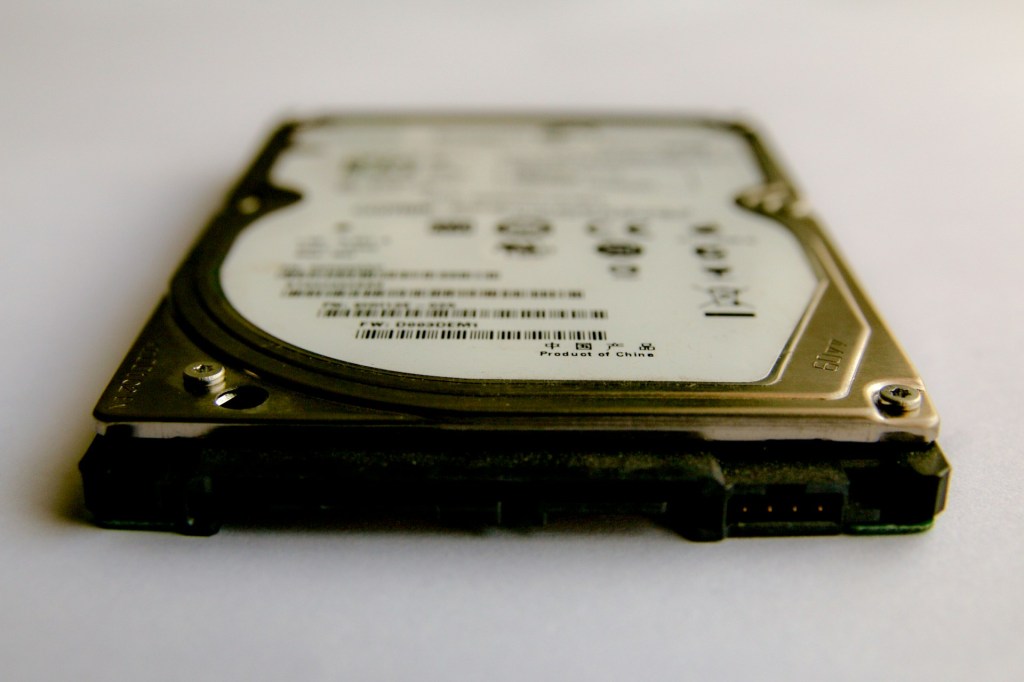
3. Outdated Hard Drive or Failing SSD
If you’re using an older system that still has a traditional HDD (hard disk drive), this could be a major reason for slow performance. HDDs naturally degrade over time, especially after years of use.
In the past, defragmentation was necessary to keep HDDs running efficiently by keeping data organized for quicker access. However, even with regular maintenance, HDDs can’t compete with modern SSDs (solid-state drives) in terms of speed and responsiveness.
Why SSDs are better:
SSDs have no moving parts and access data almost instantly, dramatically improving boot times and load speeds.
SSD already installed?
If you already have an SSD but your system is still slow, the SSD itself might be failing, which can happen after years of use. In that case, replacing it is your best option.
4. Overheating
Overheating is another major reason your computer might be slowing down.
How it works:
The CPU (the brain of your computer) generates heat while processing tasks. When it gets too hot, it engages a safety mechanism called thermal throttling, which purposely slows down performance to reduce heat and prevent damage.
Signs of overheating:
- Louder fan noise
- System becoming hot to the touch
- Sudden shutdowns during use
Fix:
Open up the PC and clean out any built-up dust from fans and heat sinks. Reapply thermal paste between the CPU and its cooler if it’s been a few years—it helps maintain optimal heat transfer.
5. Outdated Hardware
Sometimes the reason your computer is slow is simply because it’s old.
Why this happens:
Software, games, browsers, and even operating systems are constantly evolving. They require more RAM, faster processors, and better graphics capabilities than older machines were designed to handle. Even web browsers now consume more memory and include new features that older systems struggle to keep up with.
Can you upgrade instead of replacing?
- Add more RAM
- Upgrade to an SSD (if you haven’t already)
- Install a lightweight operating system if Windows is too much for the hardware
If these upgrades don’t improve performance, it might be time to replace the system entirely.
Final Thoughts
Computers slow down for a variety of reasons—some are quick fixes, while others may require more technical intervention. Whether it’s cleaning out the inside of your PC, upgrading a hard drive, or getting a full system check-up, understanding the underlying causes can help you make smarter decisions about how to maintain your computer and when to upgrade.
Need Help with Your Computer?
If you’re in Los Angeles and have any questions, PC problems, or need computer repair, feel free to give us a call or stop by our shop. We’re here to help with everything from slow PCs to hardware repairs and upgrades.
 ITBrother
Leave a comment