

Introduction: Should You Upgrade or Replace Your PC?
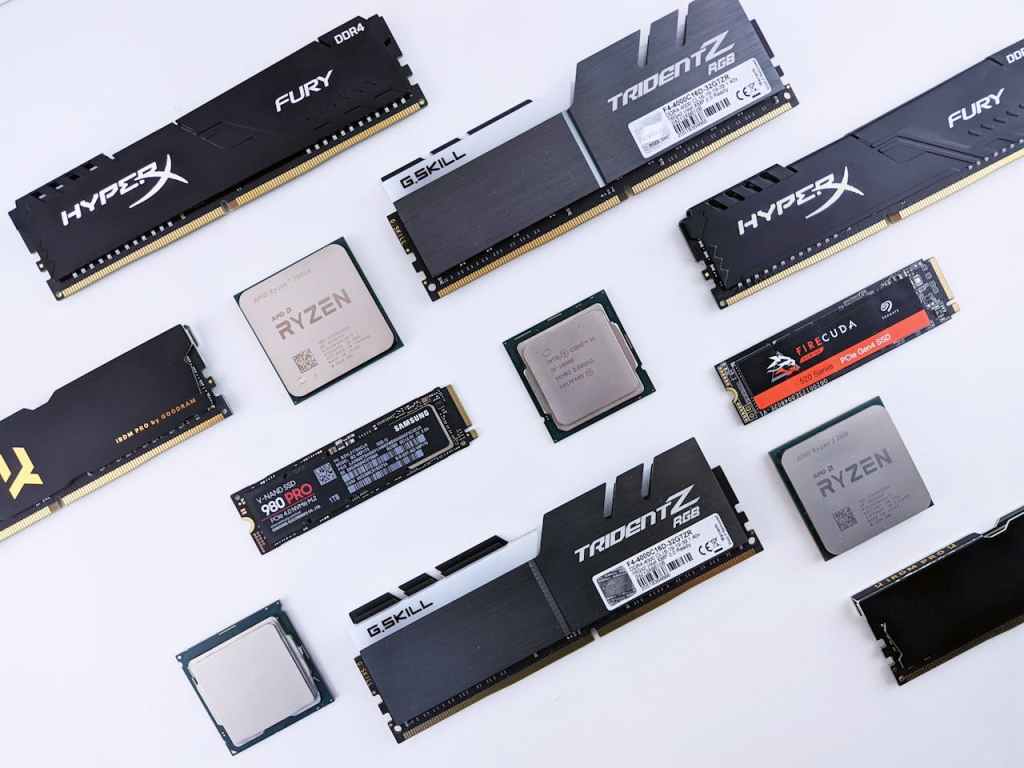
If you’re using an older laptop or desktop, you might be wondering: Should I upgrade my PC or buy a new one? This is a common question I hear all the time in the IT and computer repair field.
The truth is—it depends. Your upgrade path should be based on how you use your computer and what you expect to get out of it in the future. If your current device still fits your needs but feels sluggish, a few targeted upgrades can extend its life and improve performance without breaking the bank.
Let’s break down the most important and cost-effective upgrades, starting with the one I always recommend first.
1. Upgrade to an SSD (Solid State Drive)
Why It Matters:
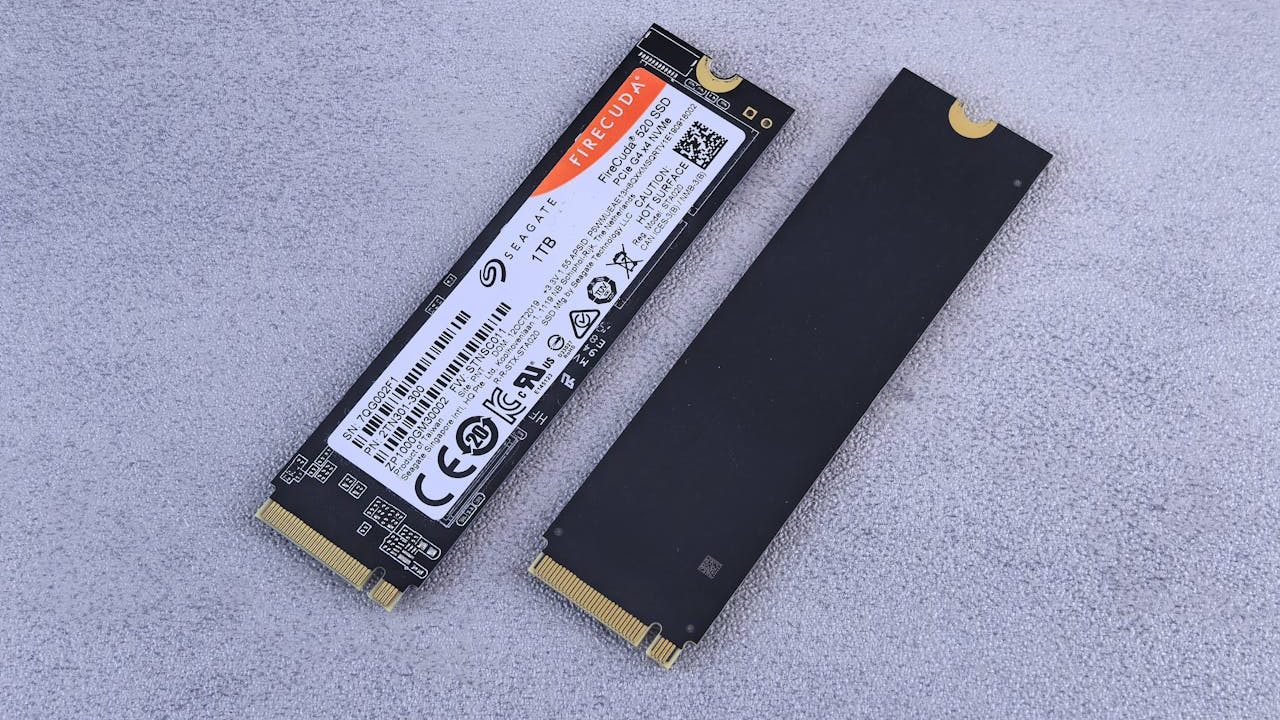
Switching from an old hard drive (HDD) to a Solid State Drive (SSD) is the single most impactful upgrade you can make.
Benefits of an SSD Upgrade:
- Drastically faster boot times and load speeds
- Improved system responsiveness
- Works with both laptops and desktops
- Extends the life of older PCs by several years
If your computer still runs on a traditional spinning hard drive, upgrading to an SSD is a no-brainer. It’s like giving your computer a brand new engine.
2. Add More RAM (Random Access Memory)
Why It Matters:
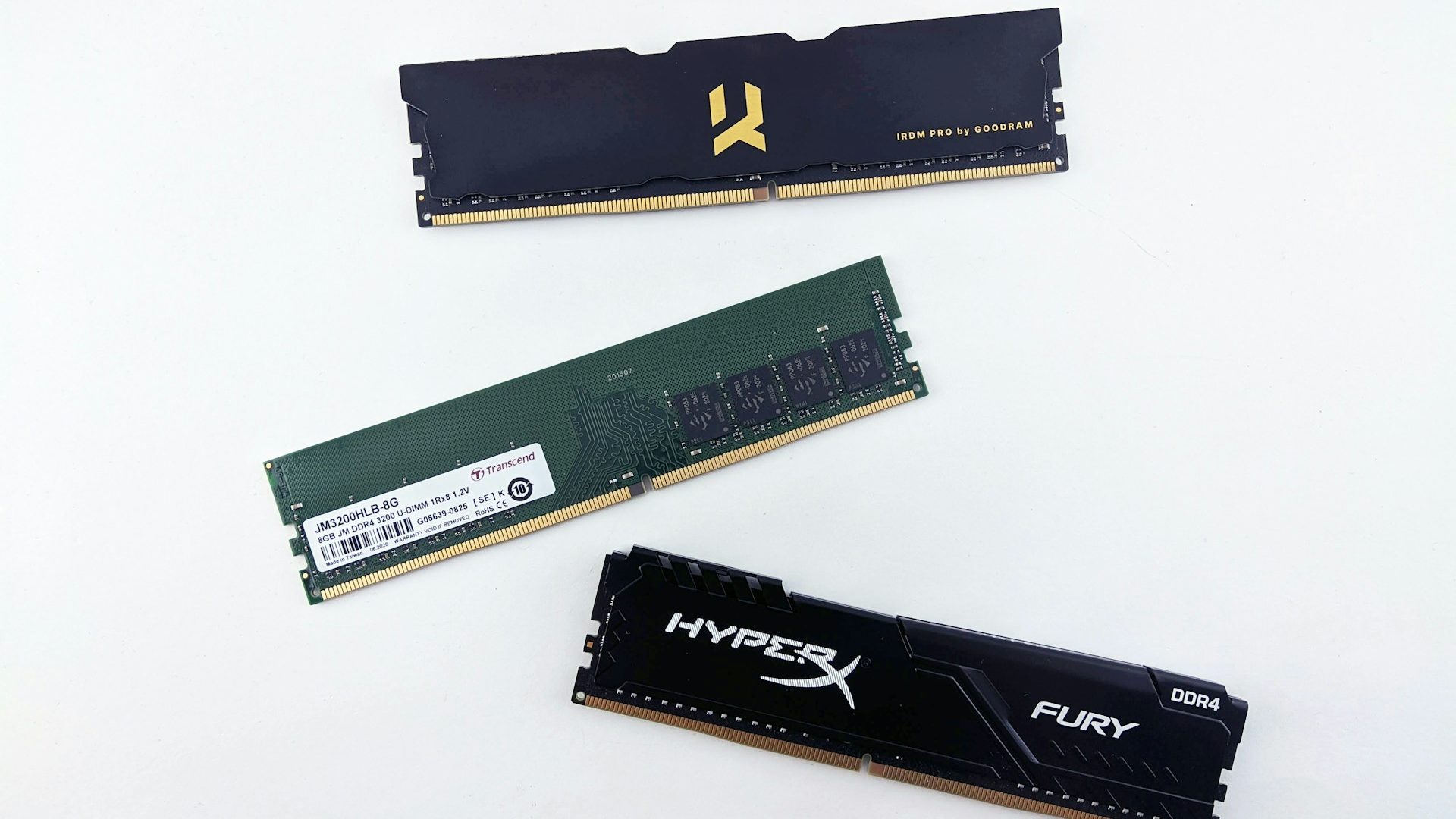
RAM affects how many programs you can run at once and how smoothly your operating system performs.
When to Upgrade RAM:
- If your computer feels slow when multitasking
- If you’re running Windows 11 on a machine with only 4GB or 8GB of RAM
- If your system freezes or lags under load
Adding RAM won’t make your system lightning-fast like an SSD will, but it allows you to run more apps simultaneously and keeps things running more smoothly—especially on low-end or older PCs.
3. Consider These Desktop-Only Upgrades
Important Note:
These next two upgrades are generally only applicable to desktop PCs, as most laptops don’t support modular replacements for these components.
3a. Upgrade Your Graphics Card (GPU)
Best For:
- Gamers
- Video editors and digital artists
- 3D modeling and rendering professionals
- AI or machine learning workflows
Benefits of a GPU Upgrade:
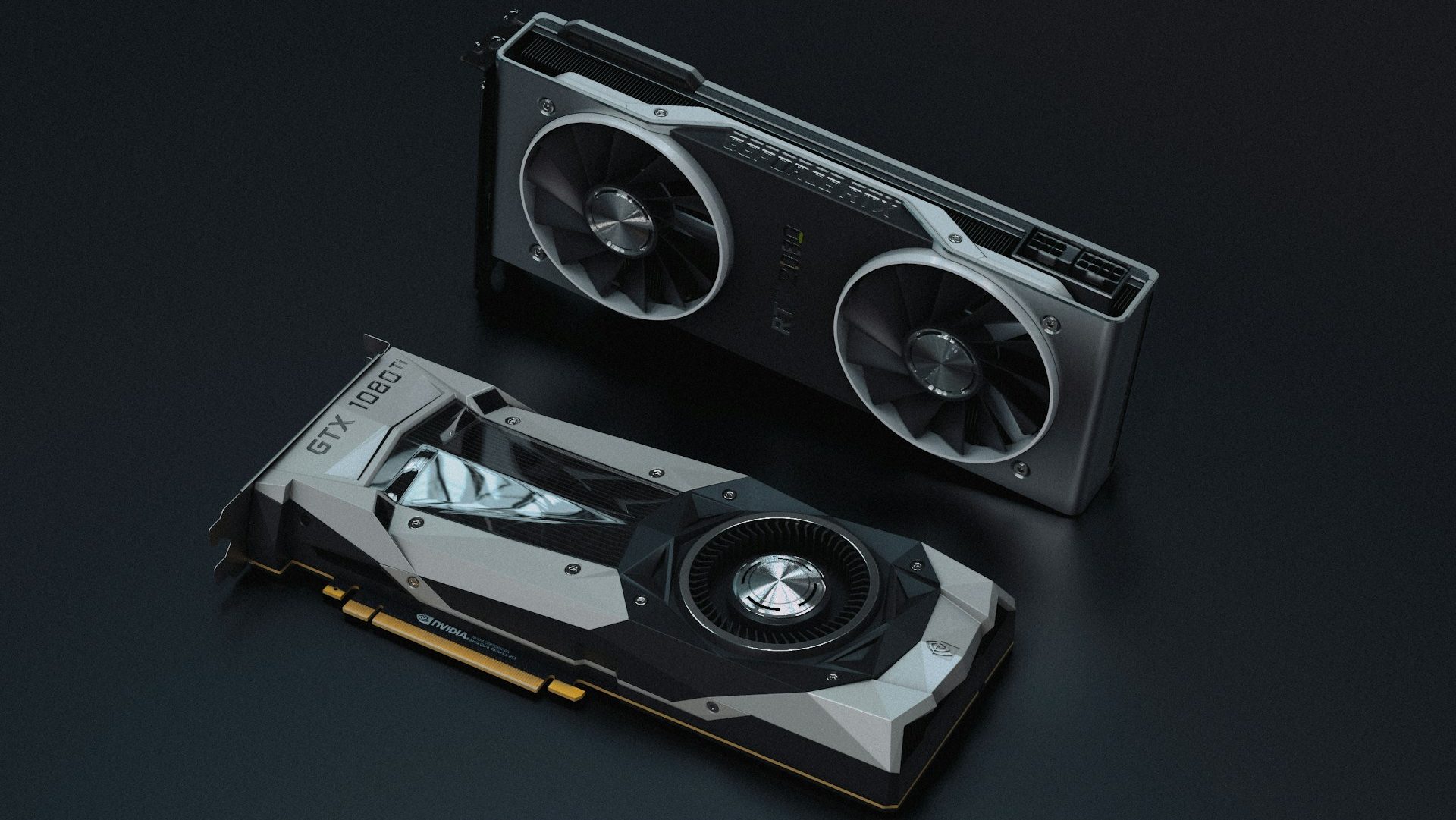
- Better image quality and frame rates in games
- Faster rendering and graphical computations
- Ability to run AI models more efficiently (especially with higher VRAM GPUs)
Caveat:
Modern GPUs can be expensive. Evaluate your workload carefully before investing.
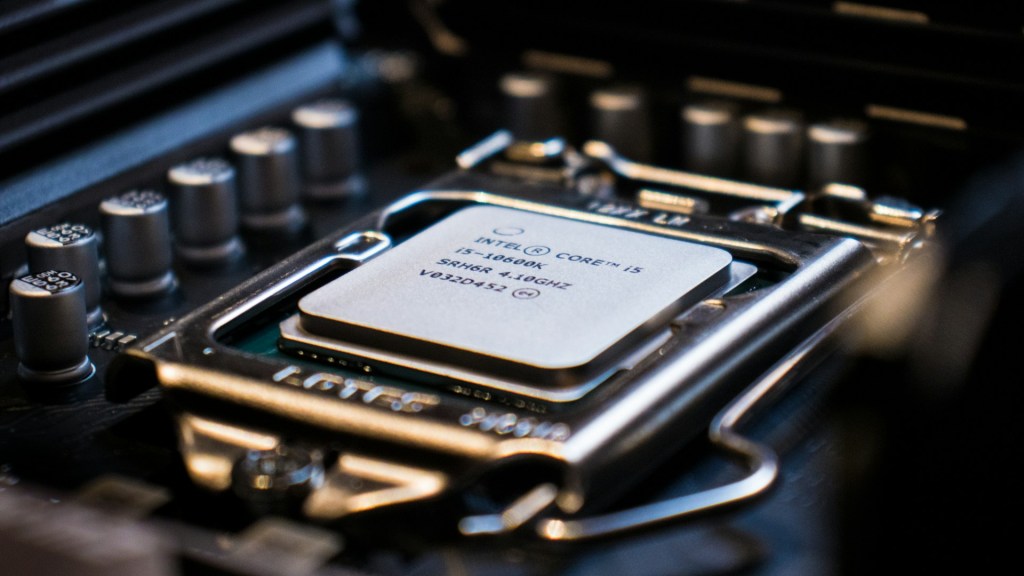
3b. Upgrade Your CPU (Central Processing Unit)
Best For:
- Heavy video editing and rendering
- Computational or data-intensive work
- Professionals using CPU-heavy software (e.g., developers, researchers)
CPU upgrades are highly situational and often require a new motherboard or RAM as well, making it a more involved (and costly) process. I typically recommend this only if your workflow truly demands it.
Final Thoughts: What’s the Best PC Upgrade for You?
If your PC is still functional but starting to feel slow, don’t rush to replace it just yet. Start with the basics—an SSD and more RAM can make a huge difference in performance and usability.
For desktop users with more specific needs, consider a GPU or CPU upgrade based on your workflow. Just make sure to weigh the cost versus the benefit.
Need Help Choosing the Right Upgrade?
Whether you’re looking to revive an old laptop or power up your desktop for creative work, I offer personalized IT support and upgrade recommendations tailored to your needs. Reach out if you’d like a consultation or system check-up.
Need Help with Your Computer?
Got PC questions or issues? Our Los Angeles computer repair shop welcomes both calls and walk-ins. Whether it’s a cracked screen, hardware issue, or software problem, we’re here to help.
 ITBrother
Leave a comment