

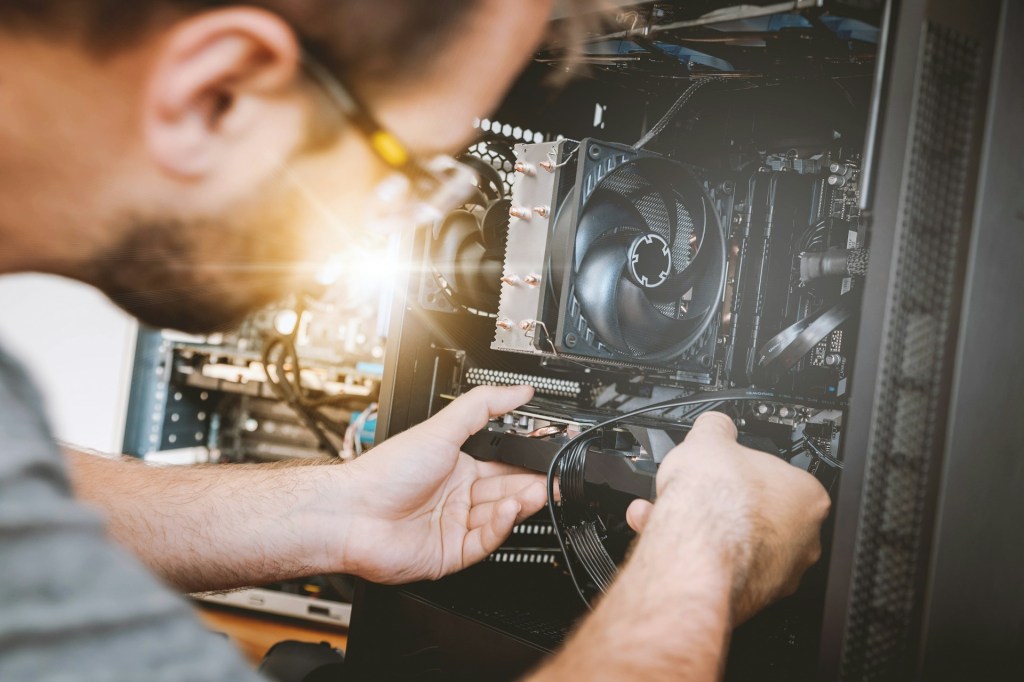
With desktops and laptops becoming an essential part of our everyday lives, it’s important to give them a good cleaning and tune-up every once in a while. Think of it like maintaining a car. Since cars are such a major part of daily life, we make sure to take care of them to keep them running for the long haul.
Your computer is no different.
Sure, one might cost more than the other, but that doesn’t mean we should treat our computers as disposable. We store so much personal and sensitive information on them—emails, photos, financial records, and sometimes even our taxes. It’s not just about performance—it’s about reliability when it matters most.
So when should you consider giving your computer a check-up? Here are a few clear signs it’s time for some general maintenance and tuning.
🐢 1. Unusually Slow Performance
This is the most common red flag—and one most people eventually notice. Unfortunately, slow performance can be caused by several issues, but the two most common are:
- Your system is overheating
- Your hard drive is near full capacity
These kinds of problems usually show up after a few years of use—anywhere from 2 to 5 years, depending on how often and how heavily the computer is used.
🛠️ My recommendation: Every 3 years, take your device to a trusted PC shop (or technician) to have it checked, cleaned, and tuned up—even if nothing seems wrong.
🚨 2. Random Pop-Ups or Suspicious Notifications
This one tends to show up more often on Windows PCs, and usually comes in the form of excessive notifications in the bottom-right corner of your screen.
Normally, Windows will show legit system messages—things like antivirus scans, update reminders, or email notifications. But if you suddenly see a flood of messages from strange websites or unfamiliar software (especially in your browser), it’s a red flag.
In most cases, users tell me this happened after clicking on a strange link or pop-up ad. It’s a common sign of malware or unwanted browser extensions that should be removed right away.
🧼 A quick malware scan might fix it—but if it keeps happening, get it checked professionally.
🔊 3. Loud Fan Noise
Loud fans can be annoying, but they’re also a warning sign that something’s off under the hood. This issue shows up in both desktops and laptops, across Windows and Mac systems, typically after about 3 years of use or more.
Here’s what’s happening:
- Inside your computer, the CPU (the brain) is cooled by a heatsink and fan system.
- There’s a special thermal paste between the CPU and heatsink that helps transfer heat efficiently.
- Over time, this paste dries out due to regular heat exposure, which reduces cooling efficiency.
When this happens, your system gets hotter, and the fans spin faster to try and compensate—causing that constant loud whirring sound. Eventually, this can also lead to performance issues or even hardware failure if ignored too long.
💡 A thermal paste replacement and internal cleaning can bring things back to normal and extend your device’s lifespan.
Final Thoughts
Your computer doesn’t need weekly tune-ups, but ignoring the signs of wear and tear can lead to bigger problems down the road. Routine maintenance—every couple of years—is a small effort that pays off in speed, reliability, and peace of mind.
If you’re noticing any of these issues and aren’t sure where to start, reach out to a local PC repair technician—or feel free to contact me. Sometimes all your device needs is a little attention to get back in shape.
Need Help with Your Computer?
If you’re in Los Angeles and have any questions, PC problems, or need computer repair, feel free to give us a call or stop by our shop. We’re here to help with everything from slow PCs to hardware repairs and upgrades.
 ITBrother
Leave a comment