

One of the most common questions I hear from everyday computer users is simple:
“Do I really need antivirus software?”
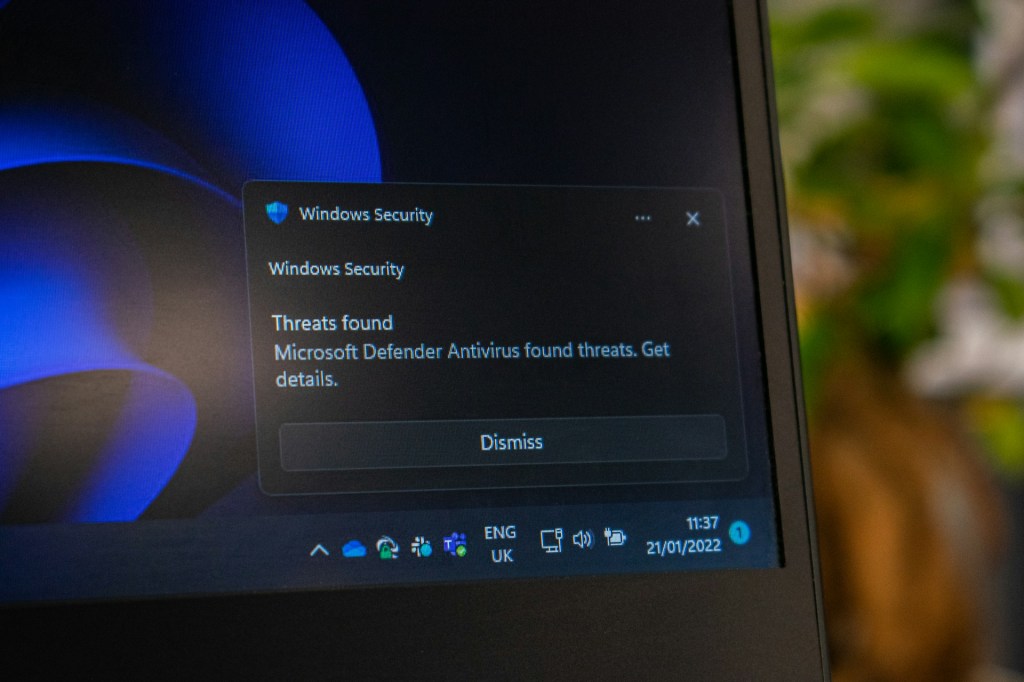
Modern computers already come with built-in security tools. Windows includes Windows Security (formerly Windows Defender), and macOS has built-in protections like XProtect. Because of this, many people assume antivirus software is no longer necessary.
The short answer is this: antivirus software isn’t strictly required, but it is strongly recommended—especially for everyday users who browse the internet regularly, download files, shop online, or store personal data on their computers.
Let’s break down what built-in security actually does, where it falls short, and why antivirus software is still a smart layer of protection for most people.
What Built-In Security Already Does Well
Both Windows and macOS come with basic security tools designed to protect users from common threats.
On Windows systems, Windows Security provides:
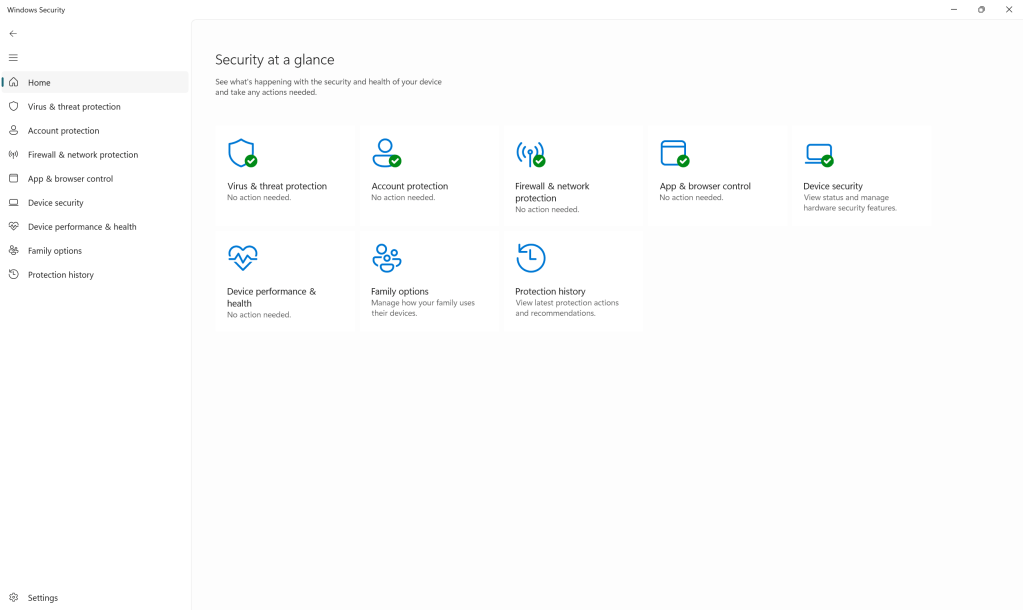
- Real-time malware scanning
- Automatic definition updates
- Basic firewall protection
On macOS, Apple’s built-in protections help:
- Block known malicious software
- Prevent untrusted applications from running
- Detect certain types of malware in the background
For light users who are cautious and don’t download much, these tools provide a baseline level of protection. They’re free, built in, and require little setup.
However, baseline protection isn’t the same as comprehensive protection.
Where Built-In Protection Falls Short
Built-in security tools are designed to be lightweight and non-intrusive. Because of that, they often lack the depth and speed of dedicated antivirus software.
Some common limitations include:
Slower response to new threats
Many built-in tools rely heavily on known threat databases. When new malware appears, it can take time before it’s fully recognized and blocked.
Limited protection against scams
Modern threats aren’t just viruses anymore. Phishing emails, fake websites, malicious downloads, and social engineering attacks are far more common—and built-in tools don’t always stop these effectively.
Minimal user guidance
If something suspicious happens, built-in security tools often provide limited explanations. For everyday users, this can make it difficult to understand what went wrong or what to do next.
In short, built-in protection is helpful—but it’s not designed to handle every scenario an everyday user might encounter online.
Why Antivirus Software Is Still a Good Idea
Antivirus software adds an extra layer of defense that works alongside your operating system’s built-in tools.
For everyday users, antivirus software provides:
Real-time, continuous monitoring
Rather than relying on manual scans, antivirus software actively monitors system behavior and blocks threats as they appear.
Faster threat detection
Many antivirus companies update their threat databases frequently, allowing them to respond quickly to new malware and scams.
Broader protection
Antivirus software often protects against:
- Malware and spyware
- Ransomware
- Phishing websites
- Malicious email attachments
- Unsafe downloads
This type of coverage is especially useful for users who:
- Browse the web daily
- Download files or apps
- Shop or bank online
- Use email frequently
For most people, antivirus software acts as a safety net—catching problems before they turn into bigger issues.
Free vs. Paid Antivirus: What’s the Real Difference?
This is another question I hear all the time:
“Is free antivirus enough, or should I pay for it?”
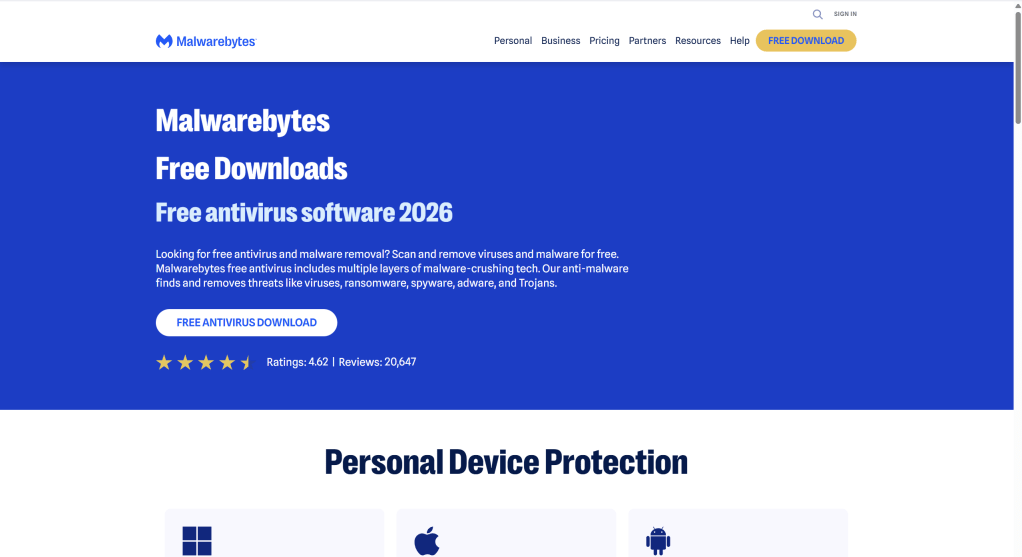
Free Antivirus Software
Free antivirus programs can be effective for users who:
- Regularly run manual scans
- Practice safe browsing habits
- Are comfortable managing security themselves
That said, free options often require more user involvement. They may lack advanced protections and rely on the user to stay vigilant.
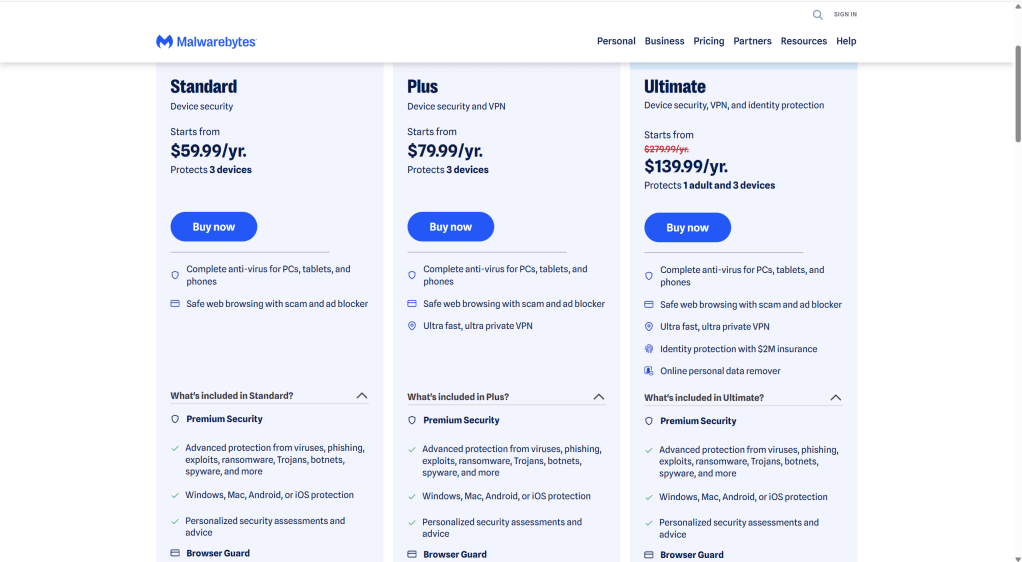
Paid Antivirus Software
Paid antivirus solutions are designed to be more hands-off. They typically offer:
- Real-time protection without manual scans
- Faster updates against new threats
- Protection against phishing and scams
- Better alerts and guidance
For everyday users who don’t want to think about security constantly, paid antivirus provides peace of mind with minimal effort.
In simple terms: free antivirus works best for careful users, while paid antivirus works best for convenience and broader coverage.
Common Myths About Antivirus Software
“Antivirus slows down your computer”
Modern antivirus software is far lighter than it used to be. On most systems, the performance impact is minimal—especially compared to the damage malware can cause.
“I don’t download anything, so I’m safe”
Many infections happen through websites, email links, and ads—not just downloads.
“Built-in security is enough for everyone”
For tech savvy users, absolutely. But for most everyday users, extra protection reduces risk significantly.
Practical Tips for Staying Safe (With or Without Antivirus)
Antivirus software works best when combined with good habits:
- Keep your operating system updated
- Avoid clicking suspicious links or pop-ups
- Be cautious with email attachments
- Use strong, unique passwords
- Back up important data regularly
Antivirus software doesn’t replace smart behavior—but it does help protect you when mistakes happen.
Final Thoughts: Is Antivirus Necessary?
Antivirus software is not mandatory, but it is highly recommended for everyday computer users.
Built-in security tools provide a good foundation, but they don’t cover every risk. Antivirus software adds another layer of protection, helping block threats before they turn into costly problems like data loss, identity theft, or system failure.
If you use your computer regularly and value your data, antivirus software is a practical and worthwhile investment.
 ITBrother