

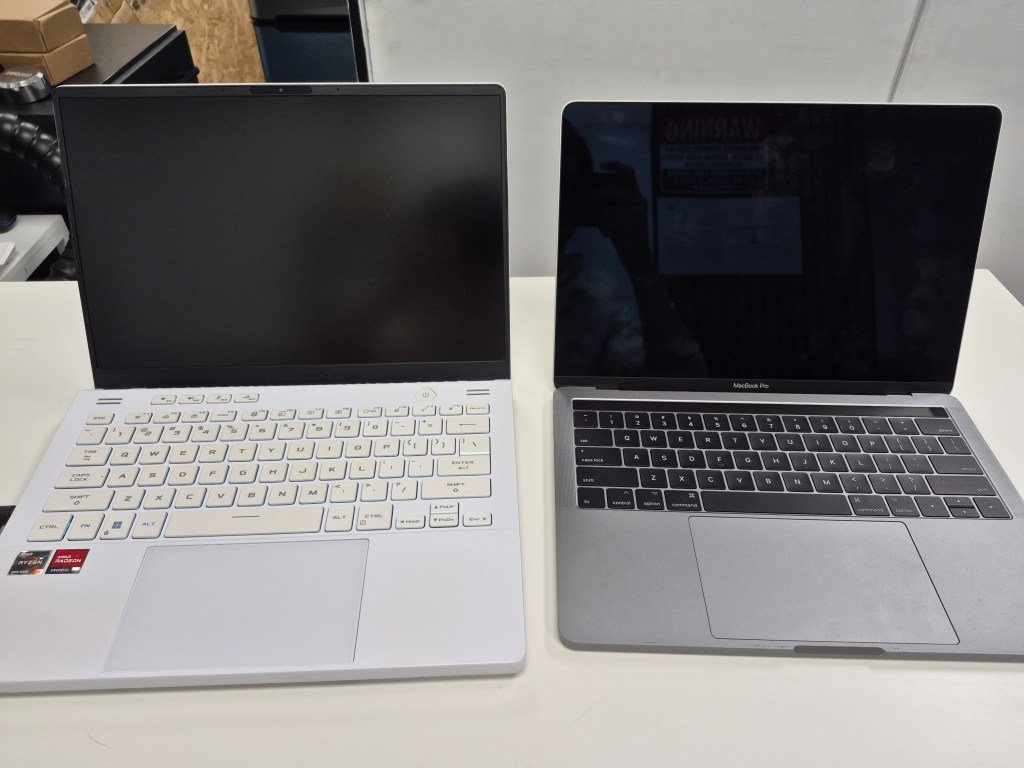
Over the past eight years of working in IT and computer repair, I’ve seen just about everything: broken laptops, desktops that refuse to boot, and Macs with strange quirks that leave their owners frustrated. While every machine is unique, there are a handful of common computer problems that I encounter more often than others.
In this post, I’ll walk through the most frequent issues I see with both Windows PCs and Mac systems, what usually causes them, and what options users have for repair. If you’ve ever had one of these happen to you, you’ll know just how frustrating they can be.
Common Windows Computer Problems
Windows machines are still the most widely used computers in homes and offices, which also makes them the most prone to technical issues. Here are the top problems I see regularly:
1. The Blue Screen of Death (BSOD)
The infamous Blue Screen of Death is hands-down the most common Windows error. Unfortunately, a BSOD can be triggered by almost anything:
- Windows updates gone wrong
- Hardware malfunctions
- Corrupt drivers
- New software installations
- Even running certain games
When Windows crashes, it either attempts to recover itself automatically or, in more severe cases, can corrupt the operating system entirely. That’s when a professional repair (or even a reinstall) becomes necessary.
Tip: If you see a BSOD, write down or take a picture of the error code. It often points directly to the cause of the crash.
2. “Boot Drive Not Found”
This error usually appears as a black screen with messages like:
- “Boot device not found”
- “Boot drive not found”
Most of the time, this means the hard drive or solid-state drive has failed. Replacing the drive and reinstalling Windows usually fixes the issue, but data recovery can be tricky. Getting files off a dead drive is often a 50/50 chance, and specialized recovery services can be expensive.
Another possible cause? The BIOS (the motherboard’s built-in startup system). Incorrect settings or accidental changes can sometimes trigger the error, leaving the average user confused and stuck at a black screen.
3. PC Turns On but No Display
This issue is especially common in custom-built desktops. The fans spin, the lights turn on, but the monitor stays black.
In most cases, this points to a POST (Power On Self Test) failure. POST is a diagnostic test your computer runs each time it powers on to ensure all critical components are working. If one component—like RAM or the graphics card—wasn’t installed properly or has failed, the test gets stuck, and no display shows up.
For experienced builders, reseating components or swapping parts can fix it. For others, it’s usually time to bring the PC to a repair shop.
4. PC Won’t Turn On at All
This is one of the toughest problems to diagnose because there are no signs of life. No fans, no lights, no beeps—nothing.
It could be:
- A dead power supply (best-case scenario)
- A failed motherboard
- A damaged CPU
When a PC doesn’t power on at all, replacement parts are often the only solution. For older systems, it sometimes makes more sense to put that money toward a new machine rather than repairing.
Common Mac Computer Problems
Macs may have a reputation for being more stable than Windows systems, but they come with their own set of common issues. And because Apple designs its devices with repairability limitations, fixing them is often more expensive and complicated.
1. Screen Damage
The number one issue I see with Macs, especially MacBooks, is screen damage. Whether from drops, pressure, or accidents, cracked displays are incredibly common.
Unfortunately, Mac screens are costly to replace. Unlike many Windows laptops where you can swap out just the LCD, MacBook screens are often fused to the top lid. This means the entire lid assembly has to be replaced, which significantly increases repair costs.
2. Liquid Damage
Spilled drinks are another top culprit. For some reason, I see far more liquid-damaged Macs than Windows laptops. Once liquid enters the system, the outcome is a gamble.
The severity depends on:
- Type of liquid (water is less harmful than sugary drinks)
- Amount spilled
- Where it landed inside the machine
Even if a liquid-damaged Mac powers back on, chances are high that certain components—like the keyboard, trackpad, or Wi-Fi card—will never work the same again.
3. Mac Won’t Turn On
Just like with Windows PCs, a Mac that doesn’t turn on is one of the worst issues to face. From my experience, these cases fall into two categories:
- The Mac was working fine, then suddenly refused to start the next day.
- The Mac shut down mid-use and won’t power back on.
Both scenarios often involve hardware failure, and with Apple’s design choices, repairs can be especially difficult. Even when repairs are possible, the cost may not justify the fix—pushing many users into buying a new Mac instead.
Why These Problems Keep Happening
Computers are complex machines with dozens of interdependent parts. A small failure in one component can cause system-wide issues. And with technology advancing so quickly, manufacturers are prioritizing thin designs, faster performance, and tighter integration—often at the cost of durability and repairability.
- Windows PCs tend to fail due to variety (different brands, parts, and builds).
- Macs tend to fail due to design limitations and expensive repair structures.
No matter the brand, regular maintenance, safe usage habits, and quick action when problems arise can help extend a computer’s lifespan.
Final Thoughts
Whether you’re a Windows or Mac user, chances are you’ll run into at least one of these common problems at some point. From the dreaded blue screen of death to liquid damage on a MacBook, the reality is that no computer is invincible.
The good news is that many of these problems are fixable—sometimes with a simple repair, other times with part replacements. The key is to act quickly, avoid DIY fixes that could make things worse, and consult a professional if you’re unsure.
After eight years in the repair industry, my takeaway is simple: treat your computer well, back up your data, and don’t wait until it’s too late to get help.
Need Help With Your Computer?
If you’re in Los Angeles and have any questions, PC problems, or need computer repair, feel free to give us a call or stop by our shop. We’re here to help with everything from slow PCs to hardware repairs and upgrades.
 ITBrother
Leave a comment