

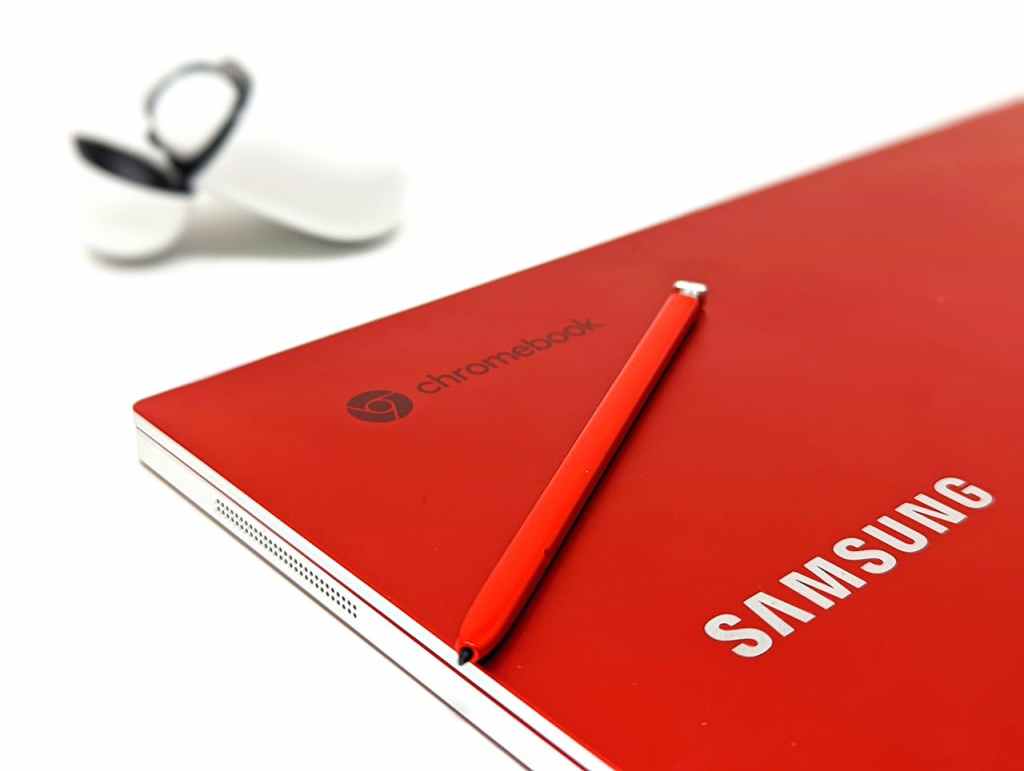
Chromebooks are one of the most commonly misunderstood computing devices on the market today. At a glance, they look just like any other laptop: a keyboard, a screen, a trackpad, and familiar branding from major manufacturers. But once you start using one, it quickly becomes clear that Chromebooks operate very differently from traditional Windows or macOS laptops.
This difference is not accidental. Chromebooks are designed around a very specific philosophy: simplicity, affordability, and online-first usage. For certain users, that approach works extremely well. For others—especially the average consumer—it can quickly become a limitation rather than a benefit.
So what exactly is a Chromebook, and more importantly, is it actually worth buying?
What Is a Chromebook?
A Chromebook is a laptop that runs Chrome OS, an operating system developed by Google. Unlike Windows or macOS, Chrome OS is built primarily around the Google Chrome web browser and Google’s cloud-based services, such as Google Drive, Google Docs, Gmail, and Google Classroom.
Instead of relying on locally installed desktop software, Chromebooks are designed to run:
- Web-based applications through a browser
- Android apps from the Google Play Store (on most modern models)
- Linux applications (optional and typically used by advanced users)
What Chromebooks cannot do is run traditional Windows or macOS applications. Programs such as full Adobe Creative Suite apps, professional video editors, desktop accounting software, or specialized industry tools are either unavailable or only accessible through limited web versions.
This design keeps Chrome OS lightweight, fast, and easy to maintain—but also significantly more restricted than traditional operating systems.
Why Chromebooks Are Limiting for the Average User
For most people, a laptop is expected to be versatile. It should handle work tasks, personal projects, media consumption, file management, and occasional troubleshooting without requiring much thought about limitations. This is where Chromebooks often fall short.
One of the biggest constraints is software flexibility. While web-based tools have improved dramatically over the years, many people still rely on locally installed software that works regardless of internet connectivity. On Windows or macOS, users can install programs that function fully offline, save files locally, and work without interruption even if their internet connection is unstable or unavailable.
Chromebooks, by contrast, are heavily dependent on internet access. While Chrome OS does support limited offline functionality—such as offline Google Docs or locally saved files—many features still rely on being connected. When internet access is lost, a Chromebook’s usefulness drops much more sharply than that of a traditional laptop.
File Management and Storage Differences
Another common frustration for new Chromebook users is file management. Chrome OS handles storage very differently than Windows or macOS. By default, files are saved to Google Drive, not local storage. While Chromebooks do have internal storage, it is usually limited and treated more like a mobile device than a traditional computer.
For users accustomed to saving files directly to their desktop or organizing documents into custom folders, this can feel unintuitive. Accessing files often requires navigating through apps rather than a centralized file system. If internet access is unavailable, files stored only in the cloud may be inaccessible unless they were explicitly marked for offline use beforehand.
This storage model works well for users who live entirely within Google’s ecosystem, but it can be frustrating for anyone expecting traditional desktop-style file control.
Learning Curve and Ecosystem Lock-In
For users who have spent years on Windows or macOS, switching to a Chromebook can involve an unexpected learning curve. Chrome OS is intentionally minimal and streamlined, which means many familiar workflows either function differently or don’t exist at all.
Chrome OS is also deeply integrated with Google’s services. While this is convenient for users who already rely on Google products, it can feel restrictive for those who prefer alternative ecosystems or local software solutions. In many ways, a Chromebook behaves more like an oversized tablet than a traditional computer.
Price vs. Long-Term Value
One of the strongest arguments in favor of Chromebooks is price. They are often significantly cheaper than Windows or Mac laptops, making them attractive to budget-conscious buyers. However, lower upfront cost does not always translate into better long-term value.
A slightly more expensive Windows or macOS laptop generally offers:
- Greater software compatibility
- Better offline functionality
- More flexible file management
- The ability to adapt to changing needs over time
For average users, Chromebooks often reach their limitations quickly. As needs grow—whether for work, hobbies, or new software requirements—the device may no longer be sufficient, leading to an earlier replacement.
When Chromebooks Actually Make Sense
Despite their limitations, Chromebooks absolutely have valid use cases. In fact, they excel in certain environments.
The most obvious example is education. Many schools now rely heavily on online platforms for assignments, communication, and coursework. Google Classroom, browser-based learning tools, and cloud collaboration are central to modern education systems, and Chromebooks integrate seamlessly with them.
For students and children, Chromebooks offer several key advantages:
- Simple and distraction-limited environment
- Reduced risk of malware and unwanted software
- Easy account and device management for schools
- Lower replacement cost if damaged or lost
Because Chrome OS is locked down by design, students are far less likely to install games, unsafe software, or malicious programs. This makes Chromebooks especially appealing for classrooms and households where control, safety, and simplicity matter more than flexibility.
Chromebooks can also work well as secondary devices. For someone who already owns a main desktop or laptop, a Chromebook can serve as a lightweight option for browsing, email, streaming, and basic document editing.
Final Verdict: Are Chromebooks Worth It?
For the average person, a Chromebook is generally not worth purchasing as a primary computer. The limitations of Chrome OS, reliance on internet connectivity, and lack of traditional software support make it a poor long-term solution for most users.
However, for students, children, schools, and very specific use cases, Chromebooks can be an excellent choice. They are affordable, secure, easy to manage, and purpose-built for online-first workflows.
Chromebooks are not designed to replace traditional laptops for everyone. They are tools created for a narrow set of needs, and when used outside that scope, they tend to feel restrictive. Understanding those limitations before purchasing is essential to avoiding frustration and disappointment.
 ITBrother
Leave a comment