

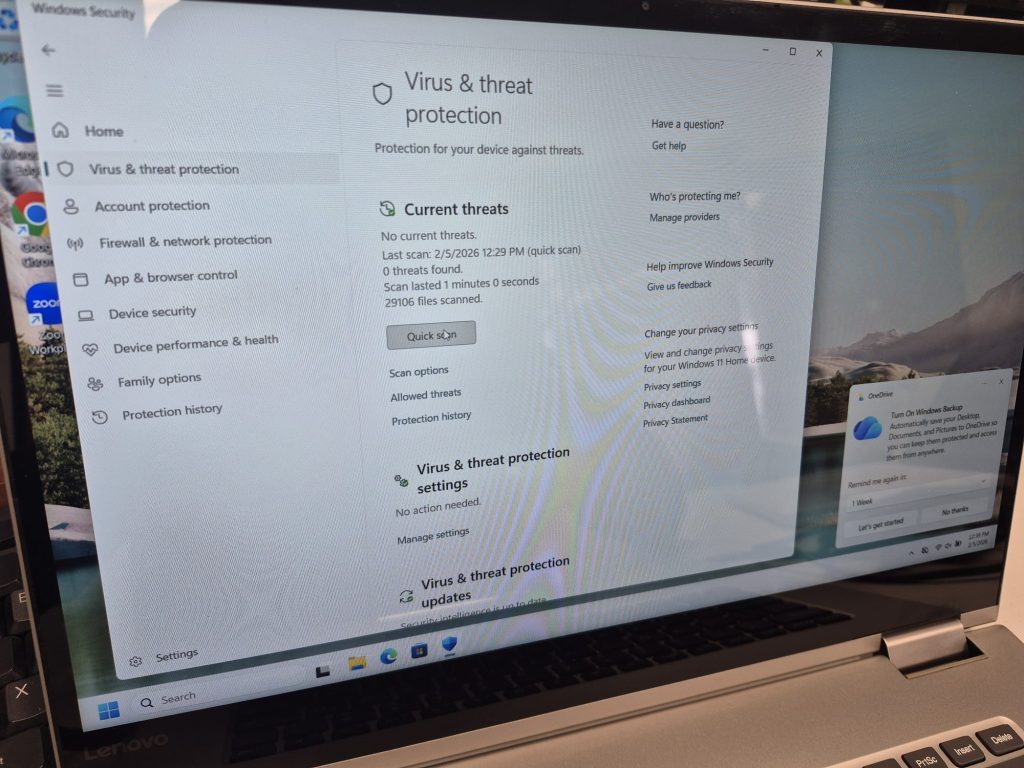
When a computer starts acting up, most people jump to the same conclusion:
“I think I have a virus.”
It’s an understandable assumption. Viruses are widely talked about, feared, and often blamed for everything from slow performance to random crashes. But in real-world repair scenarios, the majority of computer issues are not caused by malware.
In fact, many problems that feel like a virus are usually the result of aging hardware, software conflicts, failed updates, or normal system wear over time. Knowing the difference can save you time, money, and unnecessary stress—and help you focus on fixing the real issue.
This page breaks down the most common signs that your computer problem is not a virus, and what’s more likely happening instead.
Why “It’s a Virus” Is the Default Assumption
Viruses are invisible, unpredictable, and difficult to understand for most users. Because of that, they’ve become a catch-all explanation for anything that doesn’t work as expected.
But modern operating systems are far more complex than they used to be. Today’s computers run dozens—sometimes hundreds—of background processes at once. When something goes wrong, the symptoms often look dramatic even when the cause is fairly ordinary.
That’s why identifying what isn’t malware is just as important as knowing what is.
Sign #1: The Computer Is Slow, but Still Behaves Normally
A slow computer is the most common reason people suspect a virus. However, slowness by itself is rarely caused by malware.
If your system still:
- Boots successfully
- Opens programs (even if slowly)
- Doesn’t show pop-ups or fake warnings
then the issue is almost always performance-related, not security-related.
In most cases, slowdowns are caused by:
- Older hard drives (especially HDDs instead of SSDs)
- Limited RAM
- Too many startup programs
- Running modern software on aging hardware
Viruses usually cause erratic or aggressive behavior, not gradual performance decline. If your computer has been slowing down over months or years, that’s normal system aging—not an infection.
Sign #2: Only One Program Is Crashing or Misbehaving
When a specific program crashes repeatedly, many users assume malware has corrupted the system. In reality, this almost always points to a software-specific issue.
If everything else works fine and only one application is unstable, the problem is likely related to:
- A corrupt installation
- Outdated or incompatible drivers
- Insufficient system resources
- Software updates that changed requirements
Viruses don’t usually target one application while leaving everything else untouched. If the issue is isolated, malware is unlikely to be the cause.
Sign #3: Problems Started After a Windows Update
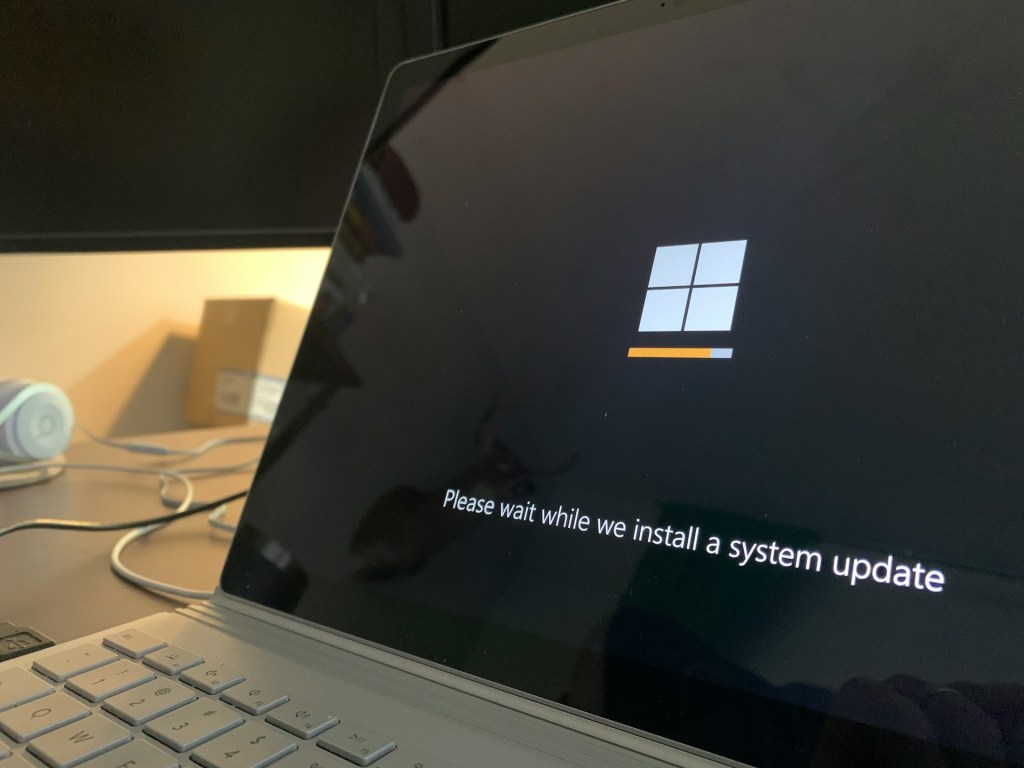
Windows updates are one of the most misunderstood causes of system problems.
Updates modify system files, drivers, and background services. When something goes wrong—whether due to interruption, incompatibility, or a bug—the system can behave unpredictably afterward.
Common update-related symptoms include:
- Blue screens
- Boot loops
- Missing drivers
- Sudden instability after restart
These issues often feel severe, which leads people to suspect malware. But in most cases, the root cause is update-related corruption or driver conflicts, not a virus.
Sign #4: The Issue Appeared After a Hardware Change
If your computer problems began shortly after installing new hardware, malware should be low on the suspect list.
Hardware changes can introduce:
- Compatibility issues
- Faulty components
- Improper configurations
- Power or thermal problems
Even something simple—like improperly seated RAM—can cause freezes or crashes. Viruses don’t suddenly appear because you upgraded a component. Timing matters, and hardware changes are a strong indicator that the issue is physical or configuration-based.
Sign #5: There Are No Classic Malware Symptoms
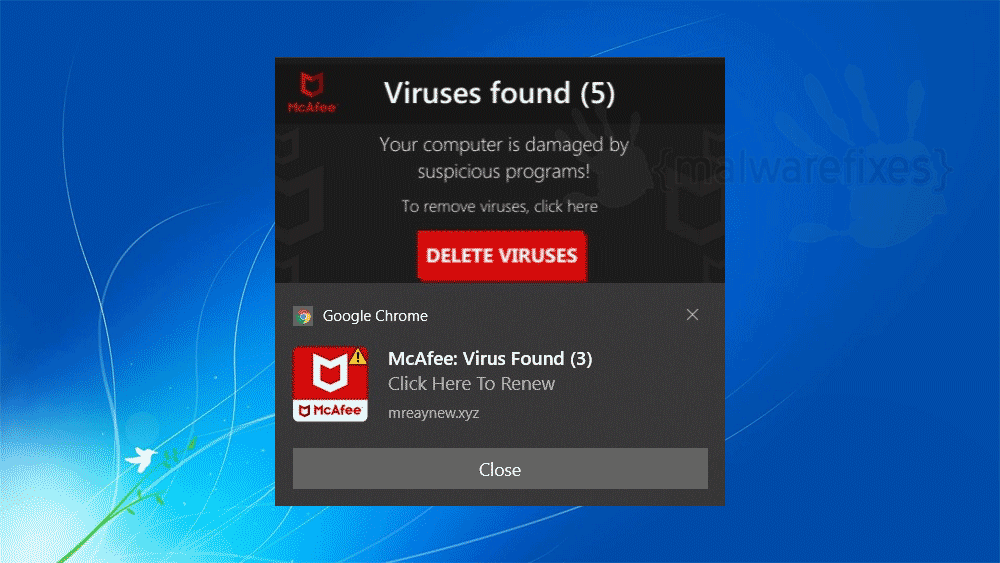
Modern malware is usually loud, intrusive, or deceptive. If your computer isn’t showing obvious warning signs, it’s unlikely to be infected.
Typical virus-related symptoms include:
- Fake antivirus alerts
- Endless pop-ups
- Browser redirects
- Unknown programs launching on their own
- Sudden homepage or search engine changes
If none of these are happening, and the issue is limited to performance or stability, malware is probably not involved.
Sign #6: Antivirus Scans Come Back Clean
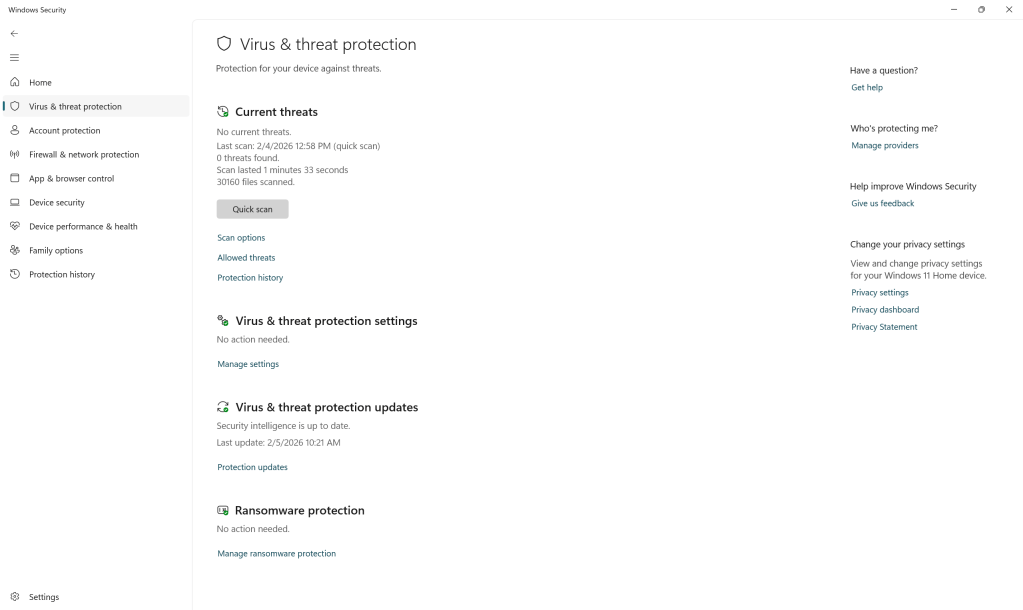
Antivirus tools aren’t perfect, but modern solutions are very effective at detecting common threats.
If you’ve run scans using reputable security software and nothing was found—and your system behavior hasn’t changed—the likelihood of a virus drops significantly.
At that point, continuing to chase malware often delays addressing the real issue, such as:
- Failing storage
- Corrupted system files
- Driver issues
- Hardware limitations
Sign #7: The Computer Is Old and Running New Software
One of the most overlooked causes of “virus-like” behavior is hardware age.
As operating systems and applications evolve, they demand more resources. Older systems—especially those still using traditional hard drives—can struggle to keep up, resulting in freezes, lag, or crashes.
This kind of instability feels random to users, but it’s often the result of a system reaching the end of its practical lifespan—not malware.
When It Might Actually Be a Virus
While most computer problems aren’t caused by malware, there are still situations where a virus should be considered.
You should investigate malware if you notice:
- Sudden pop-ups or fake security warnings
- Browser hijacking or redirects
- Unknown software installing itself
- Repeated security alerts with no clear cause
Context matters. Malware tends to announce itself through disruptive or deceptive behavior. Everyday performance issues rarely fall into this category.
Why This Distinction Matters
Assuming every problem is a virus can lead to:
- Unnecessary antivirus purchases
- Missed hardware failures
- Delayed repairs
- Data loss due to improper troubleshooting
Understanding what’s not malware helps you make better decisions—whether that’s repairing, upgrading, reinstalling, or replacing a system.
Final Thoughts: Don’t Assume the Worst
Most computer issues are not caused by viruses—even when they feel serious or sudden.
Slowness, crashes, and instability are more often the result of aging hardware, software conflicts, updates gone wrong, or normal system degradation. Recognizing these signs allows you to focus on practical fixes instead of chasing an infection that isn’t there.
If your computer is acting up but isn’t showing classic malware behavior, chances are the issue is fixable—and often without drastic measures.
 ITBrother
Leave a comment