

It’s a situation that frustrates both customers and repair shops: you take your computer in for repair, it works perfectly during testing, but once you bring it home, the same issue comes back. From your perspective, it can feel like nothing was actually fixed. From the technician’s side, the system may have genuinely passed all tests without any signs of failure.
In reality, this situation is more common than most people think—and in many cases, the root cause has less to do with the computer itself and more to do with how it’s being used at home.
While there are many possible explanations, the most consistent causes tend to fall into a few key areas: user interaction, network conditions, and external hardware like cables and peripherals.
User Interaction and Setup Differences
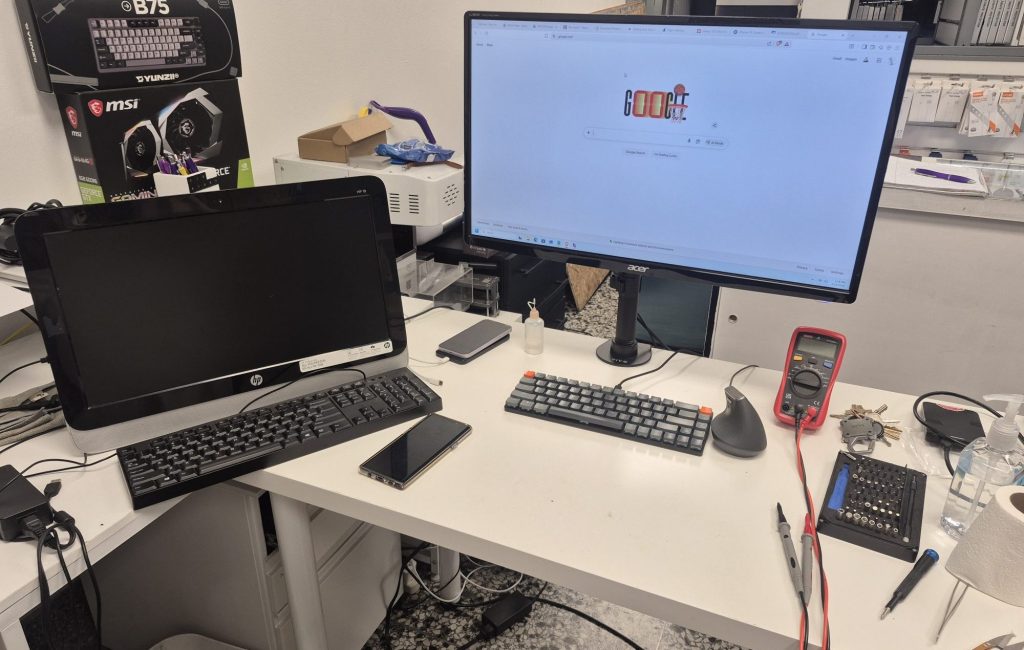
One of the most overlooked factors is how the computer is set up and used after it leaves the shop. At a repair bench, technicians follow a controlled process. They connect only what’s necessary, power the system in a known-good way, and test specific functions step by step.
At home, that controlled setup disappears.
Small differences in how a system is connected or powered on can create problems that don’t exist in a testing environment. For example, plugging devices in a different order, using different ports, or reconnecting accessories incorrectly can all lead to issues that seem like hardware failure.
It’s also common for users to unintentionally recreate the original problem. This might involve reconnecting a faulty device, using a problematic cable, or repeating a workflow that originally triggered the issue. From the outside, it looks like the repair didn’t work, when in reality the same condition has simply been reintroduced.
Network-Related Problems
Network issues are one of the biggest reasons computers appear to “fail” at home but work fine at a shop.
In a repair environment, systems are usually tested on a stable, properly configured network. At home, the network can introduce a wide range of variables that affect performance and reliability. Slow connections, intermittent dropouts, or router-related issues can make a computer feel unresponsive or unstable.
Many modern applications depend heavily on internet connectivity. When the network struggles, programs may freeze, fail to load, or behave unpredictably. To a user, this often looks like a computer problem rather than a connectivity issue.
Common signs that point to a network-related cause include:
- Applications freezing while loading content
- Websites failing to open or loading inconsistently
- System slowdowns that improve when offline
- Frequent disconnections or lag spikes
Because these symptoms mimic hardware or software failures, network issues are often misdiagnosed. Restarting the router, testing on a different network, or using a wired connection can quickly help determine whether the problem is actually connectivity-related.
Faulty or Inconsistent Cables
Cables are another extremely common—and often underestimated—source of problems.
At a repair shop, technicians use known working cables for power, display, and peripherals. These cables are tested regularly and are unlikely to introduce issues. When the computer returns home, it is reconnected using the original cables, which may already be worn, damaged, or inconsistent.
A failing cable can cause a wide range of symptoms. Display cables may lead to flickering screens, signal loss, or no image at all. Power cables can cause intermittent shutdowns or failure to turn on. USB cables can create connection instability for external devices.
What makes cable issues particularly tricky is that they can appear intermittent. A cable might work when positioned a certain way and fail when slightly moved, making the problem seem random.
Simply swapping out cables with known good ones is often one of the fastest ways to rule out this possibility.
External Devices and Peripherals
Beyond cables, the devices connected to a computer can also introduce problems. At the shop, the system is typically tested with minimal hardware. At home, it may be connected to multiple accessories that were never part of the diagnostic process.
A single problematic device can affect the entire system. External drives, USB hubs, printers, or docking stations can all cause instability if they are malfunctioning or drawing inconsistent power.
In some cases, a device may not be completely broken but still behave unpredictably under certain conditions. This can lead to issues that only appear when that specific accessory is connected.
A simple way to isolate this is to start the computer with everything disconnected except the essentials, then reconnect devices one at a time. If the problem returns after connecting a specific device, the cause becomes much easier to identify.
Power Delivery Differences
While not always the primary cause, power delivery can still play a role—especially when combined with other factors. Repair shops often use stable power sources and reliable surge protection, while home setups can vary significantly.
Loose outlets, worn power strips, or inconsistent connections can lead to symptoms that mimic hardware failure. Even something as simple as a slightly loose power cable can cause a system to shut off or fail to start.
Compared to other causes, power issues are less frequent, but they are still worth considering—particularly when problems involve random shutdowns or failure to power on.
Why the Problem Doesn’t Show Up at the Shop
The key difference comes down to control. A repair shop environment is designed to eliminate variables. Known-good components, stable connections, and structured testing procedures make it easier to confirm whether a computer itself is functioning properly.
At home, those variables return. The computer is reintroduced to its original setup, including the same cables, devices, and network conditions that may have contributed to the issue in the first place.
This is why a system can pass every test at the shop but still fail in real-world use. The problem isn’t always the repair—it’s the environment the computer is returning to, especially the parts directly connected to it.
Final Thoughts
When a computer works fine at a repair shop but fails at home, it’s easy to assume the issue was never resolved. In reality, the most common causes are often external to the computer itself.
User setup differences, network instability, faulty cables, and problematic peripherals account for a large percentage of these cases. These factors can all introduce issues that don’t appear during controlled testing but immediately return in a home environment.
If the problem comes back after a repair, focusing on what changed between the shop and home setup is usually the fastest path to a solution. Checking cables, simplifying the setup, and testing the network can often reveal the real cause much more quickly than repeating hardware repairs.
Understanding this distinction not only helps resolve issues faster but also prevents unnecessary repairs and frustration.
 ITBrother
Leave a comment