


If you’ve been in our shop more than once, you already know we don’t do the “just buy a Mac, it’s better” or “Windows is all you need” routine. Both platforms have real strengths and real weaknesses in 2026, on the software side and on the hardware/repair side, and pretending otherwise wouldn’t be fair to you or to the machine you’re about to spend your money on. So here’s the version of this comparison we’d actually give you if you were standing at our counter.
What Windows Gets Right
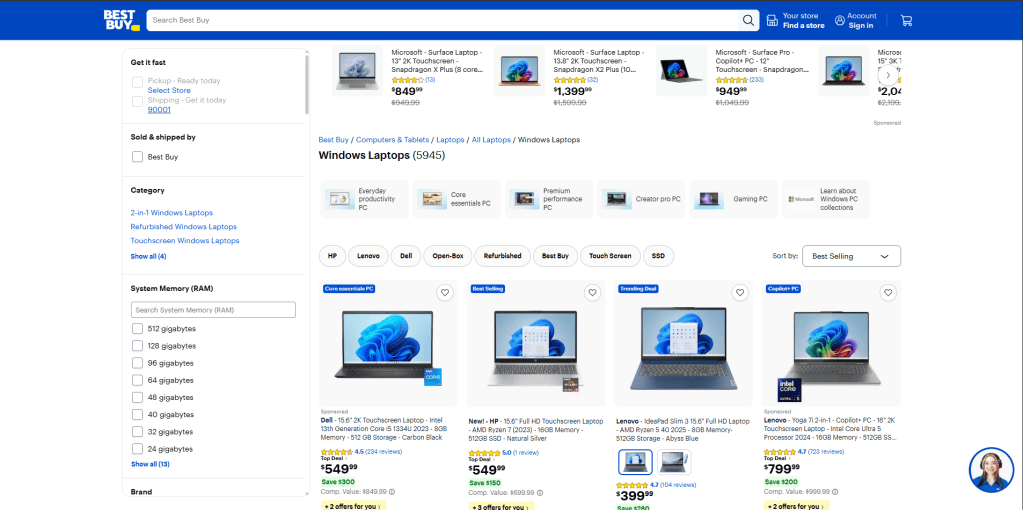
Windows PCs remain the more repair-friendly and budget-friendly option on the hardware side. Parts are modular, standardized, and cheap compared to Mac equivalents, and on a lot of models you can still upgrade your own RAM or storage down the road instead of buying everything you’ll ever need on day one. You also get far more choice in price point and form factor than Apple offers, from $400 entry-level laptops to high-end workstations. Gaming or heavy multitasking is still a much better experience on Windows compared to Mac. With dozens of manufacturers competing, there’s almost always a machine that fits your budget and your use case exactly.
Where Windows Falls Short
The trade-off for all that choice is consistency. Build quality varies enormously by manufacturer and price tier, so we see plastic chassis flex or crack, hinges wearing out early, and keyboards failing sooner on budget models than on anything comparable from Apple. Because every OEM designs its own internals, sourcing the exact right part or service manual for a given model takes real research on our end, and that variability shows up in your repair timeline and, occasionally, your bill.
Software is the other sticking point. Even in 2026, Windows 11 still ships with a long list of defaults that feel more like a sales pitch than an operating system — ad-style content in the Start menu and widgets panel, suggested apps you never asked for, and telemetry settings that are on by default and take real digging to turn off. Setup itself doesn’t help: a new Windows 11 laptop requires you to sign in with a Microsoft Account just to get through the out-of-box setup, with no straightforward local-account option offered. And forced updates round out the list: we’ve had customers bring in machines where an overnight update changed default settings, jumped to a new Windows 11 version with little warning, or corrupted their Windows operating system.
Bottom line: the hardware is repair-friendly and budget-friendly, but the experience is inconsistent — both in build quality across brands and in how much decluttering the software needs out of the box.
What Mac Gets Right
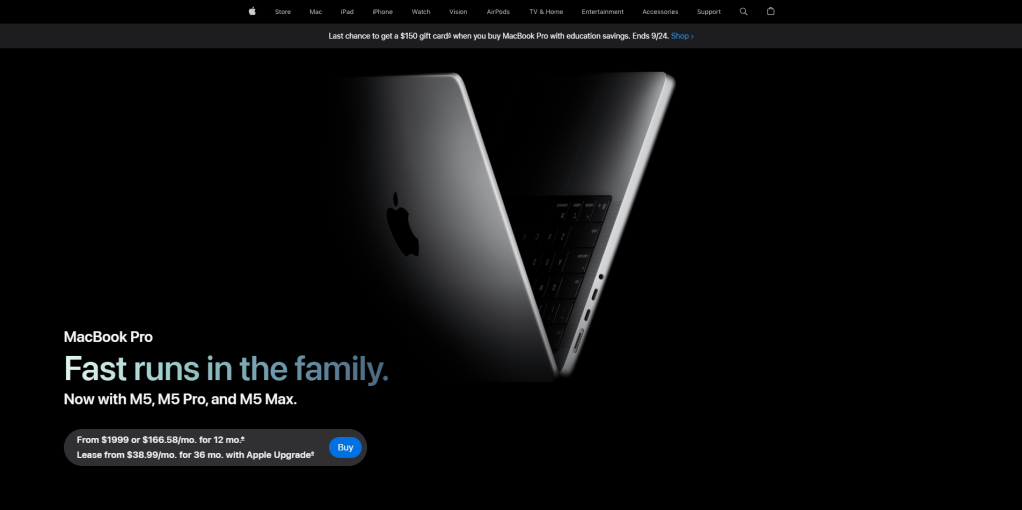
Macs are excellent machines. The build quality, the display, the battery life, and the ecosystem all genuinely earn their reputation. Apple Silicon runs cooler and quieter than most Windows laptops at the same price, and macOS stays out of your way in a way Windows doesn’t — no ad tiles, no pop-ups, no surprise feature installs. There’s also a repair-shop upside most people don’t think about: because there’s only one manufacturer and a small, predictable set of models each year, diagnosis tends to be faster and more consistent than with the sprawling variety of Windows hardware, and Macs hold their resale value noticeably better too.
Where Mac Falls Short
The trade-offs start before you even open the box. Apple charges a real premium at every tier, port selection is limited enough that most people end up living with a USB-C dongle or a hub, and nothing is upgradable later — whatever RAM and storage you choose at checkout is what you’re stuck with for the life of the machine, so you’re paying up front to future-proof it. The walled-garden approach that keeps macOS clean also limits your software and hardware choices more than Windows does.
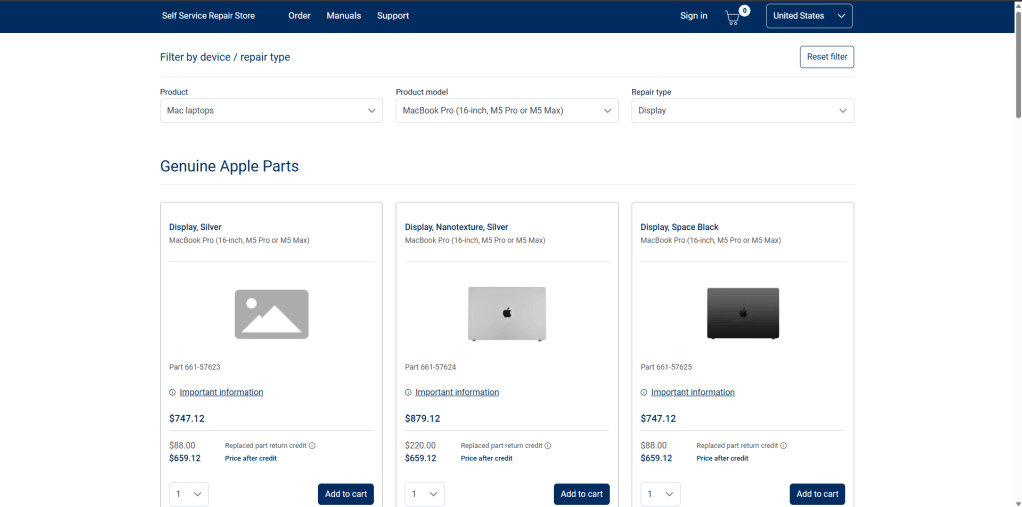
Then there’s what we see on the bench. Apple Silicon Macs (M1 through M4) solder the RAM and SSD directly to the logic board, so when either component fails outside of warranty, the fix isn’t a simple part swap — it’s a full logic board replacement, and that bill can approach or exceed what the machine is even worth used. Screens follow the same pattern: expect roughly $450–$700 at Apple depending on the model, or 30–50% less at an independent shop like ours, though Apple’s sealed, fused-display design keeps it from ever being cheap. Battery replacement is the exception — typically a reasonable $60–$150. AppleCare+ turns most of this pain into flat, predictable fees, but it isn’t free, and if you don’t buy it within 60 days of getting the Mac, you’re locked out of it for good.
Bottom line: you’re paying a premium for a closed, well-built system with strong resale value, and betting that nothing solder-mounted fails once you’re out of warranty. When it does, the repair math gets ugly fast.
So Which One Should You Actually Buy?
Honestly, it depends on how you treat your gear and what you’re using it for, not on which brand has better marketing.
- Budget-conscious students, or anyone rough on their laptop: Windows still wins here. Repairs are cheaper across the board, parts are easier to source, and a cracked screen or dead battery won’t threaten to cost more than the machine itself. Just budget a laptop from a reputable manufacturer, and 20–30 minutes to declutter it the day you buy it.
- Design, video, or music students, or anyone who wants a machine that just works without babysitting it: macOS still makes sense, but treat AppleCare+ as a required purchase, not an optional upsell, if you’re buying new, and configure your RAM/storage generously since you can’t add more later. If you’re buying used or refurbished, get any Mac inspected first — a machine already outside warranty with an aging battery or borderline logic board is a different risk calculation entirely.
- Everyday users who mostly browse, email, and stream: either works fine. The real decision driver is which ecosystem your other devices are already in, and how much you value consistency and battery life versus upfront price and repair cost.
We don’t have a horse in this race — we fix both, and we see the failure points on both. The truthful answer in 2026 is that neither company hands you a perfect machine. Windows gives you cheap, flexible hardware wrapped in software you have to fight a little; Apple gives you a clean, polished experience you pay dearly for if the hardware ever fights back.
Go in with eyes open, and if you’re not sure which trade-off fits your situation, bring it up next time you’re in or give us a call.
