

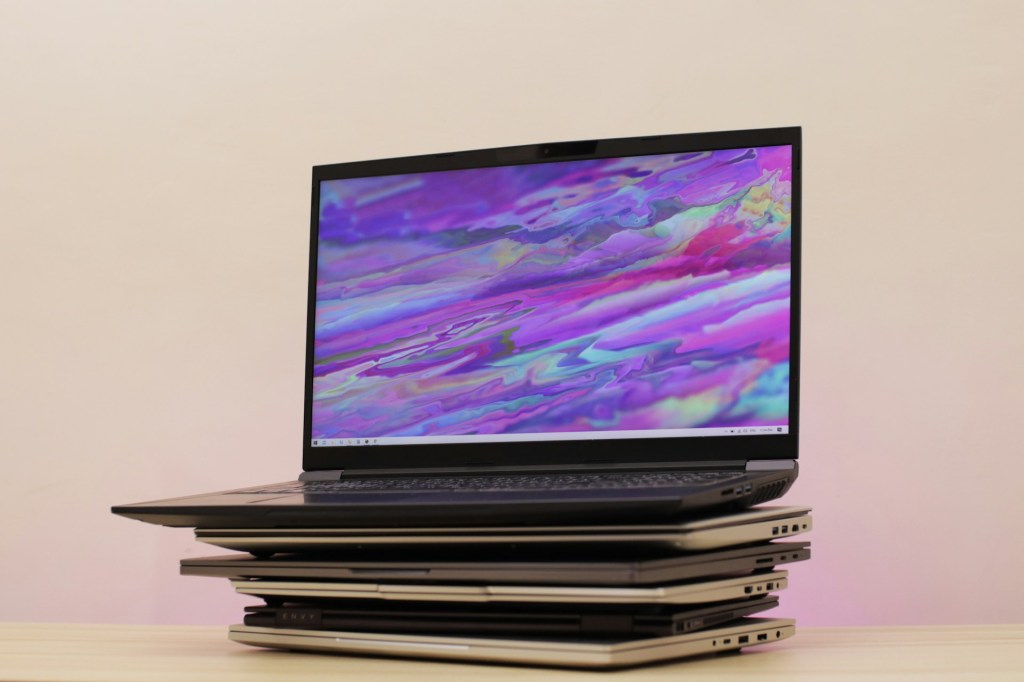
There are many ways companies overwhelm consumers when it comes to purchasing a new PC or mobile device. They throw around technical jargon like “Core Ultra Processor,” “High-Speed Storage,” or “Built-In AI Assistant.” The list goes on — but all this information often leads to more confusion than clarity.
Before anything else, it’s important to know what you’ll actually be using the laptop for. Are you looking to game and do work on one machine, or are you just casually replying to emails and browsing the web? It’s easy to overspend on a system that’s way more powerful than you need, so the goal should always be to strike a balance between price and performance.
With that in mind, here are five basic specifications to pay attention to when buying a new laptop (or desktop):
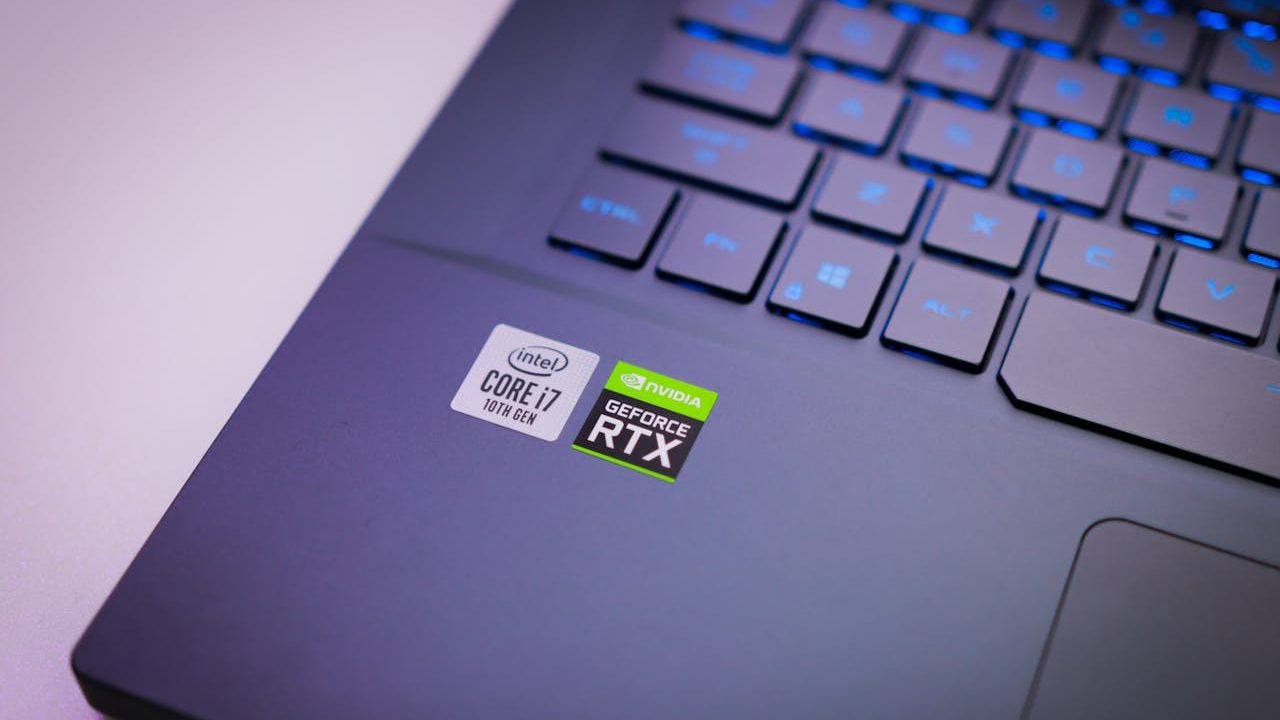
1. Processor (CPU)
With so many different models and naming conventions, picking the right processor without doing any research is a tall order. Even as a professional working in IT, recommending the perfect CPU can be tricky due to all the nuances.
Here’s a general rule of thumb I give my clients:
If you’re using your laptop for general-purpose tasks and some light work, look for laptops with Intel Core i5, Core Ultra 5, or AMD Ryzen 5 processors. These are considered mid-tier options that offer great performance without the premium price tag. You really can’t go wrong with any of them for everyday use.
2. RAM (Memory)
RAM is a bit unique because having more doesn’t always mean better performance — especially for casual users. That said, too little RAM can absolutely hinder your experience, particularly with Windows 11, which is more resource-hungry than previous versions.
My recommendation: Get at least 8GB of RAM.
This gives you enough headroom for multitasking, light productivity work, and a smooth overall experience without system slowdowns.
3. Storage (SSD/HDD)
Storage needs really come down to personal use. Ask yourself:
- Will you be downloading a lot of movies?
- Saving tons of photos or documents?
- Installing large programs?
If any of these apply, you’ll want enough space to avoid constantly managing your files. With the rise of HD media, large app sizes, and regular Windows updates, I recommend at least 500GB of storage. Less can work — but you’ll likely end up micromanaging space far more than you’d like.
Also, prioritize SSDs over HDDs — they’re faster, quieter, and more reliable.
4. Ports
Port selection is something most people overlook until it’s too late. Many modern laptops are slimming down and removing traditional ports in favor of USB-C, which often forces consumers to buy extra USB-C hubs to connect basic accessories.
If you know you’ll need:
- Multiple USB-A ports
- An HDMI port
- An Ethernet jack
…then make sure to check the laptop’s spec sheet or photos carefully before buying.
5. Graphics Card (GPU)
Dedicated graphics cards are usually found in gaming or creative laptops, and they tend to be expensive. Unless you’re buying during major holiday sales, expect to pay a premium.
That said, if you’re looking to game, edit videos, or use creative software, a GPU might be essential. I typically recommend looking for laptops with an NVIDIA 60-series GPU (like the 4060 or 3060). These offer a solid balance between performance and cost. Cards below the 60 series usually suffer from poor price-to-performance ratios, and anything above may be overkill unless you truly need the power.
Honorable Mention: Gaming Laptops
Gaming laptops are often marketed as “powerful machines,” but there are a few trade-offs to know:
- Performance vs. Value: A desktop PC with the same specs will almost always perform better and cost less. Why? Because laptops have power and thermal limitations, manufacturers throttle hardware to prevent overheating.
- Portability vs. Power: The main reason to buy a gaming laptop is if you’re frequently on the move and still need to game or do creative work on the go.
If performance and value are your top priorities — and you don’t need portability — I highly recommend building your own PC. But if mobility is a must, a gaming laptop is your best (and only) option.
Final Thoughts
Knowing what you actually need from a laptop is half the battle. Don’t get caught up in the marketing fluff. Focus on what matters most to your workflow and daily usage. By understanding these five basic specs — processor, RAM, storage, ports, and graphics — you’ll be better equipped to make a smart, informed purchase.
Need Help with Your Computer?
Looking for computer repair or IT support in Los Angeles? Whether your laptop is overheating, your PC won’t start, or you just have tech questions, call us or walk into our shop today for reliable service.
 ITBrother
Leave a comment