

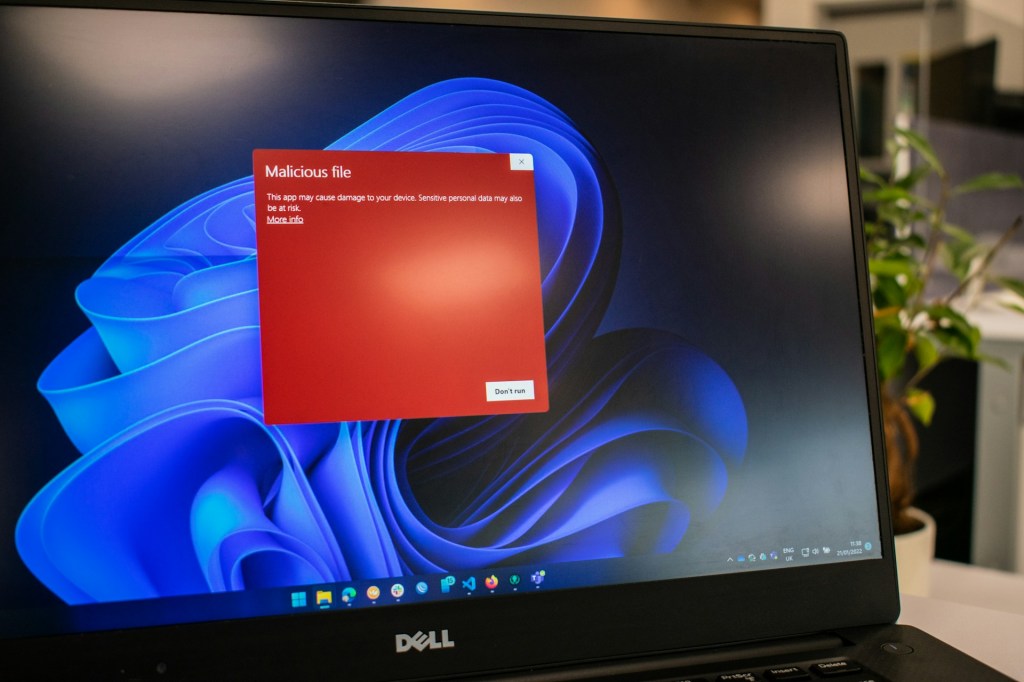
With how often we use our PCs, it’s almost inevitable to avoid encountering viruses or malware. There’s a constant tug-of-war between cybercriminals and cybersecurity experts working to block, contain, and patch any new threats. As consumers, we need to stay vigilant and cautious when browsing the web, because there are many ways our systems can be exploited.
If you think you may have been hit with a virus or malware, here are a few signs to watch for so you can take the next step toward resolving the issue:
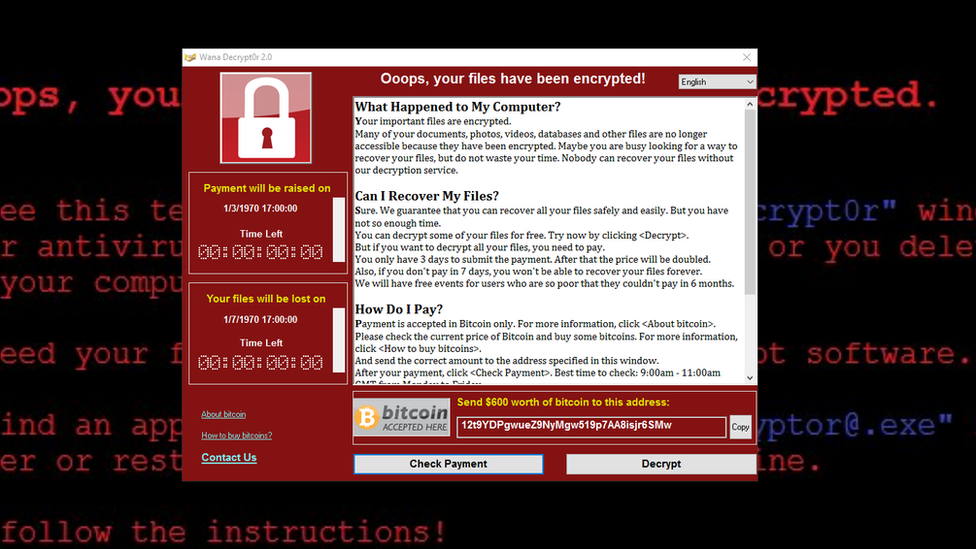
1. Ransomware
This is one of the most obvious and aggressive forms of malware. Ransomware encrypts your entire system drive and demands that you pay a fee—usually in cryptocurrency—in exchange for the decryption key. Depending on how advanced the ransomware is, data recovery might be possible, but in most cases, it isn’t. These attacks are more commonly targeted at businesses or corporations where data is highly sensitive and valuable. For the average consumer, the perceived importance of personal data may be lower, but the consequences can still be devastating.
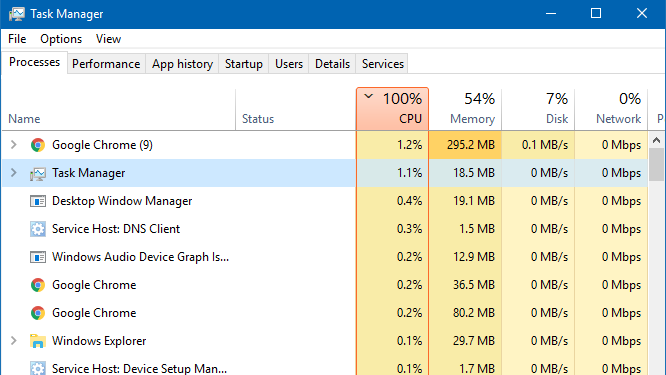
2. High CPU Usage and System Slowdown
A sudden slowdown in system performance or, for more advanced users, unusually high CPU utilization can be a clear sign of a malware infection. Most viruses and malware aim to run in the background without being noticed, but they still consume processing power. The sooner you notice this performance change, the faster you can take action to remove the threat. The longer malware runs undetected, the more damage it can inflict on your system and data.
3. Random Pop-Ups
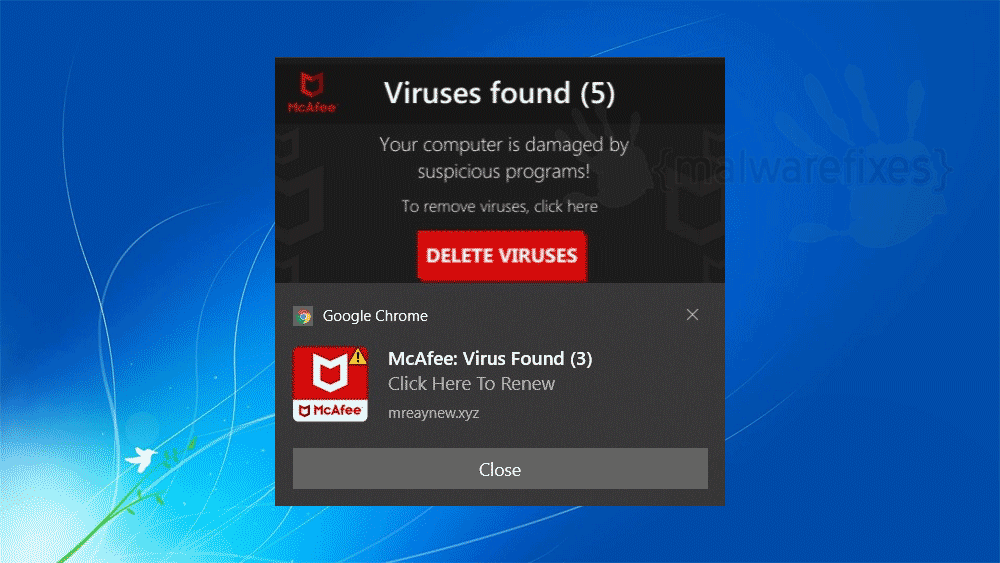
Another common symptom of malware is persistent, random pop-ups. This is especially likely if you’ve recently downloaded shady browser extensions or visited unsecure websites. Once this type of malware makes its way into your system, it may flood your screen with notifications and, in some cases, even cause your operating system to crash.
Windows 10 and 11 users might notice pop-ups in the lower corners of the screen, often using familiar names like McAfee or Norton, warning of an infection. While this can be alarming, always double-check the source. If you don’t have McAfee or Norton installed, and you’re getting pop-ups from them, it’s likely a scare tactic used to trick you into downloading more malware disguised as antivirus software.
4. Unknown Programs Installed
If you notice unfamiliar programs on your computer and don’t recall installing them, there’s a good chance malware is involved. That said, not every unknown program is necessarily malicious. Some software installers bundle additional programs, which can be unintentionally installed if you click through prompts without reviewing them. This is why it’s important to download software only from trusted sources and to always pay attention during installation.
5. Sudden Changes in System Behavior
Unexpected changes in how your computer behaves can be a red flag. While many types of malware are designed to inconvenience users or carry out quick tasks, more serious infections may alter system functions and background processes. This could indicate more aggressive threats like spyware or crypto-miners, which attempt to extract more value from your device without your knowledge.
Final Thought: The Evolving Nature of Malware
Viruses and malware have come a long way from simple pop-up annoyances. They’re now more sophisticated, adaptive, and capable of bypassing even modern security measures. Social engineering, phishing, fake software updates, and even malicious QR codes are just a few ways attackers exploit unsuspecting users today.
That’s why it’s more important than ever to stay vigilant. Keep your software and operating system up to date, be cautious of suspicious links or downloads, and use a reliable antivirus program. Understanding the signs of infection is just the first step—knowing how to protect yourself from all angles is what truly keeps your system safe in today’s digital landscape.
Need Help with Your Computer?
If you’re in Los Angeles and have any questions, PC problems, or need computer repair, feel free to give us a call or stop by our shop. We’re here to help with everything from slow PCs to hardware repairs and upgrades.
 ITBrother
Leave a comment