

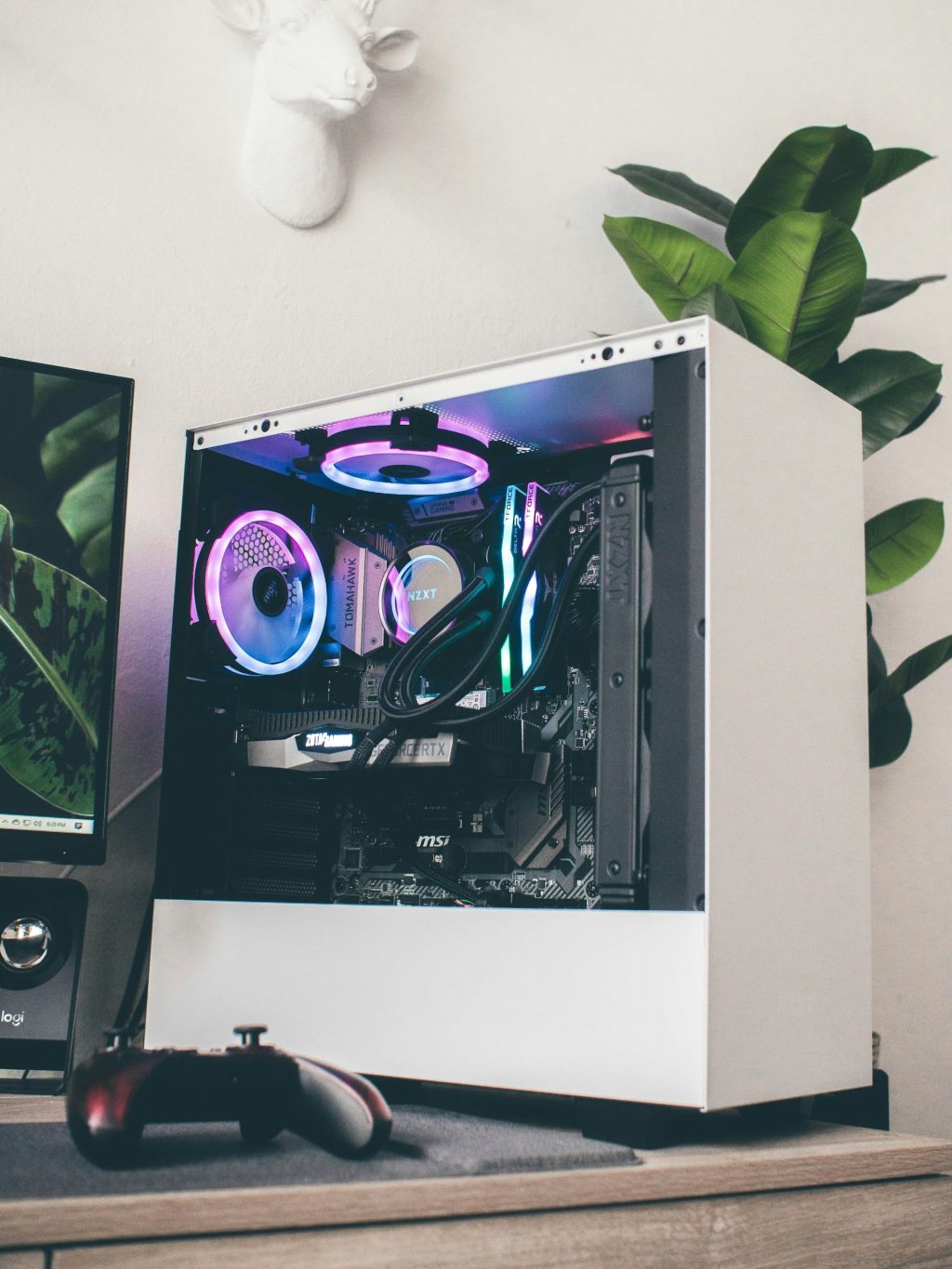
One of the most common questions we get from customers — especially people just getting into PC gaming — is some version of: “Should I just buy a prebuilt, or is it worth building my own?”
I’ve gone back and forth on this over the years, and after doing some real number crunching on current component and prebuilt pricing, I finally have a concrete answer I’m confident in. It’s not “it depends” — it’s a number.
That number is roughly $2,000.
If your budget is under that mark, a prebuilt gaming PC is likely your best move right now. If you’re willing to spend around $2,000 or more, building your own PC becomes the better value — and the gap only grows as the budget climbs. Let me walk you through why.
I want to acknowledge upfront: $2,000 is a lot of money for a computer. And honestly, it didn’t used to be this way. A few years ago you could put together a genuinely great custom gaming PC for $800–$1,000 and feel great about it. Component prices — especially RAM and GPUs — have climbed significantly since then, largely driven by demand from AI infrastructure. That’s the market we’re working with right now, and it’s a big part of why this threshold sits where it does.
Under $2,000: Go Prebuilt
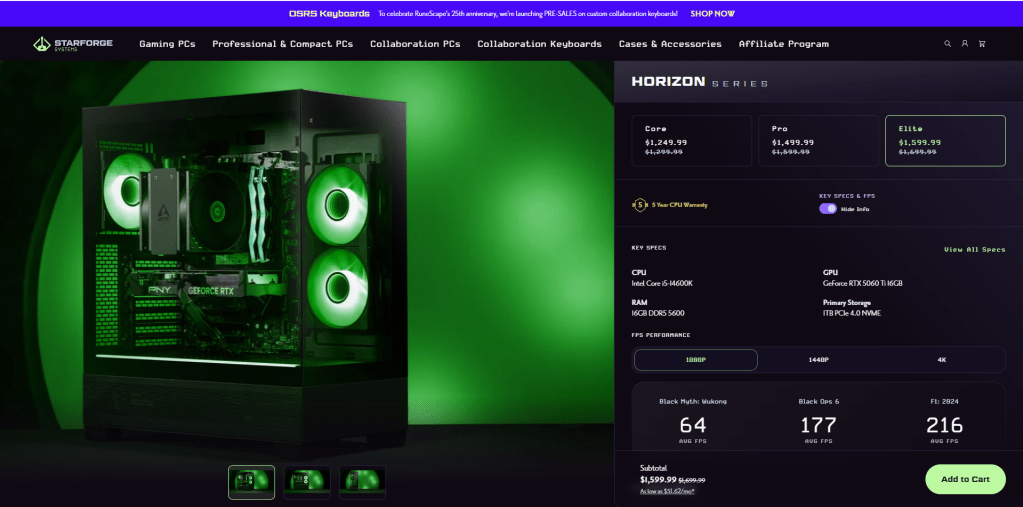
At lower budget tiers, prebuilt gaming PCs have a structural advantage that’s hard to beat right now: large manufacturers buy components in bulk, which means they can put together a solid system at a price you genuinely can’t replicate part-by-part for the same money.
For a first-time buyer especially, a prebuilt in this range makes a lot of sense. You get a system that’s tested, ready to go, and backed by a single warranty. No compatibility research, no assembly, no troubleshooting a system that won’t POST on the first boot. You just plug it in and play.
The sweet spot right now is roughly $850–$1,500. In that range you can find systems with solid GPUs, 16 or 32GB of DDR5 RAM, and fast NVMe storage at prices that beat what the same components cost individually. Brands like CyberPowerPC, iBUYPOWER, and even options at retailers like Costco are genuinely competitive right now.
That said, there’s one trade-off worth being aware of: a lot of prebuilts in this price range are heavily weighted toward the GPU, and the CPU often takes a back seat. What I mean by that is manufacturers know buyers are drawn to graphics card specs — so they’ll put a solid GPU in the box and pair it with a mid-range processor to keep the cost down. A few years ago, spending $1,200–$1,500 on a prebuilt would typically get you at least an Intel Core i7 on the CPU side. These days, that same price range is mostly i5s and Ryzen 5s. They’re capable chips, don’t get me wrong — but it’s something to be aware of, especially if you plan to use the system for anything beyond gaming, like streaming or content creation, where CPU headroom actually matters.
A Few Things Worth Checking Before You Buy
Prebuilts aren’t all created equal, and there are a couple of things worth a quick look before committing:
- Make sure the power supply has enough wattage to support a GPU upgrade later if that’s something you’re thinking about
- Check that the RAM is running at its rated speed, not a slower default
- Skim the return and warranty policy so you know what support actually looks like
Nothing alarming — just a little homework before you hit buy.
$2,000 and Above: Build Your Own
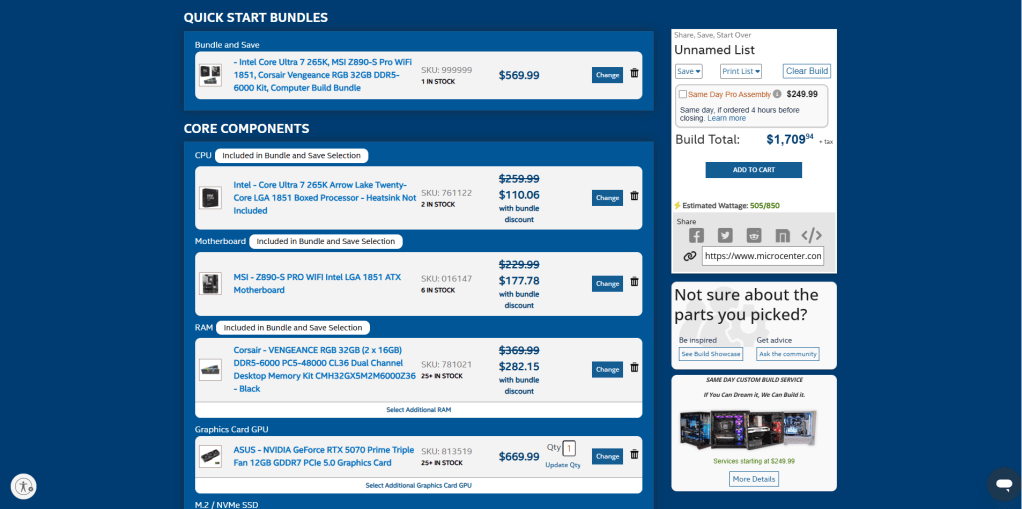
Once you cross the $2,000 threshold, the value equation flips. At higher budgets, the savings from building your own PC become meaningful — we’re talking hundreds of dollars in real difference, not marginal gains. And at this price point, every dollar matters because you’re trying to squeeze the best possible performance out of premium components.
Beyond just cost, building your own gives you something a prebuilt can’t: complete control. You pick the GPU, the motherboard, the PSU quality, the case airflow, the RAM speed. You’re not inheriting whatever corners a manufacturer decided to cut. At this budget, you want a machine built exactly the way you want it — and a custom build delivers that.
Custom builds at this tier are also significantly more upgradeable. You’re using standard retail components throughout — standard ATX motherboards, quality PSUs with real headroom, cases with room to grow. When it’s time to swap in a better GPU or add storage two years from now, you’re not fighting proprietary hardware.
What About the Learning Curve?
Fair question — building a PC does take some research and patience, especially if it’s your first time. You’ll need to make sure your components are compatible, understand how everything fits together, and work through the initial setup. It’s genuinely manageable for most people, and there are great resources online that walk you through every step. But it’s not nothing.
If the process sounds intimidating, here’s the good news: you don’t have to do it alone. Any local computer repair shop — including ours — can assemble a custom build for you. You pick the parts, we put it together, test it, and hand you a machine that’s built exactly to your specs. You get all the benefits of a custom build without needing to turn a single screw yourself.
It’s worth asking about — the assembly fee at most shops is modest compared to the savings you’re already getting by going custom over prebuilt at this budget.
The Simple Version
If you want to cut straight to the recommendation:
- Budget under $2,000? Buy a prebuilt. You’ll get more performance per dollar right now, with less hassle.
- Budget $2,000 or more? Build your own. The savings are real, the performance ceiling is higher, and you’ll have a machine that’s actually built to last and upgrade.
This isn’t a permanent rule — component markets shift, and so does the math. But based on where pricing sits right now, this threshold holds up. We’ll revisit it as things change.
A Note for First-Time Buyers
If you’re just getting into PC gaming, don’t let the prebuilt recommendation at lower budgets feel like settling. Modern prebuilts — especially from dedicated gaming brands — are genuinely good machines. The stigma around them from a few years ago was more warranted then than it is today.
Start with a prebuilt, learn what you like and don’t like about your system, and when it’s time to upgrade or replace it, you’ll have a much clearer sense of what to build toward. A lot of people who build their own PCs today started exactly that way.
Have questions about a specific system or not sure if a deal is actually a deal? Stop by our shop in Downtown, Los Angeles — we’re happy to discuss it with you. And if you already have a prebuilt that needs upgrades or repairs, that’s what we’re here for.
 ITBrother