

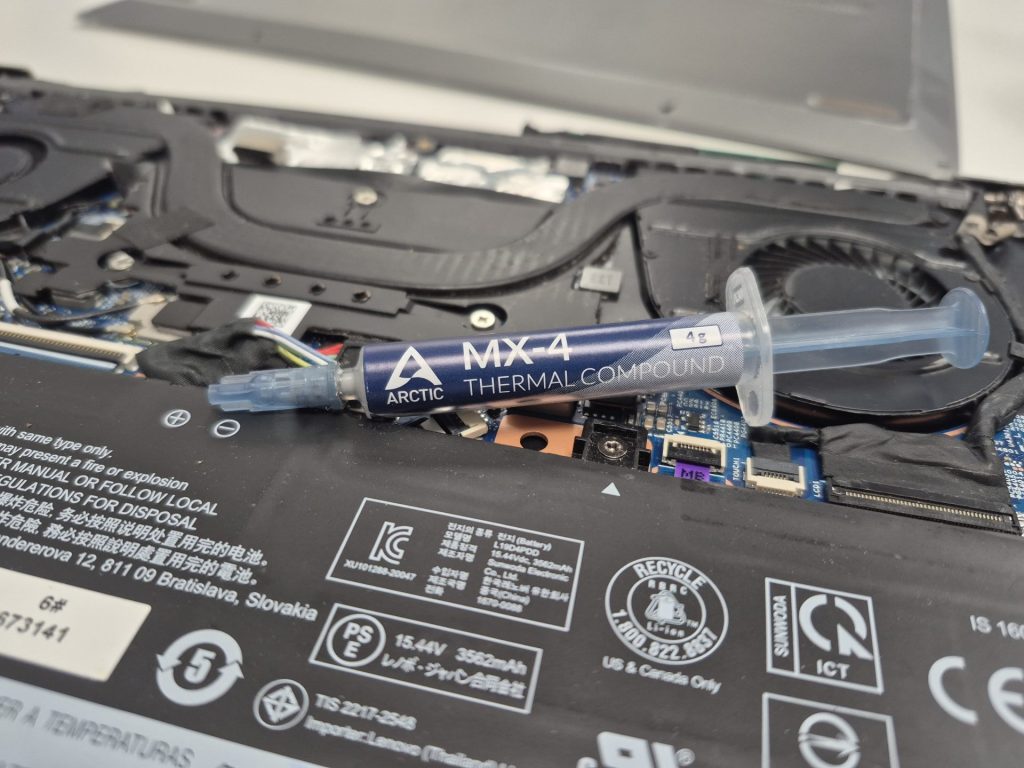
It’s no surprise that our computers get hotter as the years go by. Whether we’re browsing the web, working on documents, or gaming, the system seems louder, fans spin more aggressively, and the device runs warmer than it once did. While this might feel like normal “wear and tear,” what’s really happening under the surface can lead to instability, random crashes, and in extreme cases, damage to components.
One of the most overlooked culprits behind these issues is thermal paste.
What is Thermal Paste?
Thermal paste (also known as thermal compound or thermal grease) is a thermally conductive material applied between your CPU or GPU and its heatsink. These surfaces aren’t perfectly smooth—microscopic gaps and imperfections trap air, which is a poor conductor of heat. Thermal paste fills those gaps and ensures efficient heat transfer from the processor to the cooler, which then dissipates the heat into the air through fans or liquid cooling.
Without thermal paste, your processor would overheat almost instantly. With fresh, well-applied thermal paste, your cooling system can keep temperatures under control, ensuring consistent performance and stability.
Why Does Thermal Paste Need to Be Replaced?
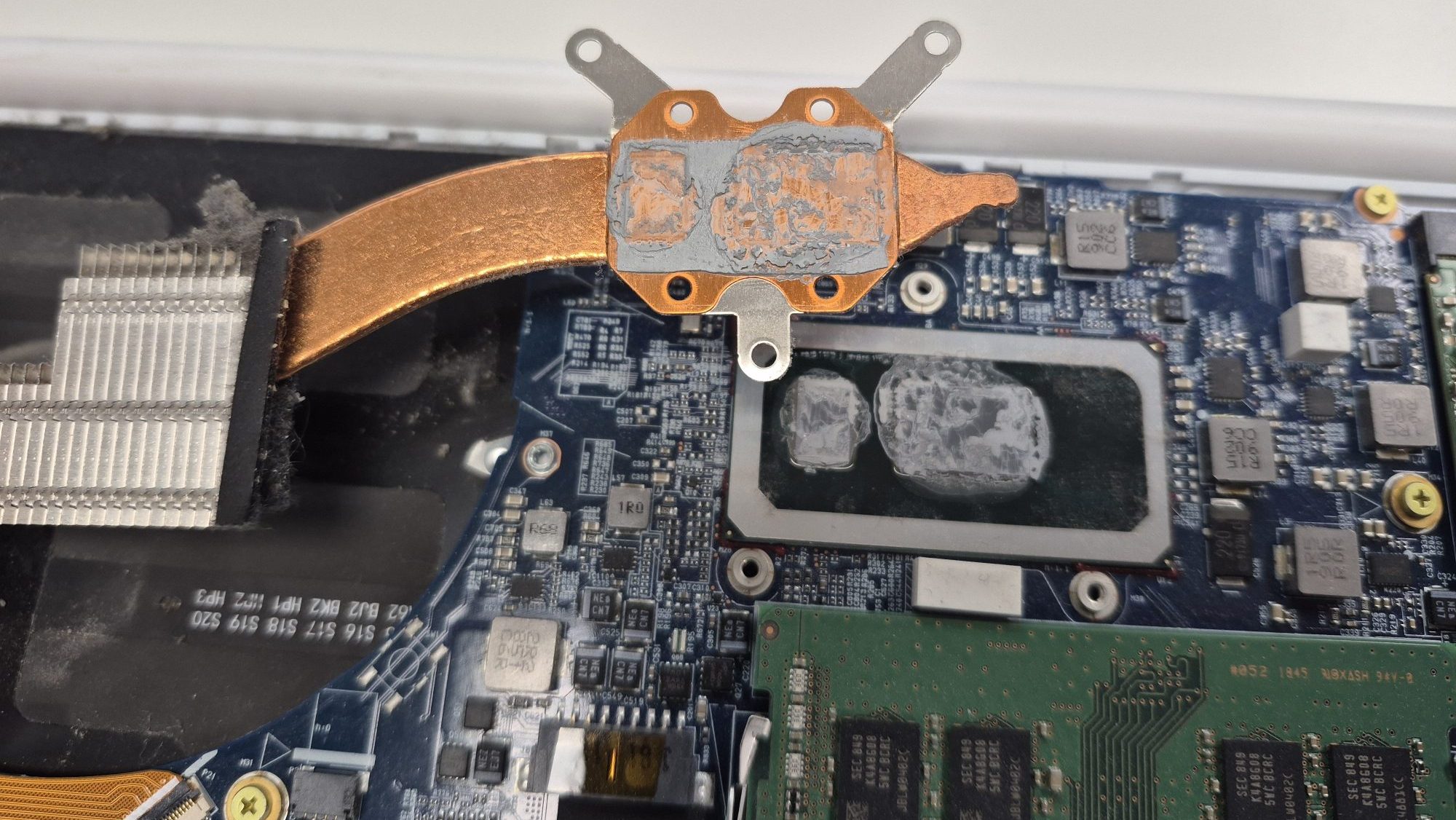
Over time, thermal paste dries out and loses its effectiveness. This happens because of:
- Heat cycles – Constant heating and cooling cause the paste to harden and crack.
- Environmental factors – Dust, humidity, and even storage conditions can impact longevity.
- Usage intensity – Systems under heavy loads (gaming, video editing, 3D rendering) wear paste faster.
As the paste degrades, heat transfer becomes less efficient. Your CPU or GPU starts running hotter, causing:
- Louder fan noise as the system compensates.
- Throttling, where the processor slows down to avoid overheating.
- System crashes or unexpected shutdowns.
- Shortened component lifespan in extreme cases.
How Often Should You Replace Thermal Paste?
For most desktop PCs, a good-quality thermal paste can last anywhere from 3 to 5 years, depending on usage and cooling conditions. Laptops, however, tend to run hotter and accumulate dust more quickly, so paste replacement may be needed every 2 to 3 years.
If you notice symptoms like high idle temperatures, loud fans, or frequent overheating, it might be time to refresh the thermal paste.
The Role of Cleaning in Thermal Maintenance
Thermal paste replacement usually goes hand-in-hand with cleaning. Dust buildup inside your system clogs fans and heatsinks, further reducing cooling efficiency. When a client brings in a system with overheating issues, the solution is almost always twofold:
- Replace the old thermal paste.
- Clean out dust and debris.
Laptops are especially prone to overheating because of their compact design. A small layer of dust on a laptop heatsink can drastically reduce airflow. Desktops, with their larger cases and multiple fans, handle dust better, but they still benefit greatly from periodic cleaning.
DIY vs. Professional Replacement
Replacing thermal paste isn’t overly complex, but it does require care and patience. Mistakes like applying too much paste, using the wrong type, or damaging delicate components can lead to more problems than solutions.
For desktops, many enthusiasts tackle thermal paste replacement themselves. For laptops, though, professional servicing is often the safer option since disassembly can be tricky.
Final Thoughts
Regular thermal paste replacement is a small maintenance task that makes a big difference. It keeps your system cooler, quieter, and more reliable. Ignoring it, on the other hand, can lead to performance drops, unexpected shutdowns, and even permanent hardware damage.
Think of it like changing the oil in your car—it’s not something you notice immediately, but neglecting it for too long will eventually cause major issues. If it’s been a few years since your system was serviced, consider giving it a refresh.
Don’t let laptop or PC problems slow you down. Visit our Los Angeles computer repair shop or contact us today for expert IT support, troubleshooting, and reliable repairs.
 ITBrother
Leave a comment