

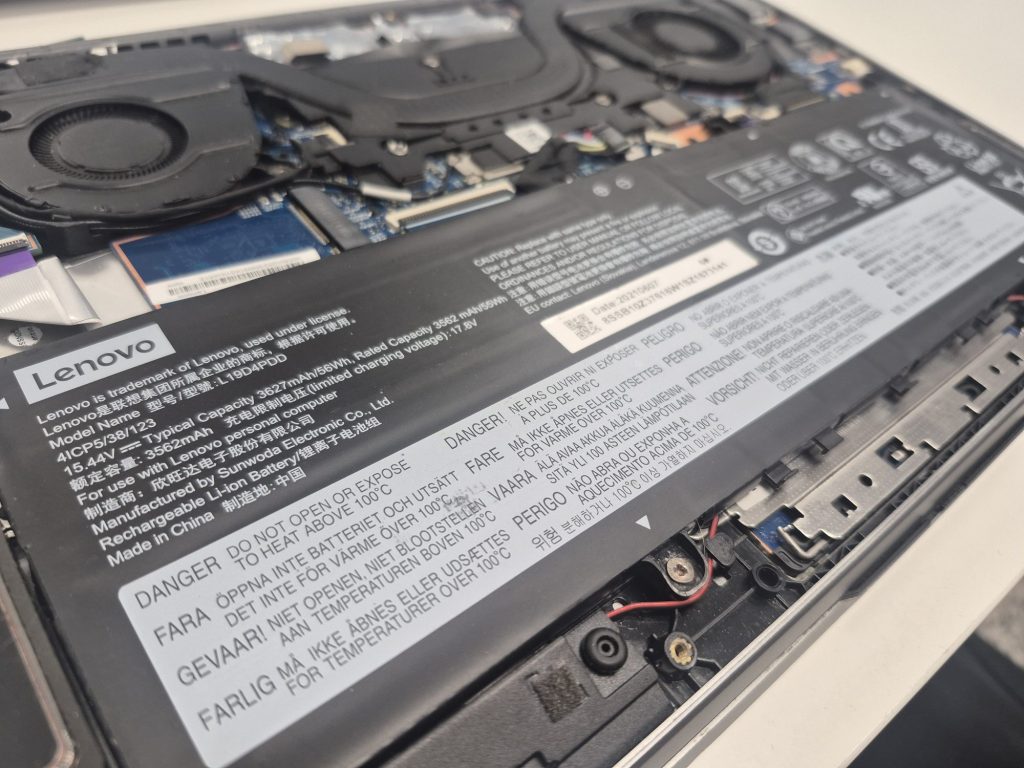
If your laptop barely makes it through a few hours on a charge, you already know the frustration. Battery wear is normal — but figuring out what to replace it with isn’t always straightforward.
Most people are told: “Just buy a replacement battery.” What they’re not told is that aftermarket laptop batteries vary wildly in quality. Some work great for years. Others arrive already degraded or fail within a few months.
After replacing countless laptop batteries at my repair shop, I’ve found that two factors explain most of that inconsistency: cell quality and battery age. Here’s what both mean for you — and how to avoid getting a dud.
Signs Your Laptop Battery Needs to Be Replaced
Before we get into replacement options, it’s worth confirming that the battery is actually the problem. The most common signs of a worn-out laptop battery include:
- Battery drains significantly faster than it used to, even on light tasks
- Charge percentage jumps unpredictably or drops suddenly
- Laptop shuts off without warning before reaching 0%
- Battery won’t charge past 80–90% or won’t charge at all
- The battery runs noticeably hotter than normal
Lithium-ion batteries are designed to handle roughly 300–500 full charge cycles before performance starts to drop noticeably. Most laptop batteries last between 2–4 years under regular use — after that, replacement is usually the most practical fix.
OEM vs. Aftermarket Laptop Batteries: What’s the Difference?
When it’s time to replace, you have two main options:
OEM (Original Equipment Manufacturer) Batteries
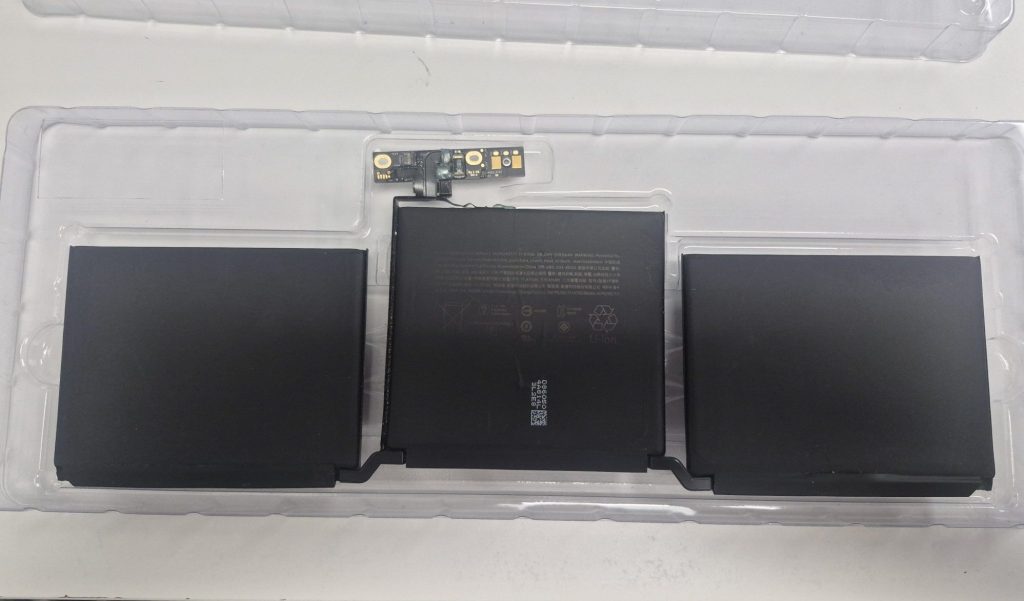
OEM batteries are made by or for the laptop’s original manufacturer. They use high-grade lithium-ion cells — typically from suppliers like LG, Samsung SDI, or Panasonic — and are engineered to communicate correctly with your laptop’s firmware and charging circuit. They’re the safest bet for reliability.
The downside: OEM batteries are often expensive, and for older or discontinued laptop models, they may simply not be available anymore.
Aftermarket Replacement Batteries
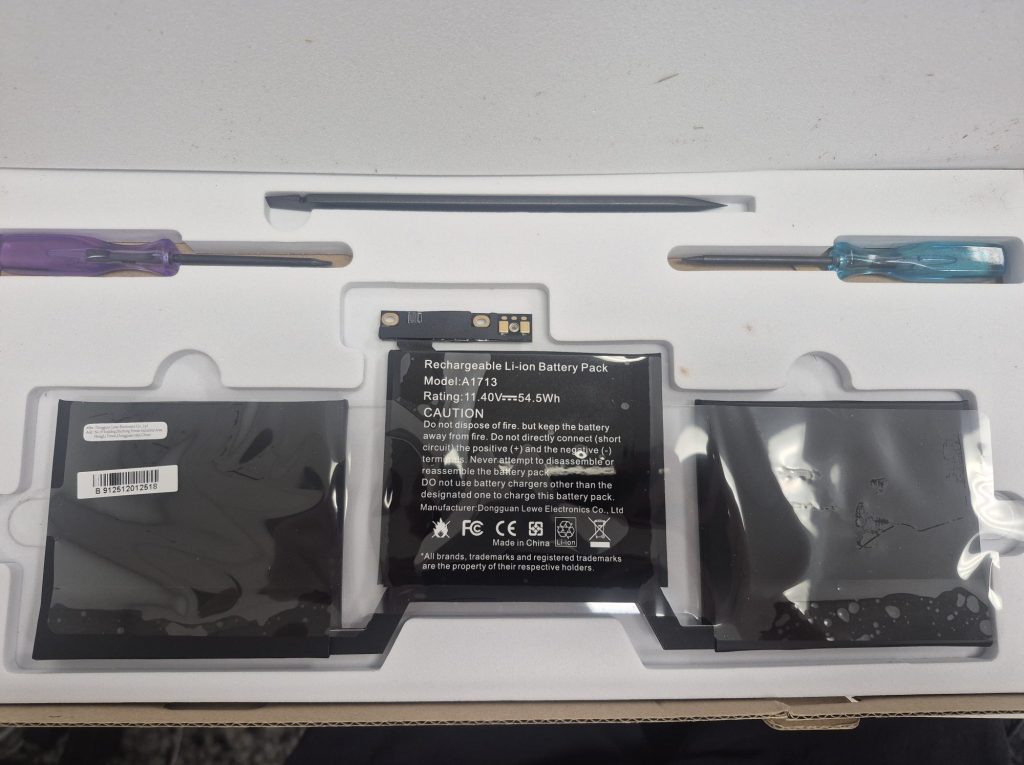
Aftermarket batteries come from third-party manufacturers and are generally much more affordable and widely available — even for older laptop models. The problem is that quality varies enormously depending on the seller.
Some aftermarket batteries use cells that are comparable to OEM quality. Many, however, cut costs by using lower-grade or recycled cells. This is the hidden variable that most buyers never know about until the battery underperforms.
Factor #1: Battery Cell Quality — The Hidden Difference Maker
A laptop battery isn’t a single unit — it’s a pack of individual lithium-ion cells wired together. The quality of those cells determines how much power the battery holds, how consistently it delivers that power, and how long it lasts before degrading.
With OEM batteries, cell quality is controlled and consistent. With aftermarket batteries, it’s a mixed bag. Some use quality cells that perform reliably. Others use lower-grade cells that may cause:
- Shorter runtime even when brand new
- Faster capacity loss after just a few months of use
- Unstable charge levels or unexpected power drops
- Safety risks in extreme cases (overheating, swelling)
Unfortunately, you can’t tell what cells are inside a battery just by looking at the listing. One practical clue: if a brand-new aftermarket battery drains noticeably faster than your original did, even under light use, lower-grade cells are usually the reason.
Factor #2: Battery Age — The Problem No One Talks About
Here’s something most people don’t realize when they order a replacement online: “new” doesn’t necessarily mean “recently made.”
There are thousands of laptop models on the market. It’s not practical for suppliers to continuously manufacture fresh batteries for every single one. Instead, batteries are often produced in large batches and stored in warehouses — sometimes for years — before being sold.
This matters because lithium-ion batteries degrade even when they’re not being used. This is called calendar aging, and it’s a well-documented phenomenon. At room temperature, lithium-ion cells typically lose around 2–4% of their capacity per year just from storage. At higher temperatures, that loss accelerates significantly.
Industry data shows that a lithium-ion battery stored for five years at room temperature may already have lost 15–20% of its rated capacity before you even open the box. Stored at higher temperatures, losses can exceed 30%.
The takeaway: even a “new” aftermarket battery can arrive already degraded if it’s been sitting in a warehouse for years. This is one of the most common reasons customers are disappointed with aftermarket replacements — and one of the hardest to predict without testing the battery.
Setting Realistic Expectations for a Replacement Battery
Even under the best circumstances, a replacement battery — OEM or aftermarket — won’t perform exactly like the original did when your laptop was brand new.
That’s because the rest of your laptop has aged too: the charging circuitry, power controller, and firmware calibration have all been operating for years. There will naturally be some variation in how a new battery communicates with an older system.
That said, a quality replacement battery can still make a meaningful difference — getting you several more hours of real-world use and eliminating the need to stay permanently tethered to a charger.
How to Get the Most Out of a Replacement Laptop Battery
Whether you’re using an OEM or aftermarket battery, these habits will extend its lifespan:
- Avoid leaving your laptop plugged in 24/7. Let it discharge to around 30–40% before recharging. Continuous float charging stresses lithium cells over time.
- Keep your laptop cool. Heat is the single biggest accelerator of battery degradation. Clean your cooling vents regularly and avoid blocking airflow.
- Don’t fully drain the battery often. Regularly running a lithium-ion battery down to 0% stresses the cells and shortens their lifespan.
- Use the correct charger. Mismatched voltage or wattage causes inconsistent charging behavior and can damage your battery or charging circuit over time.
- If storing the laptop long-term, keep it at around 50% charge. This is the optimal storage state of charge for lithium-ion cells — not too high, not too low.
When a New Battery Doesn’t Fix the Problem
Sometimes a laptop still won’t charge or hold a charge even after a battery replacement. In these cases, the battery itself may not be the root cause. Other culprits include:
- A faulty charging port or damaged power connector
- A failing charging circuit or power management component on the motherboard
- A damaged or inconsistent charger or cable
- Firmware or calibration issues causing the laptop to misread battery data
Proper diagnostics before replacement can save you from replacing parts that don’t need replacing. This is why I always test the full charging system — not just the battery — before recommending a fix.
How We Handle Laptop Battery Replacements
Because I know how much people depend on their laptops, I take a thorough approach to every battery replacement rather than just swapping parts:
- Battery check first. I check the existing battery’s health to make sure it’s actually the battery causing the problem.
- Verified parts only. I source batteries from suppliers with consistent quality track records. I won’t install a battery I don’t trust.
- Full system power check. I verify that the charging port, power circuit, and charger are all functioning correctly so the new battery isn’t immediately being stressed.
- Honest guidance on aftermarket options. If OEM batteries aren’t available for your model, I’ll walk you through what to expect from an aftermarket replacement — no surprises.
- Post-service care tips. Every client gets simple, practical advice on how to maintain their new battery.
Bottom Line
Aftermarket laptop batteries can absolutely be a practical, cost-effective solution — but their performance depends heavily on cell quality, how long they’ve been sitting in storage, and how carefully they’re installed.
If your laptop battery drains too fast, won’t hold a charge, or shuts off unexpectedly — don’t just grab the cheapest replacement you can find online. Get it diagnosed properly first, and make sure whatever goes in is worth installing.
If you’re in the Los Angeles area and dealing with a battery issue, feel free to reach out or stop by. In most cases, it’s a straightforward fix that can bring your laptop’s portability back to life — without unnecessary upsells or guesswork.
 ITBrother