


If you’re setting up a backup drive, you’ve probably asked yourself: should I use an HDD or an SSD? SSDs have taken over modern computers for good reason — they’re faster, quieter, and more durable for everyday use. But when it comes to storing backups long-term, the answer isn’t as simple as “just get the newer thing.”
In this post, we’ll walk you through the real differences between hard drives and solid state drives for backup purposes — including cost, data recovery, and how each type handles your files over time. By the end, you’ll know exactly which one fits your needs.
How HDDs and SSDs Store Data Differently
Hard disk drives (HDDs) store data magnetically on spinning platters. They’ve been the standard for decades and remain widely used in backup systems, NAS devices, and data centers.
Solid state drives (SSDs) store data on flash memory chips — no moving parts. They’re faster, more shock-resistant, and the dominant choice in modern laptops and desktops.
Here’s where it gets interesting: the way SSDs manage their flash memory has a direct impact on how well they work as backup drives.
Why HDDs Are Usually the Better Choice for Backups
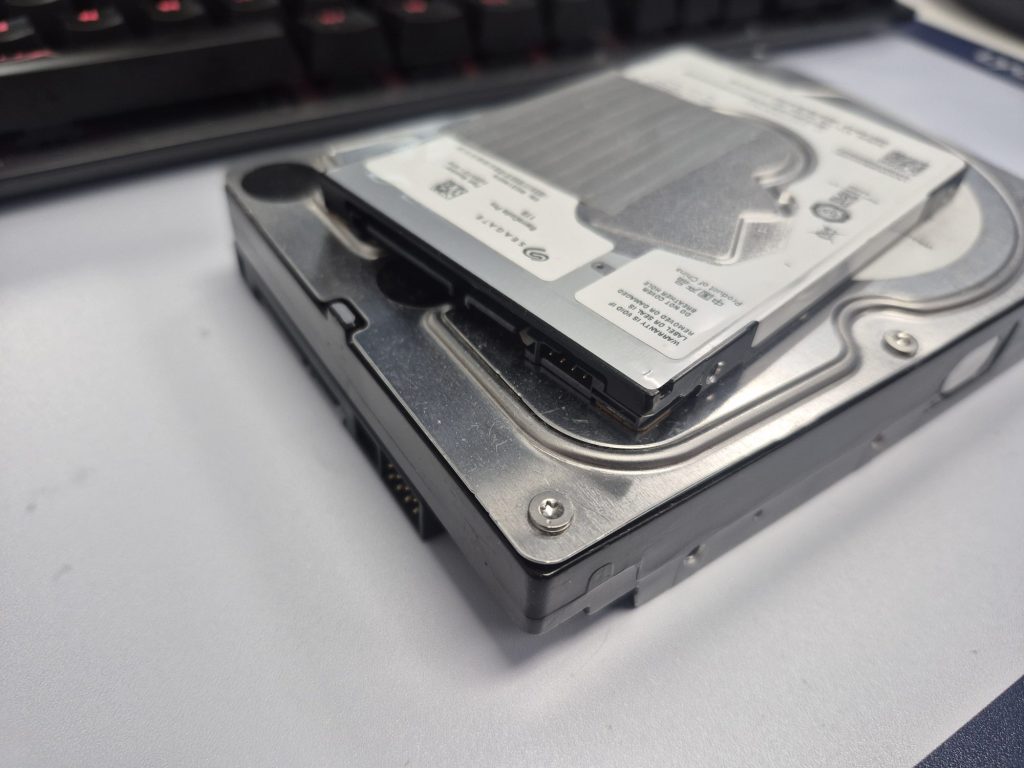
1. SSDs Actively Delete Data You Might Need to Recover
SSDs use a background process called TRIM (and garbage collection) to stay fast. Whenever you delete a file, TRIM tells the drive to permanently wipe that space — often before you’ve even had a chance to realize you needed it.
For everyday use, this is great. For backups, it’s a problem.
HDDs don’t do this. When you delete a file on an HDD, the actual data lingers until something new is written over it. That means if you accidentally delete a file or a backup gets corrupted, data recovery software has a much better shot at getting your files back from an HDD than from an SSD.
This is one of the main reasons professional data recovery services, NAS systems, and enterprise backup solutions still rely heavily on hard drives.
2. HDDs Cost Significantly Less Per Gigabyte
Storage price matters a lot when you’re talking about backups, because backup drives tend to be large. To put it in perspective, here’s what 2TB drives used to cost in early-to-mid 2025 — and what they cost now in 2026:
- 2TB HDD: ~$55–$75 in early 2025, now $100–$140+ in 2026 (due to AI data center demand driving up HDD supply shortages)
- 2TB SSD: ~$130–$200 in early 2025, now $300–$480+ in 2026 (NAND flash prices have surged 100–150% due to AI chip demand)
That’s often 2–3x more expensive for the same storage capacity — and in 2026, that gap has widened dramatically. For most backup scenarios where you’re not accessing the drive constantly, the speed advantage of an SSD simply doesn’t justify a price tag that is now 3–5x higher than an equivalent HDD.
3. Long-Term Data Retention Favors HDDs
SSDs have a subtle vulnerability that often gets overlooked: they can lose data if left unpowered for extended periods. Flash memory cells slowly leak charge over time. In a warm environment, an unpowered SSD can start losing data in as little as one to two years. HDDs don’t have this issue — magnetic storage is stable whether the drive is plugged in or sitting in a drawer.
For true archival or “set it and forget it” backup storage, this makes HDDs the more reliable long-term choice.
When an SSD Might Make Sense for Backup
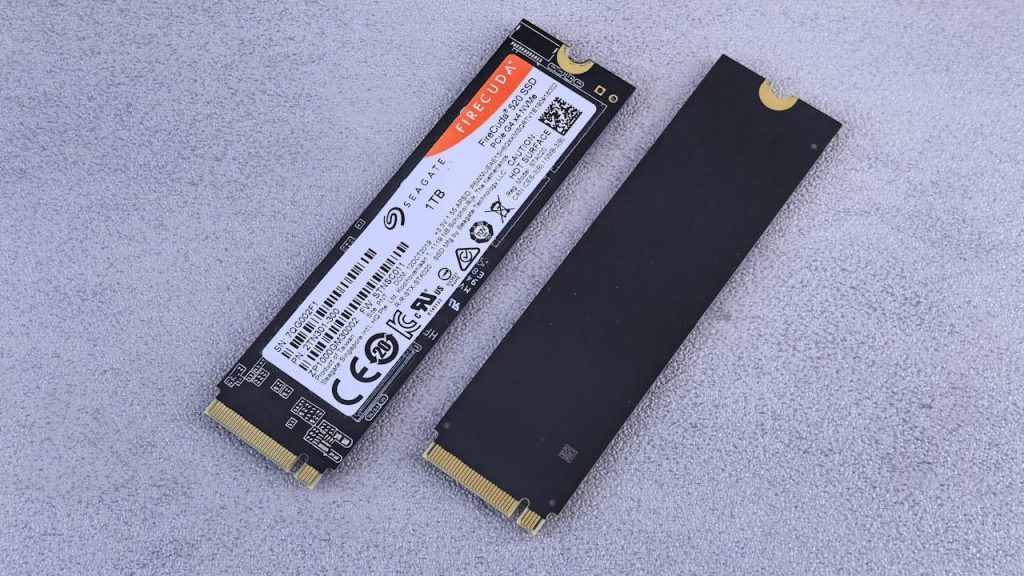
HDDs win on most backup criteria, but SSDs do have their place:
- Portability and travel: No moving parts means SSDs are far more resistant to drops and physical shock. If you’re carrying a backup drive around regularly, an SSD is safer in your bag.
- Frequent large file transfers: If you’re a videographer or designer syncing large project files daily, the speed difference is real and worthwhile.
- Extreme temperatures or vibration: HDDs are sensitive to physical stress. In rough environments, SSDs hold up better.
Outside of these cases, HDDs remain the smarter backup choice for most people.
Our Recommendation: Use Both
The best backup strategy doesn’t pick one or the other — it uses both:
- SSD in your computer for fast everyday performance
- HDD as your backup drive for affordable, recoverable, long-term storage
This is sometimes called the 3-2-1 backup rule: keep 3 copies of your data, on 2 different types of media, with 1 copy stored offsite. A combination of SSD and HDD fits naturally into this strategy.
Quick Summary: HDD vs. SSD for Backup
- Cost: HDD wins — significantly cheaper per gigabyte
- Data recovery: HDD wins — deleted data is recoverable; SSD TRIM makes recovery very difficult
- Long-term data retention: HDD wins — magnetic storage doesn’t lose data while unplugged
- Portability and durability: SSD wins — better for travel and physical shock
- Speed: SSD wins — but speed rarely matters for backup drives
Questions About Your Backup Setup?
If you’re not sure which drive is right for your situation — or if you’ve had a drive fail and need help recovering your data — we’re here to help. We work with HDDs and SSDs every day and can walk you through the best setup for your needs.
Stop by our shop in Downtown, Los Angeles or give us a call — we’re happy to take a look and give you an honest recommendation.
 ITBrother