

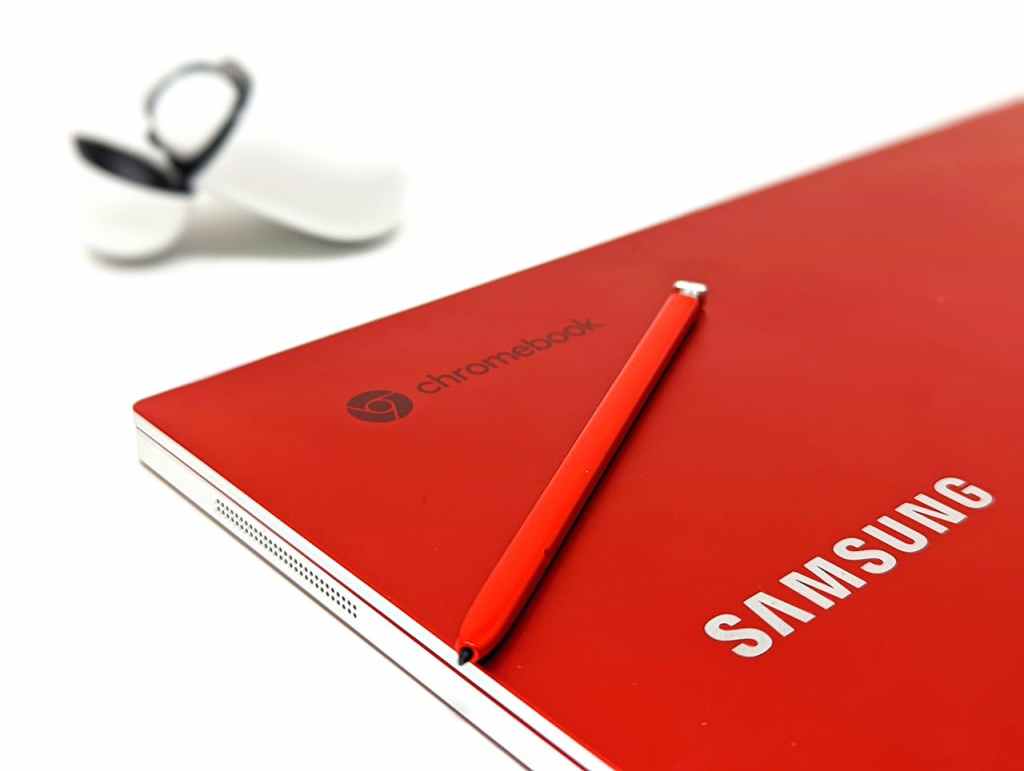
We get asked about Chromebooks all the time here at the shop. Customers come in curious about whether they’re a good deal, or frustrated because their Chromebook can’t do what they expected. So let’s cut through the marketing and give you a straight answer: what Chromebooks are, what they’re actually good for, and who should (and shouldn’t) buy one.
What Is a Chromebook, Exactly?
A Chromebook is a laptop that runs Chrome OS — Google’s own operating system — instead of Windows or macOS. Rather than being built around locally installed software, Chrome OS is designed almost entirely around the web browser and Google’s suite of online tools: Google Docs, Google Drive, Gmail, and Google Classroom.
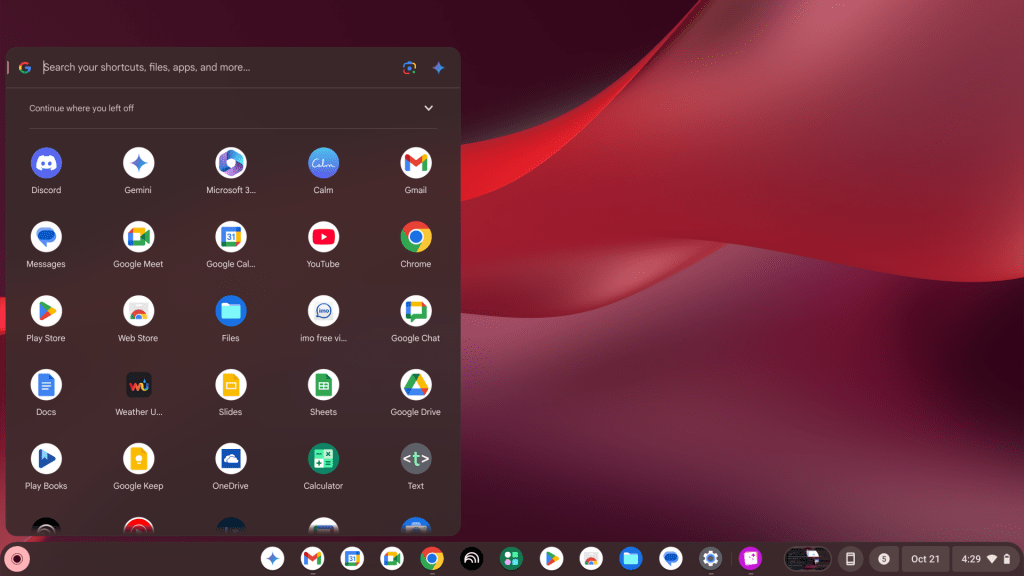
Modern Chromebooks support three types of apps:
- Web apps that run inside the Chrome browser
- Android apps from the Google Play Store (on most current models)
- Linux apps, if you manually enable that feature (it’s a bit technical)
What they do not support: standard Windows or Mac programs. That means no desktop version of Adobe Photoshop, no full Microsoft Office suite (you get the web versions only), no specialized business or professional software. This is by design — Chrome OS is intentionally lightweight — but it’s also the source of most of the frustration we see from customers.
Where Chromebooks Fall Short for Most People
For most adults using a laptop as their primary computer, a Chromebook is going to feel limiting pretty quickly. Here’s where the friction usually shows up:
Software Flexibility
The biggest pain point we hear: “I need to install [program], but I can’t.” Whether it’s a work application, a tax program, a photo editor, or a game, if it’s a traditional Windows or Mac install file, it won’t run on a Chromebook. Web alternatives exist for many things, but they’re not always equivalent.
Internet Dependency
Chrome OS has gotten better at offline functionality over the years, but it’s still built around the assumption that you have a solid internet connection. On a Windows or Mac laptop, a lost connection is an inconvenience. On a Chromebook, it can genuinely stop you in your tracks — especially if your files live primarily in Google Drive.
File Management Feels Different
Chromebooks handle local storage more like a smartphone than a traditional computer. Files default to Google Drive, the folder structure is less intuitive, and if you’re used to saving things to your desktop or a specific local folder, it takes some getting used to. We’ve had customers bring in their Chromebook thinking something was wrong with it — when really the device was just working as intended, just differently than expected.
Cheap Doesn’t Always Mean Good Value
Chromebooks are often the cheapest laptops on the shelf — sometimes well under $300 — which makes them tempting, especially as gifts or for kids. But price is only part of the equation.
A modestly priced Windows laptop in the $400–$500 range can:
- Run the full range of software most people need
- Work completely offline without losing major functionality
- Adapt as your needs change over time
- Last longer before feeling outdated
When someone buys a Chromebook as their only computer and runs into limitations six months later, they often end up buying a second device anyway — which means spending more in the long run. We’ve seen this pattern enough times that we always recommend thinking ahead before defaulting to the cheapest option.
One Thing Many Buyers Overlook: Auto Update Expiration
Every Chromebook has an Auto Update Expiration (AUE) date — a point at which Google stops providing Chrome OS updates for that device. After that date, the laptop still works, but it no longer receives security patches or new features.
Most Chromebooks get updates for about 8 years from the device’s platform release date (not necessarily the date you buy it). If you’re buying a used or older Chromebook, it’s worth checking the AUE date on Google’s official list before purchasing — some are closer to end-of-life than they appear.
When a Chromebook Actually Makes a Lot of Sense
To be fair, Chromebooks aren’t a bad product — they’re just a specialized one. There are real situations where we’d recommend one without hesitation.
Students and School Use

This is the sweet spot. Schools have widely adopted Google Classroom, and Chromebooks integrate with it seamlessly. For K–12 students who primarily need to access school portals, write papers in Google Docs, join video calls, and submit assignments — a Chromebook does all of that well. The locked-down nature of Chrome OS is also a plus here: it’s harder for kids to install games or accidentally download malware.
As a Secondary or Backup Device
If you already have a main computer and just want something lightweight for browsing, emails, streaming, or travel, a Chromebook can serve that role perfectly well. The limitations matter much less when you’re not relying on it for everything.
Tech-Averse Users Who Live in the Browser
For someone who genuinely only uses a laptop to browse the web, watch YouTube, video chat with family, and check email — and has no intention of branching out from that — a Chromebook can be a perfectly fine choice. Just make sure their needs won’t grow beyond that scope.
Our Honest Verdict: Should You Buy a Chromebook?
Here’s how we break it down:
- For students (especially K–12): Yes, Chromebooks are often an excellent and affordable choice.
- For a secondary device: Yes, if the price is right and your expectations are realistic.
- For your only primary computer as an adult: Usually no. The software and offline limitations will likely frustrate you within a year.
- For professionals or anyone with specialized software needs: Definitely not.
If you’re on the fence, stop by our shop in Downtown, Los Angeles and talk to us. We’re happy to look at what you actually use a computer for and point you toward the right device — whether that ends up being a Chromebook, a Windows laptop, or something else entirely. Our goal is always to help you find the right tool for the job, not just sell you on the cheapest or most expensive option on the shelf.

