

This one doesn’t come through the door often—but when it does, it’s one of the trickiest jobs we take on. A computer that randomly restarts with no warning. No blue screen. No error pop-up. It just… reboots.
The machine might run fine for hours, then kick off mid-sentence. Or it reboots every time a game loads. Or it only does it once a day, always when the customer isn’t watching.
The internet is full of generic advice for this problem: “update your drivers,” “check for malware,” “run a RAM test.” That advice isn’t wrong. It’s just incomplete—and in our experience, it leads most people down the wrong path first.
Here’s what we’ve actually found in the cases we’ve worked through.
First: Why “No Error Message” Is Actually a Big Clue
Most people assume no error means no information. But from a diagnostic standpoint, a silent reboot tells us something very specific: the operating system didn’t get a chance to log the failure.
When Windows or macOS detects a software crash, it creates a record—a blue screen code, a kernel panic report, a minidump file. These are the OS’s way of catching a fall and leaving a note.
A silent reboot means something cut the power to the system before the OS could react. That’s not a software signature. That’s a hardware signature.
This distinction matters a lot because it immediately narrows the field. We’re not troubleshooting drivers or Windows updates—we’re looking at what physically supplies and manages power to your components.
What We Actually Check (And Why, In This Order)
We don’t just throw parts at the problem. That’s expensive and often wrong. Instead, we work through a sequence based on probability—what’s most likely to be the cause, and what’s cheapest to test first.
1. We Look at the BIOS Version First
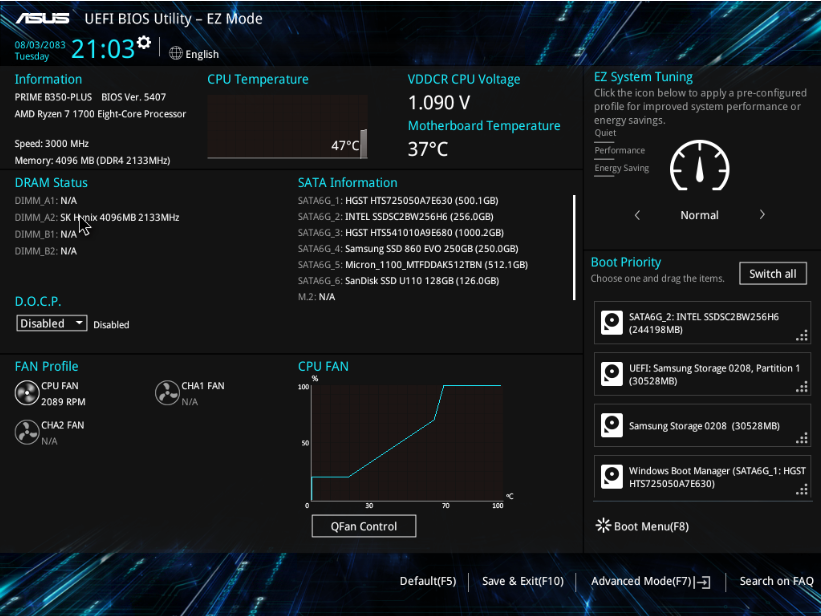
Before touching any hardware, we check when the motherboard firmware was last updated.
Motherboard manufacturers push BIOS updates regularly—not just for new CPU support, but to fix power management bugs, sleep/wake issues, and yes, random reboot behavior. Some of these bugs are obscure, some are widespread, but many have never been patched on machines that shipped years ago and were never updated.
This is one of the few fixes that costs nothing and takes minutes. We’ve had systems come in with a BIOS from 2019 running on hardware from 2021, and a firmware update was all it needed.
It won’t fix everything. But it’s always the right place to start.
2. Then We Look at the Power Supply
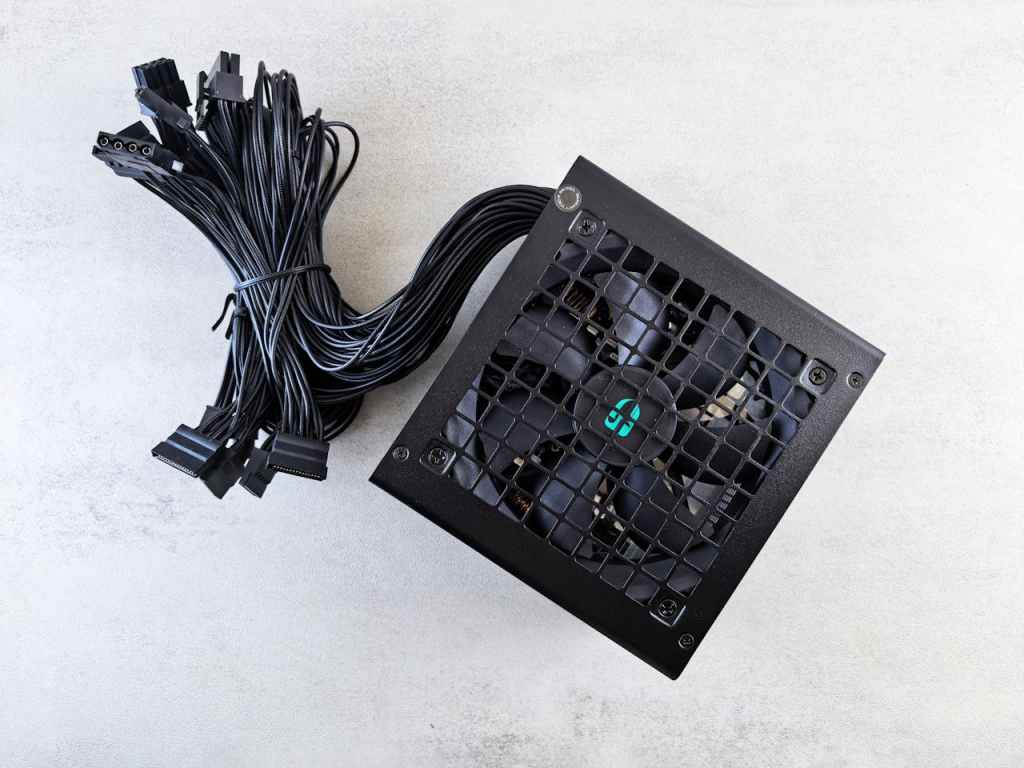
If the firmware is current and the reboots continue, the power supply is next.
Here’s the thing about failing power supplies: they don’t announce themselves. A bad PSU can still power on a system, pass basic voltage checks, and appear completely normal under light load. It’s only when something demands a sudden draw—a game loading, a large file transfer, a CPU spike—that the instability shows up as a reboot.
We test with a known-good unit of appropriate wattage. If the reboots stop, the PSU was the problem. In our experience, this resolves a significant chunk of silent reboot cases, especially on systems that are four or more years old.
One thing we tell customers upfront: we can’t always prove the PSU was faulty. These voltage fluctuations are often too brief to capture with standard testing tools. What we can say is—it works now, and it didn’t before.
3. The Motherboard and CPU Come Last—But They Matter
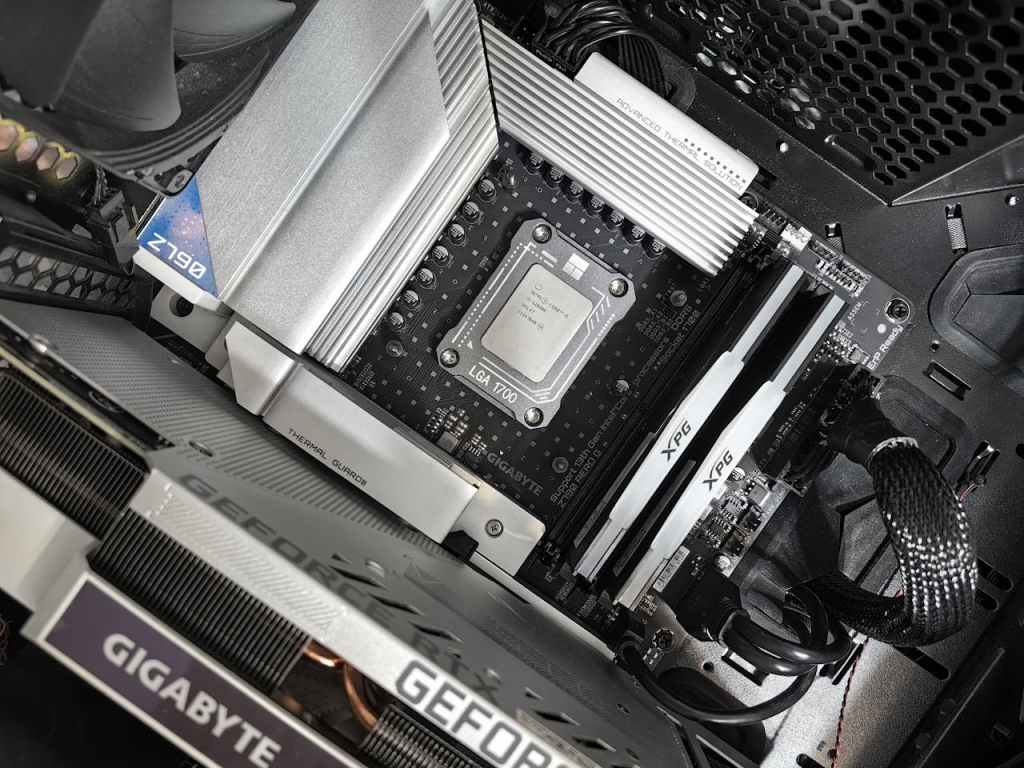
If a BIOS update and PSU swap don’t resolve it, we’re now looking at the motherboard itself.
The motherboard manages power distribution to every component. Internal failures—capacitor degradation, VRM (voltage regulator module) issues, trace damage—can cause exactly this kind of silent, intermittent reboot without leaving any log trail for the OS to catch.
CPU is less common but not ignorable. A real-world example: in 2024, Intel’s 13th and 14th generation processors became a documented case study in CPU-level instability. Due to a combination of manufacturing variance and aggressive default voltage behavior set by motherboard firmware, these chips caused random crashes and reboots even on stock, non-overclocked systems. A microcode update and BIOS revision resolved many cases, but it reminded the industry—and us—that CPUs can be the variable too.
Why We Ask So Many Questions Before We Start
When a customer brings in a machine with this issue, the first thing we do isn’t run a diagnostic tool. It’s ask questions:
- Does it reboot under load, or even when idle?
- Did it start suddenly, or gradually get worse over time?
- Has any hardware been added or changed recently?
- How old is the machine, and what’s it typically used for?
These questions help us build a picture before we touch anything. A machine that reboots under gaming load tells a different story than one that reboots while idle. A system that started doing this right after a RAM upgrade is a different diagnostic path than one that’s been slowly getting worse over a year.
We’re not asking to be thorough for thoroughness’s sake. We’re asking because the answers can cut diagnostic time in half.
What Makes This Problem Harder Than Most
Random reboots are one of the few issues where the repair can take longer than the fix itself.
The intermittent nature means we often can’t replicate the problem on demand. We might run a stress test for two hours and see nothing. Then it reboots once while sitting at idle. That’s not a failure of the test—it’s the nature of the problem.
We’re transparent with customers about this. We’ll tell you what we found, what we changed, and what we’re confident about—and we’ll tell you if something is an educated call based on patterns rather than a confirmed diagnosis. In most cases, that also helps us get to the right fix faster, because customers often remember a detail they hadn’t mentioned that turns out to be relevant.
The Short Version, If You Just Want the Bottom Line
If your computer is randomly rebooting with no error message:
- It’s almost always a hardware or firmware issue, not a software one.
- No error message means the OS didn’t get to react—which means something cut power before it could.
- The most common causes, in order: outdated BIOS, failing power supply, motherboard instability.
- These are diagnosable and fixable. The machine isn’t necessarily done.
This isn’t a problem you should try to outlast by restarting and hoping it stops. It tends to get worse, not better. And if it’s power-related, continued instability can put stress on other components over time.
Dealing with this? Bring it in.
We diagnose random reboot issues regularly. We’ll be upfront with you about what we find, what we’re certain about, and what’s an educated call. If you’re local, feel free to drop by our shop in Downtown, Los Angeles or reach out before you bring it in—sometimes a quick conversation helps us prioritize the right things when we do get it on the bench.

