

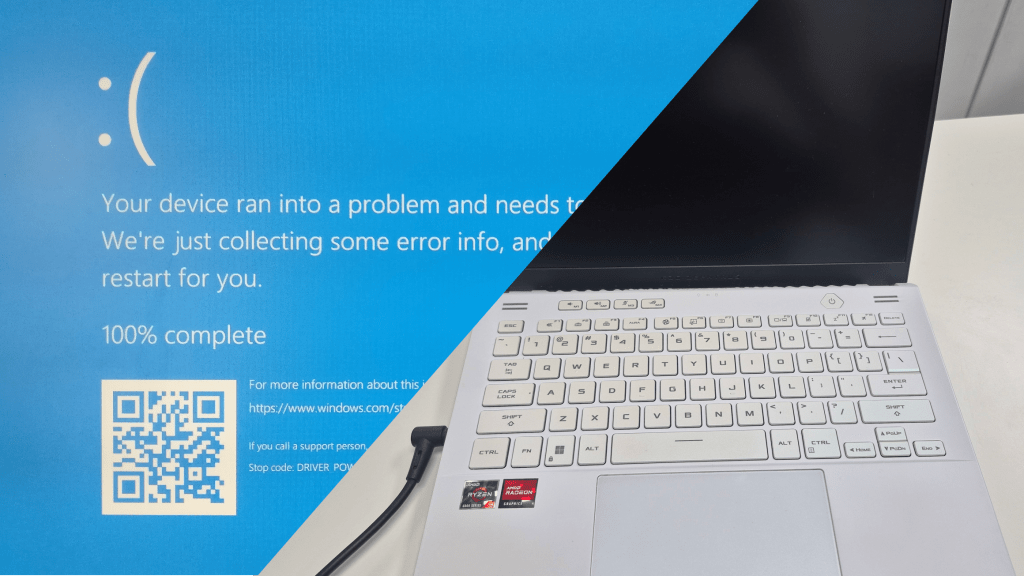
One of the most common questions I hear when a client walks in: “Why can’t you just tell me what’s wrong with it right now?” It’s a fair question — and the honest answer is that it depends entirely on what the computer is doing, or more specifically, what it’s not doing.
Some problems are actually easier to diagnose when they look worse on the surface. Others — like a machine that shows zero signs of life — are the most time-intensive cases we handle. Here’s why.
The More a Computer Communicates, the Easier It Is to Diagnose
This might sound counterintuitive, but a computer that’s crashing is often easier to work with than one that’s completely silent. When a system is misbehaving, hardware and software are interacting — and that interaction produces clues.
Take the Blue Screen of Death (BSOD). As alarming as it looks to most people, a BSOD is one of the more straightforward problems we see. The system is still running, still generating error codes, still giving us data to work with. The same goes for a computer that shuts down randomly: because it’s still powering on, we can observe its behavior directly. Random shutdowns are often caused by overheating, and a dead giveaway is fans spinning up to full speed the moment the machine turns on. When that matches what a client describes, we often have a strong lead within minutes.
The key distinction: a computer that’s on — even one that’s crashing — is still communicating. A computer that won’t turn on at all is not.
Why a Dead Computer Takes Longer to Diagnose
When a computer shows absolutely no signs of life — no lights, no fans, no display, nothing — we’re starting from zero. There are no error messages to read, no event logs to pull, no behavior to observe. The machine has gone completely silent, which means we have to go actively looking for answers rather than reading the ones it’s giving us.
A no-power issue can originate in several different places: the power supply, the motherboard, the RAM, or something as simple as the wall outlet or the cable itself. Each of those possibilities has to be considered and ruled out, one by one. There’s no single symptom pointing in a clear direction, so the process becomes methodical elimination. That takes more time than a typical diagnostic — and that’s just the reality of the work.
How We Actually Diagnose a Computer That Won’t Turn On
Step 1: Start Outside the Machine
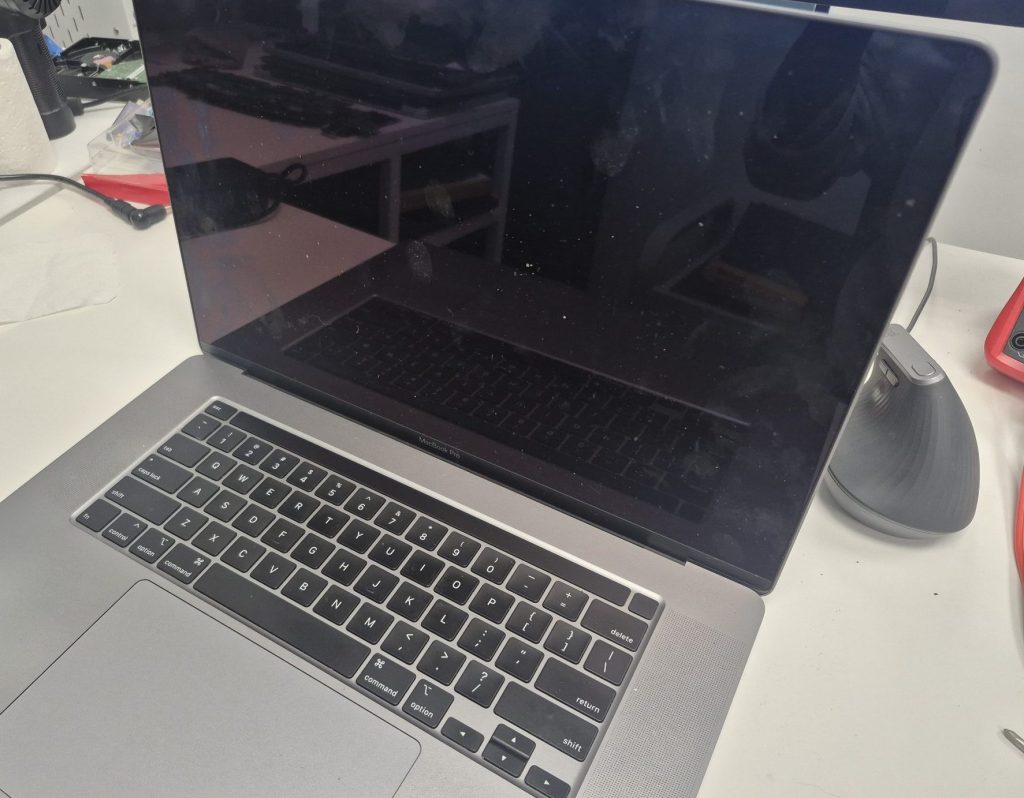
Before opening anything up, we check the basics: the wall outlet, the power strip, and the power cable. It sounds almost too simple, but a tripped surge protector or a subtly damaged cable is responsible for more “dead computer” visits than most people expect. There’s no point tearing apart a system if the issue is two feet away from it.
Step 2: Strip Down to Minimum Hardware
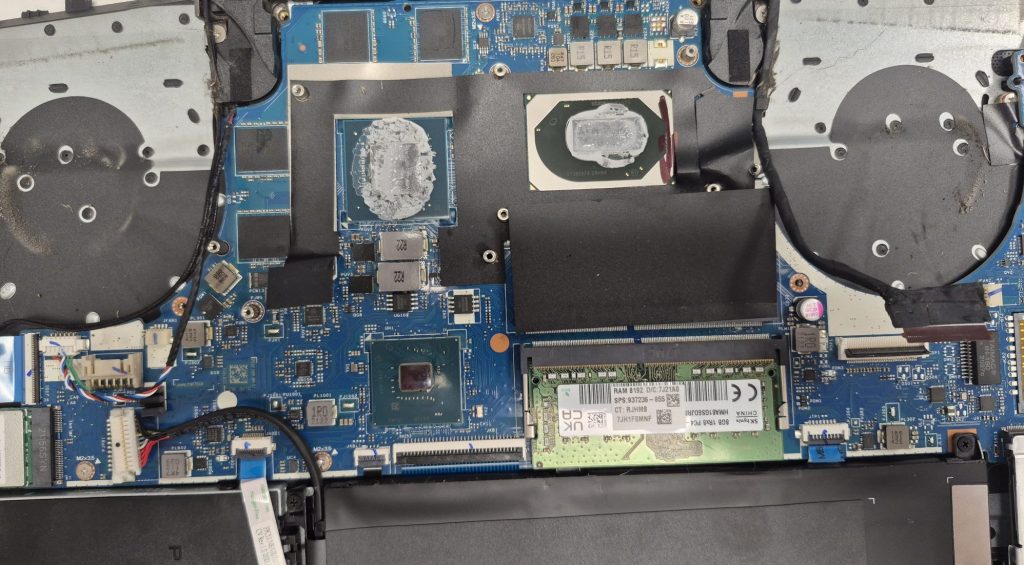
Once external power is ruled out, we move inside and start isolating components. The most reliable technique is reducing the system to its absolute minimum: CPU, one stick of RAM in the primary slot, and the power supply connected to the motherboard. Everything else — drives, GPU, additional RAM sticks, peripherals — comes out. The goal is to eliminate as many variables as possible so that if the system responds, we know exactly what changed.
Step 3: Read the Board’s Diagnostic Signals
Many modern motherboards include diagnostic LED indicators or POST code readouts — small alphanumeric displays that show exactly where the startup process is stalling. When a board has these, they can point us directly toward a RAM issue, a CPU problem, or a fault on the board itself. We also do a thorough visual inspection at this stage, looking for things like bulging or leaking capacitors — a common failure point in older machines that’s only visible once the system is open.
Why Taking the Time to Do It Right Saves You Money
A slow diagnostic is almost always better than a fast guess. Misidentifying the problem — replacing a motherboard when the real issue was a failed power supply, for example — is an expensive mistake that proper diagnostic work prevents. It also means we don’t end up replacing parts that didn’t need replacing, which keeps your repair cost honest.
What to Expect When You Bring In a Computer That Won’t Turn On
If you’re bringing in a machine with no power, here’s what you should know upfront:
- A repair quote cannot be given until the diagnostic is complete.
- The diagnostic fee is separate from the repair cost, because the work of isolating a no-power issue is real, skilled labor — regardless of what the final fix ends up being.
- At the end of the diagnostic, you’ll get a clear explanation: what failed, what it will take to fix it, and whether the repair actually makes financial sense given the age and condition of the machine.
Nobody should walk out of a repair shop more confused than when they walked in. Transparency about the process — including timelines and costs — is something we take seriously.
Frequently Asked Questions
How long does it take to diagnose a computer that won’t turn on?
It depends on the cause, but a no-power diagnostic typically takes longer than a standard software or crash issue. Component isolation and testing takes time to do correctly. We’ll always give you an honest timeline estimate when you bring the machine in.
Can you give me a repair quote before the diagnostic?
Not for a no-power case, no. The repair cost depends entirely on which component failed — and we won’t know that until the diagnostic is done. Any shop that quotes you a flat repair price before diagnosing a dead machine is guessing.
Is it worth repairing a computer that won’t turn on?
Sometimes yes, sometimes no. It depends on the machine’s age, the failed component, and the cost of repair versus replacement. We’ll give you our honest assessment either way — including if we think a new machine is the better call.
Located in Los Angeles? We Can Help.
If your computer has gone completely dark and you’re in the Los Angeles area, bring it in. We’ll walk you through every step of the process, tell you exactly what we find, and give you a straight answer about whether a repair makes sense. No guesswork, no surprises.
