

I get this question a lot whenever clients bring their systems to the shop. In most cases, a technician should be able to figure out what’s wrong — or at least have a strong lead — after a quick inspection. But that’s not always the case, and I think it’s worth explaining why.
The easier a computer is to diagnose, the more it’s actually doing. When a system is experiencing a problem, hardware and software almost always affect each other, and that interaction gives us valuable clues. The more the machine is communicating — even through errors or strange behavior — the more we have to work with.
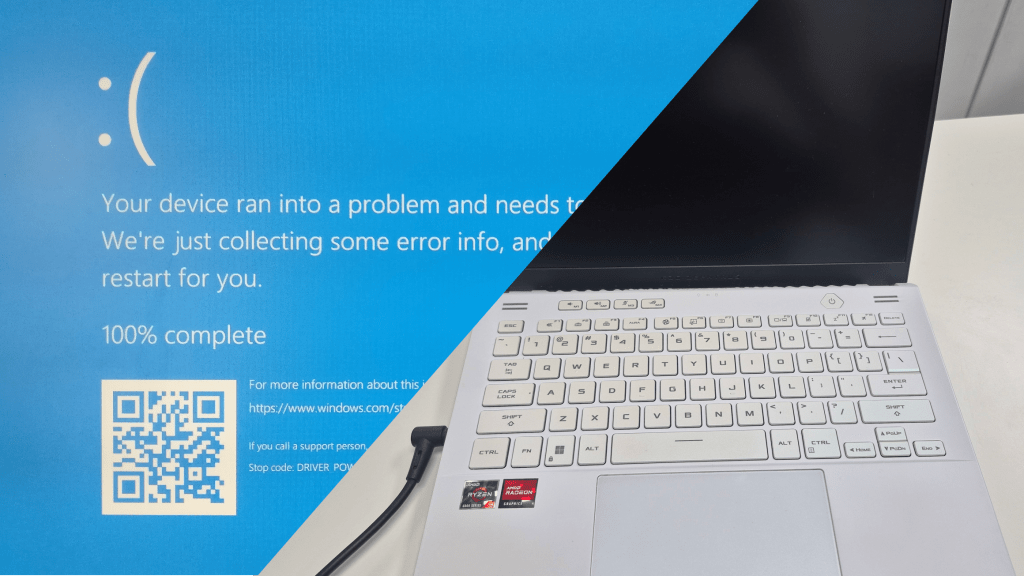
A good example is the Blue Screen of Death. As alarming as it looks, a BSOD is one of the more straightforward problems to diagnose. The system is still running, still giving us information, and that makes all the difference. The same goes for a computer that shuts down randomly — because the machine is still powering on, we can observe its behavior directly. Random shutdowns often come down to overheating, and one of the biggest giveaways is fans immediately running at full speed on startup. When that lines up with what a client describes, we usually have a strong lead within minutes.
This is the key distinction: a computer that’s on — even one that’s crashing or misbehaving — is still communicating. A computer that won’t turn on at all is not, and that’s where things get more involved.
When a Computer Shows No Signs of Life
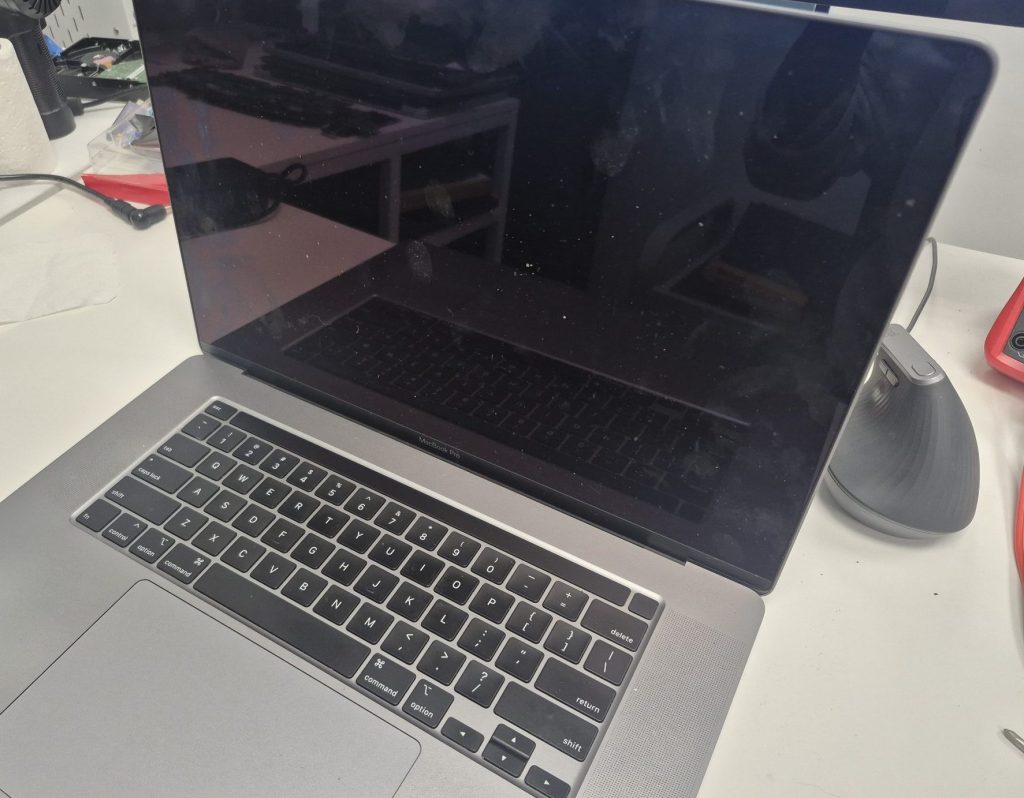
A completely unresponsive system is one of the more time-intensive diagnostics we deal with. There are no error messages, no fan behavior to observe, no event logs to pull — nothing. The machine has gone completely silent, which means we have to go looking for answers rather than simply reading the ones it’s giving us.
The problem could be rooted in several different components — the power supply, the motherboard, the RAM, or even something as simple as the wall outlet or power cable — and each has to be considered and ruled out one by one. Because there’s no single symptom pointing us in a clear direction, the process becomes one of methodical elimination, and that simply takes more time than a typical diagnostic.
The first place I always start is outside the machine itself. Before opening anything up, I’ll check the outlet, the power strip, and the cable. It sounds almost too simple, but a tripped surge protector or a subtly damaged power cable is responsible for more “dead computer” visits than most people would expect.
Working from the Outside In
Once external power is ruled out, we move inside and begin isolating components. One of the most reliable techniques is stripping the system down to its absolute minimum — just the CPU, a single stick of RAM in the primary slot, and the power supply connected to the motherboard. Everything else comes out. The goal is to reduce variables as much as possible so that if the system responds, we know exactly what made it respond.
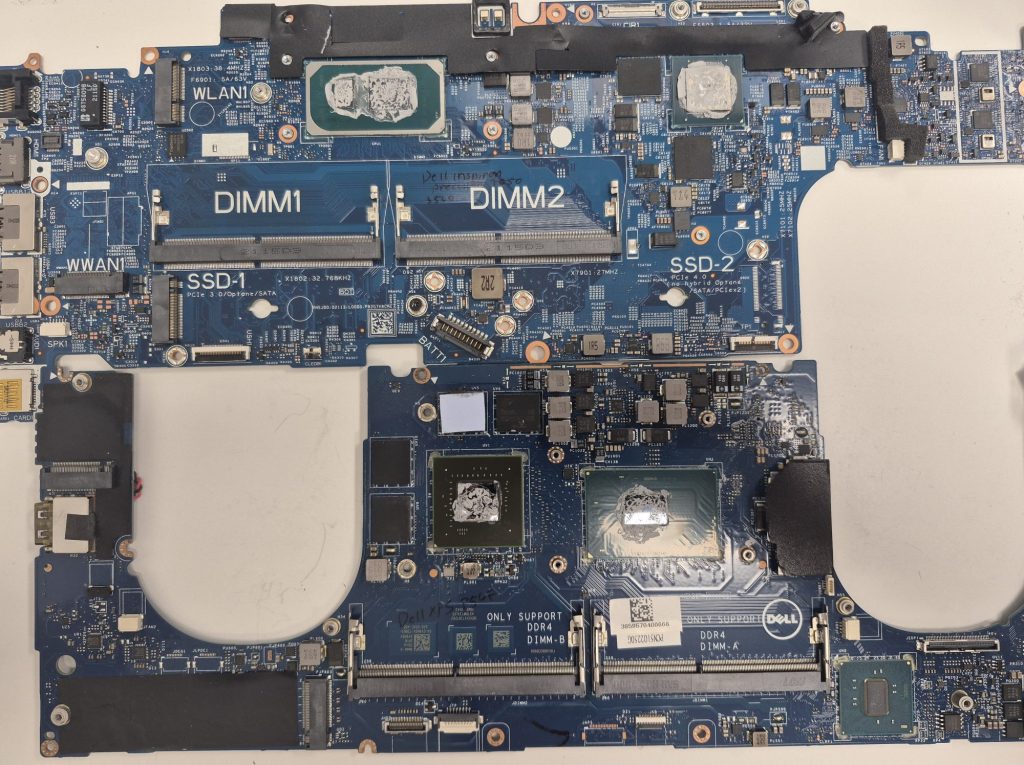
From there, we power it on and pay close attention. Many modern motherboards include diagnostic LED indicators or POST codes — small alphanumeric readouts that show exactly where the startup process is stalling. When a board has these, they can point us directly toward a RAM issue, a CPU problem, or a fault on the board itself. We also do a thorough visual inspection at this stage, looking for things like bulging or leaking capacitors, a common failure point in older machines that’s impossible to spot without opening the system up.
Why This Takes Time — and Why That’s a Good Thing
A thorough diagnostic, even a slow one, is far better than a rushed one. Misidentifying the problem — replacing a motherboard when the real culprit was a failed power supply, for example — is an expensive mistake, and it’s exactly the kind of mistake that proper diagnostic work prevents. Taking the time to do it right saves everyone money and frustration in the end.
What You Can Expect When You Bring In a Dead System
If you’re bringing in a computer that won’t turn on, the most important thing to know upfront is that a repair quote can’t be given until the diagnostic is complete. The diagnostic fee is billed separately from the repair itself, because the work involved in isolating a no-power issue is real, skilled labor — regardless of what the final fix ends up being.
What you’ll always get from us at the end of that process is a clear, honest explanation: what failed, what it will take to fix it, and whether the repair actually makes financial sense given the age and condition of the machine.
Nobody should leave a repair shop feeling more confused than when they walked in — and if you’re in the Los Angeles area and your computer has gone dark, we’re here to help you figure it out.
 ITBrother