

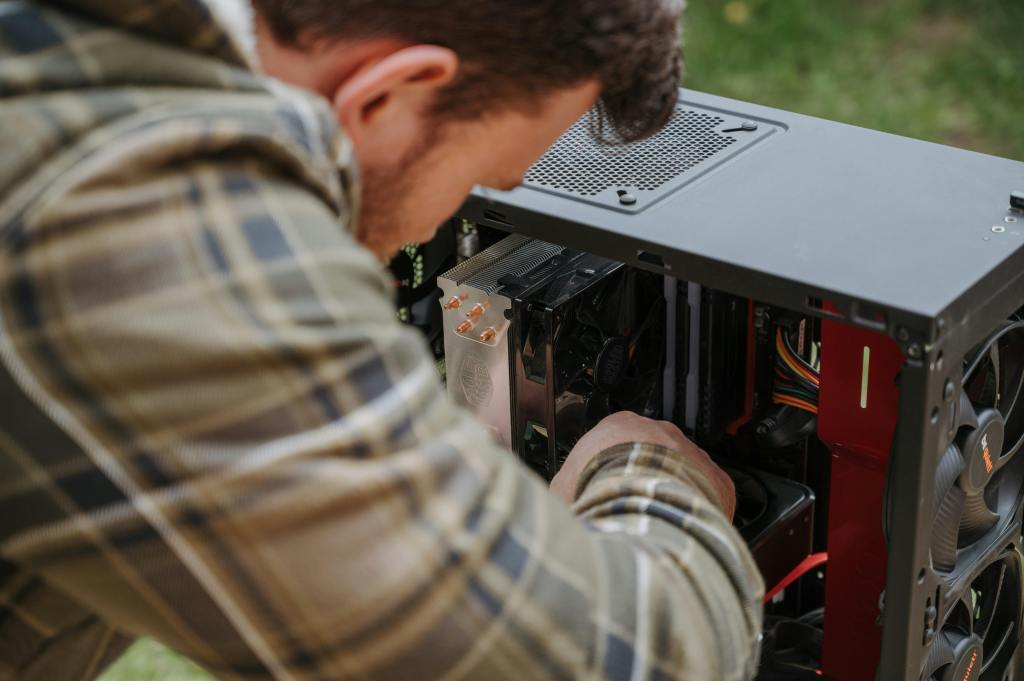
Most people don’t think about computer maintenance until something breaks. It’s human nature — if it’s working, why touch it? But here’s the truth we see every single day at our shop: the repairs that hurt the most (in time, money, and stress) almost always could have been prevented. Preventative maintenance for your laptop or desktop isn’t just a good habit — it’s one of the smartest investments you can make in your tech.
Let’s talk about why.
What Is Preventative Maintenance for a Computer?
Preventative maintenance can have various meanings but to us it’s the practice of inspecting, cleaning, updating, and servicing your laptop or desktop before a problem occurs. The goal isn’t to fix something that’s broken — it’s to make sure it never breaks in the first place, or at least extends the time before it does.
Think of it like going to the dentist for a cleaning twice a year. Nobody enjoys it, but it beats the alternative: an unexpected root canal at the worst possible moment. For your computer, skipping maintenance is how a $30 cleaning job quietly turns into a $400 repair — or worse, a full replacement.
The Real Cost of Skipping Computer Maintenance
Here’s something we can be completely transparent about: reactive repairs almost always cost more than preventative ones.
When you bring in a laptop or desktop that’s been neglected, we often find that one small, unaddressed issue has caused a chain reaction of damage. Dust buildup restricts airflow and causes overheating. Overheating stresses the CPU, GPU, and even the motherboard. A battery that was never properly managed swells and can physically damage surrounding components. A software issue that went unpatched opens the door to malware that corrupts the drive.
Consider these real-world comparisons:
- Dust cleaning for a laptop runs a fraction of what a motherboard replacement costs. Yet chronic overheating from clogged vents is one of the leading causes of motherboard failure we see come through the door.
- Replacing thermal paste on a desktop CPU is a quick, inexpensive service. Letting dried-out paste push your processor past safe temperatures for months? That can take out the CPU, the cooler, and sometimes components on the board itself.
- Catching a failing hard drive early — when it’s showing warning signs but still functional — means a clean data backup and a planned replacement. Missing those signs means a crashed drive, potential data loss, and an emergency repair when you can least afford the downtime.
- A swollen laptop battery is a $60–$100 fix when caught early. Left unaddressed, it can warp the chassis, crack the trackpad, and in some cases create a safety hazard. Now you’re looking at a significantly more expensive repair, if the machine is even salvageable.
These are some of the things I come across very often at my shop. What could’ve been an inexpensive maintenance job ends up being a costly repair.
Why People Skip Laptop and Desktop Maintenance (And Why Those Reasons Don’t Hold Up)
Let’s be honest about the most common objections we hear:
“I don’t have time.” Most computer maintenance tasks take less than an hour, not days. Running a disk check, clearing startup programs, or bringing your machine in for a cleaning doesn’t require a big time commitment when done on a regular schedule. What is time-consuming is being without your laptop for a week while we source parts for a repair that didn’t need to happen.
“It costs money I don’t want to spend.” This is the big one and I can understand the thought. But as we outlined above, the math just doesn’t work in favor of skipping preventative maintenance. Spending a modest amount consistently saves you from spending a large amount suddenly — and often without warning. Computers don’t usually announce their failures in advance.
“Nothing seems wrong with it.” This is exactly the mindset that leads to expensive surprises. Some of the most damaging problems — like early thermal throttling, gradual SSD degradation, developing capacitor issues, or a battery quietly swelling inside a sealed chassis — are completely invisible to the user until they aren’t. By the time you notice something is wrong, the damage is often already done.
“I’ll get to it eventually.” Eventually is usually too late. Dust doesn’t stop accumulating. Thermal paste doesn’t stop drying out. Batteries don’t stop aging. Wear and degradation don’t pause while you get around to it.
What Preventative Maintenance for Laptops and Desktops Actually Looks Like
Here’s what preventative maintenance look like for computers specifically:
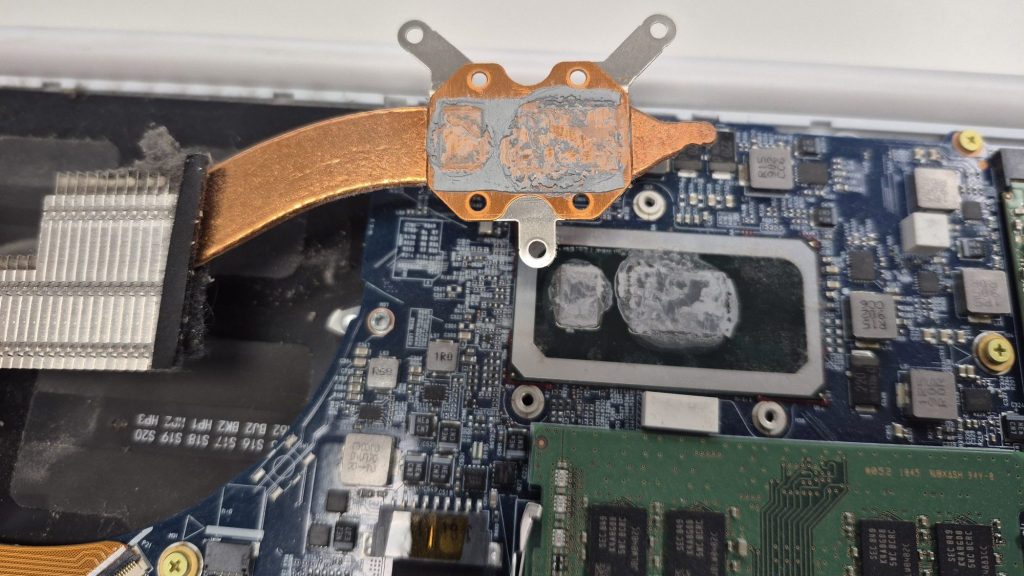
Dust and Thermal Cleaning This is the big one. Dust accumulates in vents, fans, and heatsinks over time, blocking airflow and causing components to run hotter than they’re designed to. For laptops, we recommend a professional cleaning every 12–18 months depending on your environment. Desktops — especially those on the floor or in dusty spaces — may need it more frequently. We also re-apply fresh thermal paste at this stage, which dries out and loses effectiveness over time.
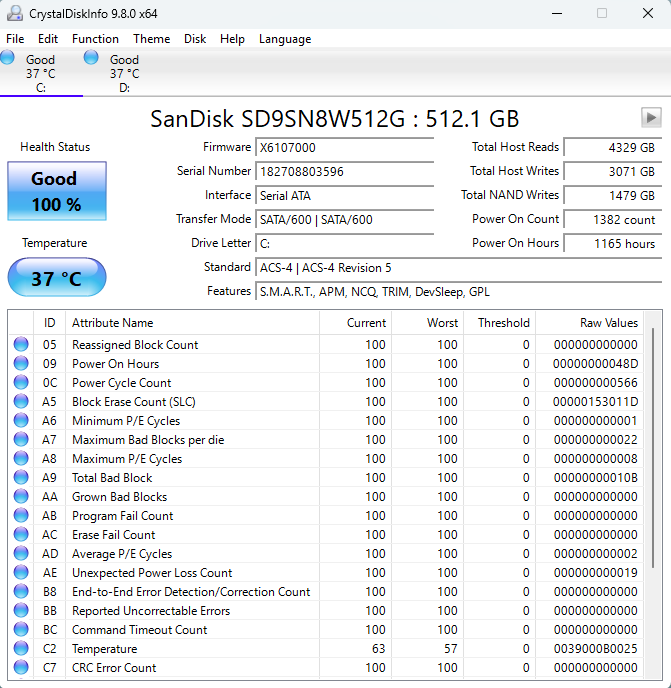
Storage Health Monitoring Both traditional hard drives (HDDs) and solid-state drives (SSDs) have built-in diagnostic data called S.M.A.R.T. (Self-Monitoring, Analysis, and Reporting Technology) that can flag early warning signs of failure. Checking this periodically — something we do during every inspection — gives you a heads-up before a drive fails, so you can back up your data and replace the drive on your terms.
Battery Inspection and Management Laptop batteries degrade naturally over time, but poor charging habits or heat accelerate the process. We check battery health, cycle count, and look for any signs of swelling. Catching a degrading battery early is a simple, low-cost fix. Missing it isn’t.
Software, OS, and Driver Updates Keeping your operating system and drivers current isn’t just about new features — it’s a critical part of system security and stability. Outdated drivers can cause hardware conflicts and performance issues. Unpatched operating systems are prime targets for malware. We review update status and flag anything that’s fallen behind.
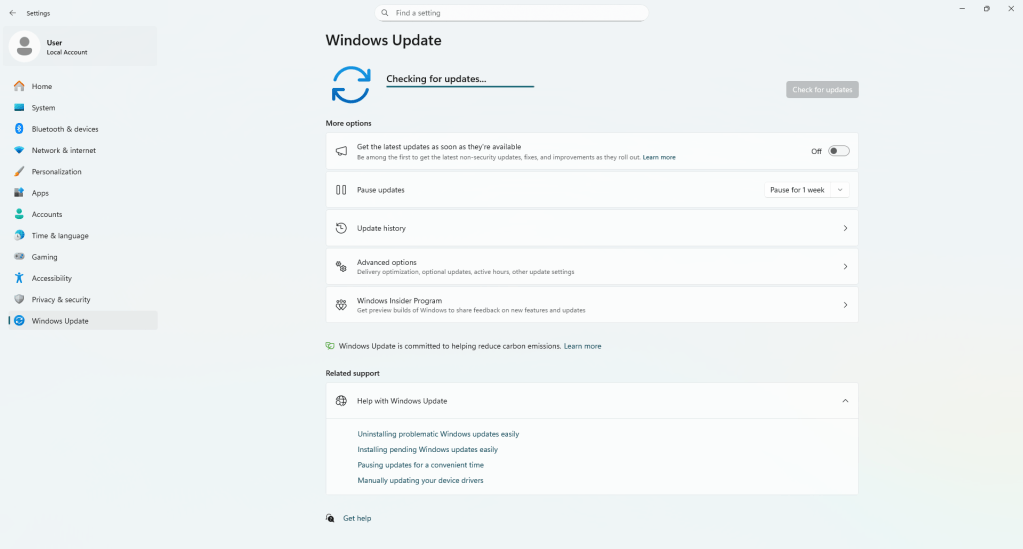
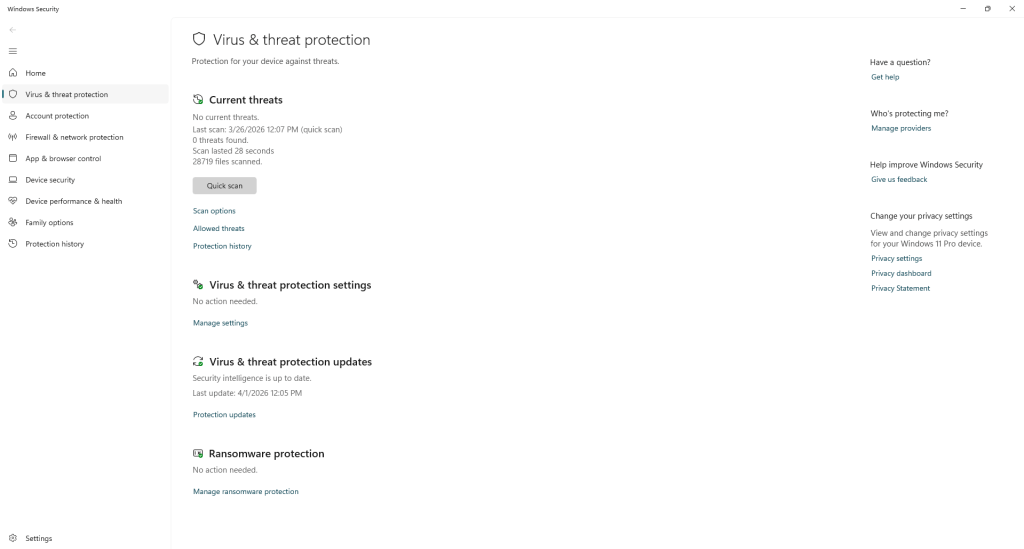
Malware and Startup Audit Over time, computers accumulate software they don’t need — background processes, bloatware, and sometimes actual malware — that slow performance and quietly consume resources. A periodic audit of what’s running on your system keeps things clean and fast.
Physical Inspection Loose hinges, fraying cables, cracked chassis components, worn keyboard contacts — these are the kinds of small physical issues that are cheap to address early and expensive to ignore.
The Right Mindset: Ownership, Not Avoidance
One thing we’ve noticed over the years is that customers who actively maintain their computers have a fundamentally different experience with their technology. They’re not waiting for failure — they’re ahead of it. And when they do need us for a repair, those repairs are usually simpler, cheaper, and faster because the machine hasn’t been left to deteriorate.
We genuinely love helping customers take a proactive approach. It means we’re working with you to extend the life of your laptop or desktop, not just reacting to emergencies. Our focus here is to make sure your machine is up and running for as long as possible.
How We Can Help
If you’re not sure where your laptop or desktop stands, bring it in and we’ll take a look. We offer honest, transparent assessments and we’ll tell you exactly what we see — what’s in good shape, what could use attention, and what’s genuinely urgent. Just straight to the point.
Preventative maintenance doesn’t have to be complicated. It just has to be consistent. And we’re here to make that as easy as possible for you.
Have a question about maintaining your laptop or desktop? Call us, drop a message, or stop by the shop in Downtown, Los Angeles — we’re always happy to talk through it with you.
