
James Hwang
-
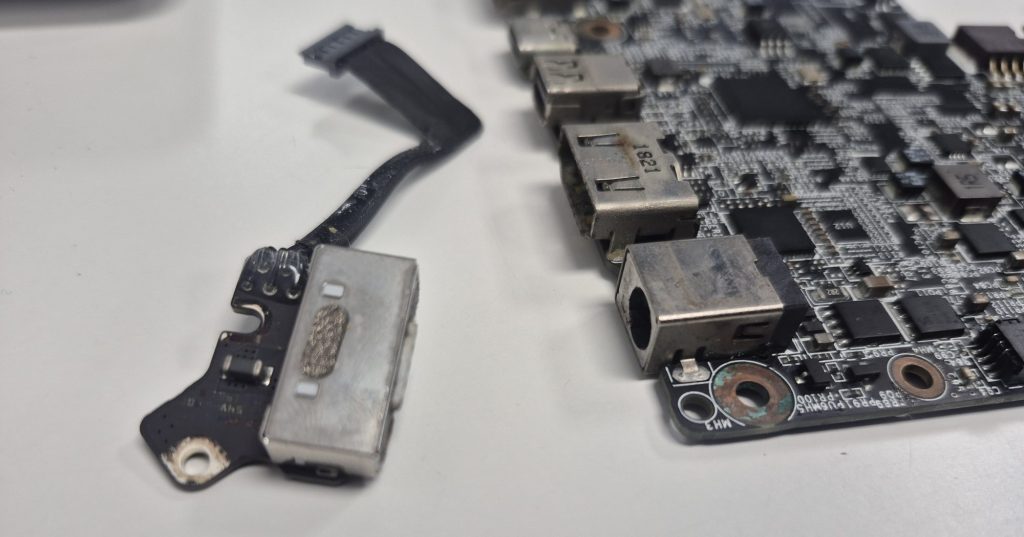
Charging Port Feels Loose but Still Charges: Causes, Risks, and Repair Options
A loose charging port, while still functioning, can signal impending internal damage in laptops, phones, and…
-
Computer Powers On But No Display or POST Beep Codes Explained
When a PC turns on but shows no display and no beep codes, users may be…
-
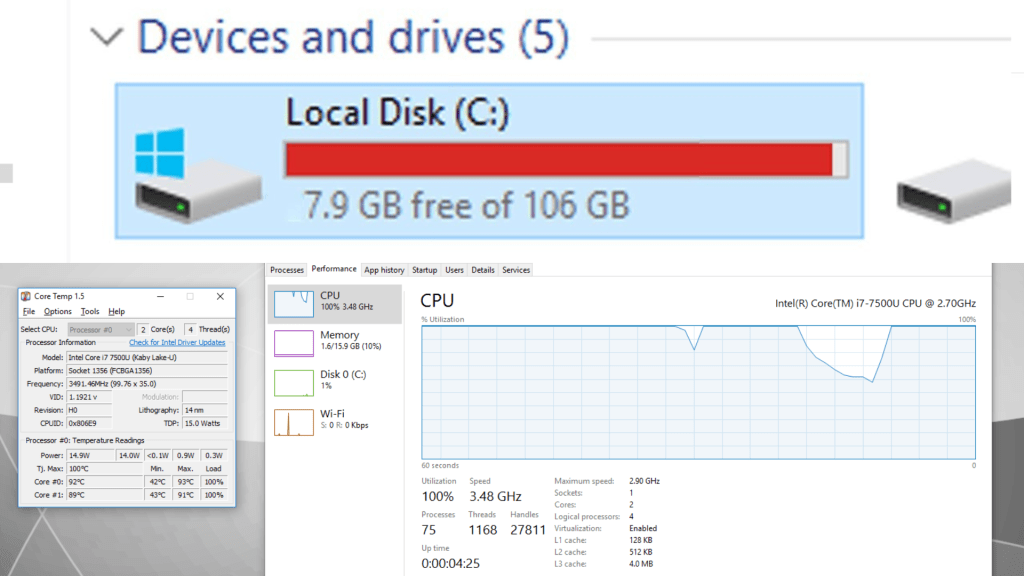
컴퓨터 초기화 후에도 느리다면? 진짜 원인은 따로 있습니다
컴퓨터를 초기화한 후에도 여전히 느리다면, 문제는 소프트웨어가 아니라 하드웨어에 있을 가능성이 높습니다. 주요 원인으로는 HDD를 사용…
-
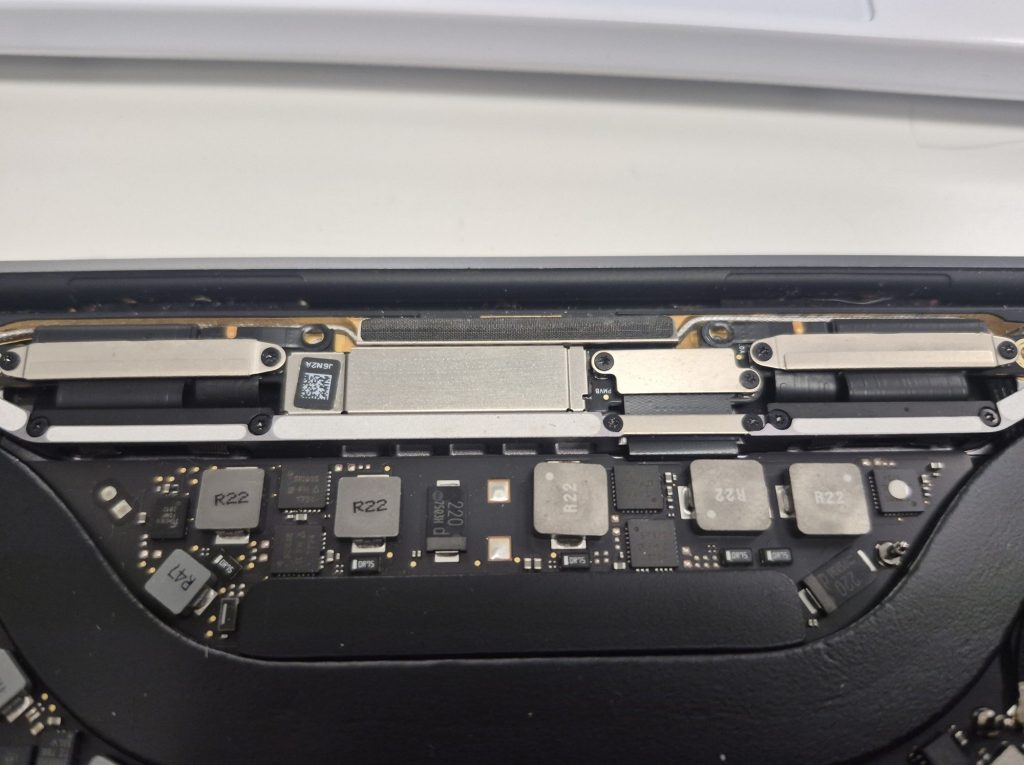
MacBook Pro Flexgate: What It Is and How It Can Be Fixed
The MacBook Pro Flexgate issue affects 2016 and 2017 models, causing display failures without visible damage.…
-
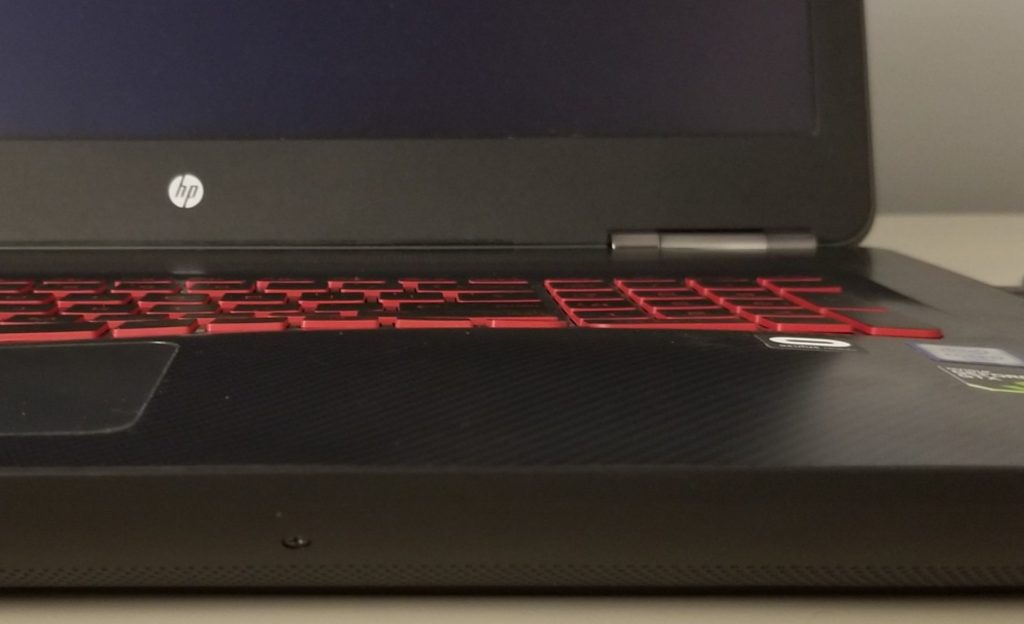
Laptop Base Slightly Warped From Battery Expansion: What It Means and What To Do
Laptop base warping frequently results from swollen lithium-ion batteries, posing safety risks and compromising hardware integrity.…
-
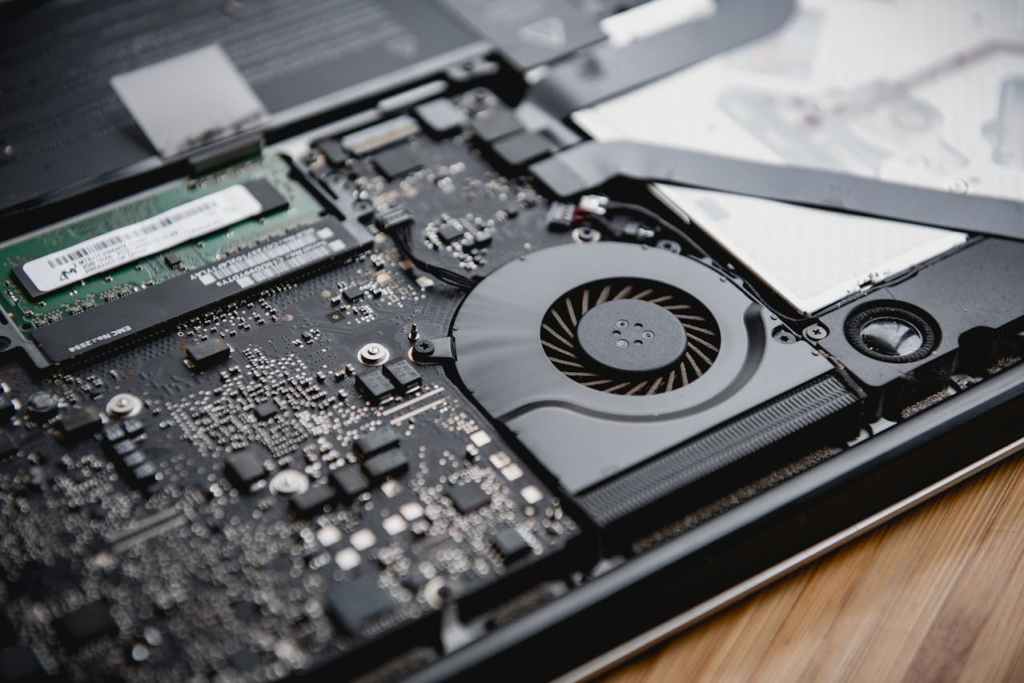
메인보드 수리, 언제 고려할 가치가 있을까? (노트북·데스크탑 보드 레벨 수리 가이드)
많은 사람들이 노트북과 데스크탑의 메인보드가 수리 가능하다는 사실을 잘 모릅니다. 이를 **보드 레벨 수리(Board-Level Repair)**라고 하며,…
-
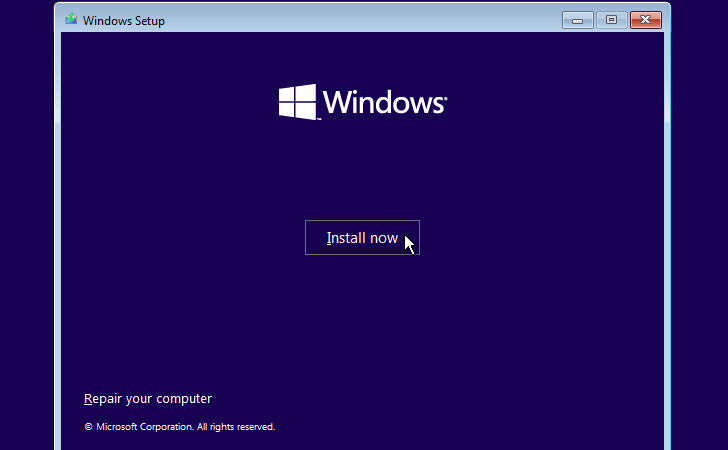
Why Reinstalling the Operating System Doesn’t Fix Some Computer Problems
Repair shops often start diagnosing computer issues by reinstalling the operating system, which helps eliminate software-related…
-
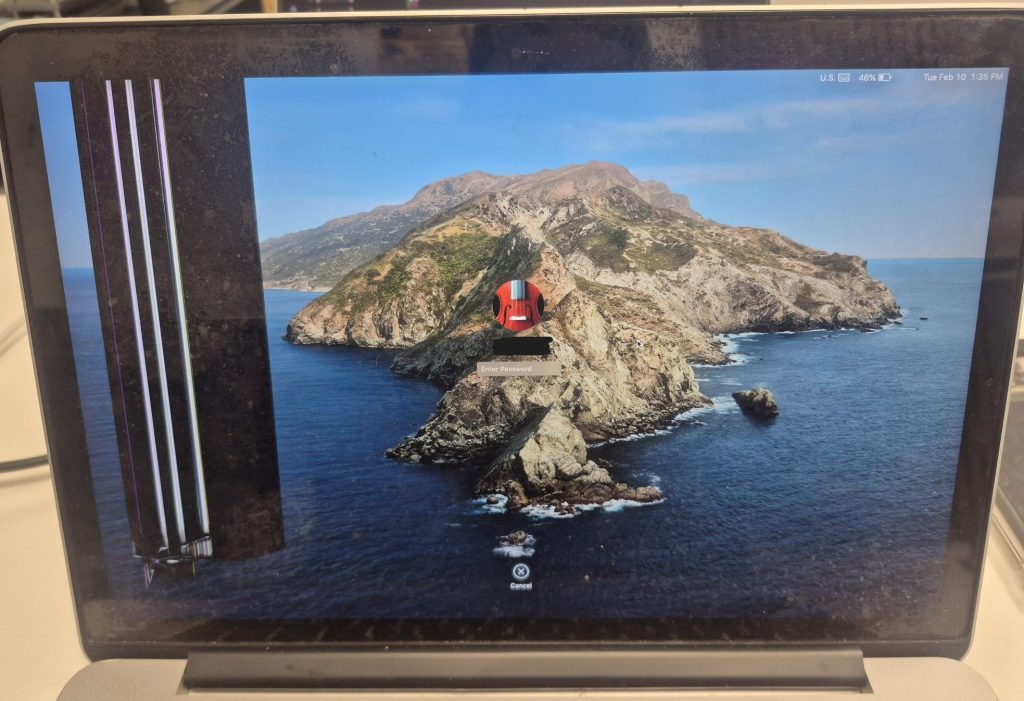
MacBook Pro A1502 (EMC 2835) Screen and Speaker Replacement – Repair Log
The MacBook Pro A1502 was recently repaired, receiving a new Retina display and internal speakers. Despite…
-
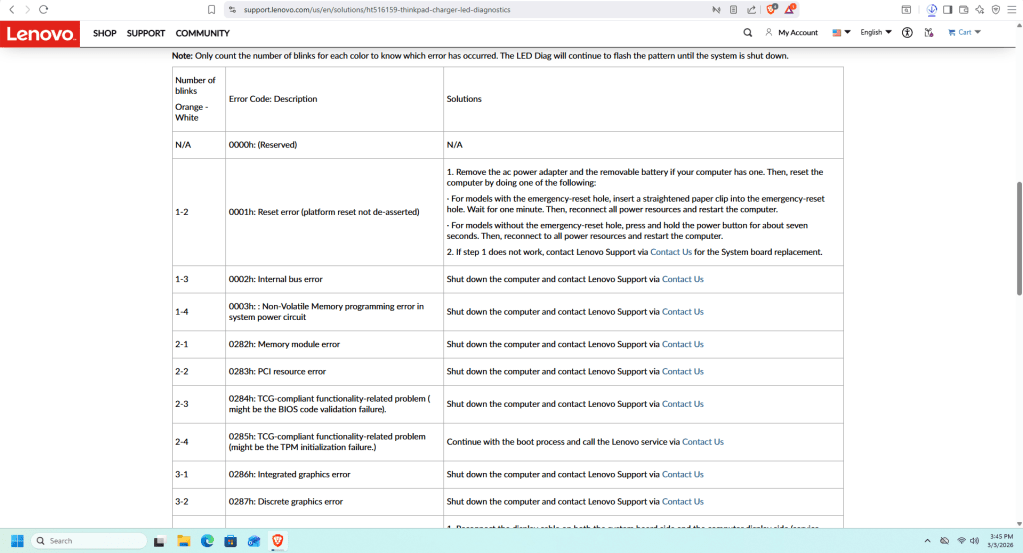
컴퓨터에서 갑자기 삐 소리가 나거나 불빛이 깜빡인다면? 그 의미와 해결 방법
컴퓨터가 부팅 중 비프음이나 LED 점멸 패턴을 발생시키는 경우, 이는 무작위 오류가 아니라 진단 신호를 의미합니다.…
-
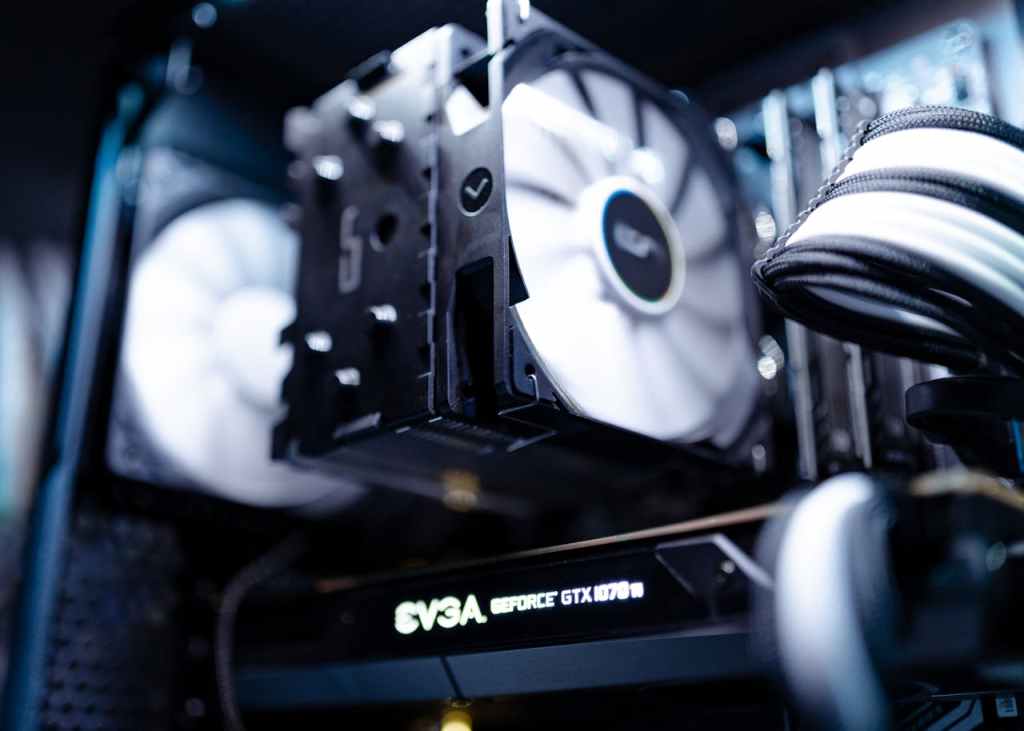
Fans Are Loud but Performance Is Still Poor: When Cooling Systems Fail
Loud fan noise and poor computer performance often indicate cooling issues, typically due to dried thermal…
 ITBrother