
James Hwang
-
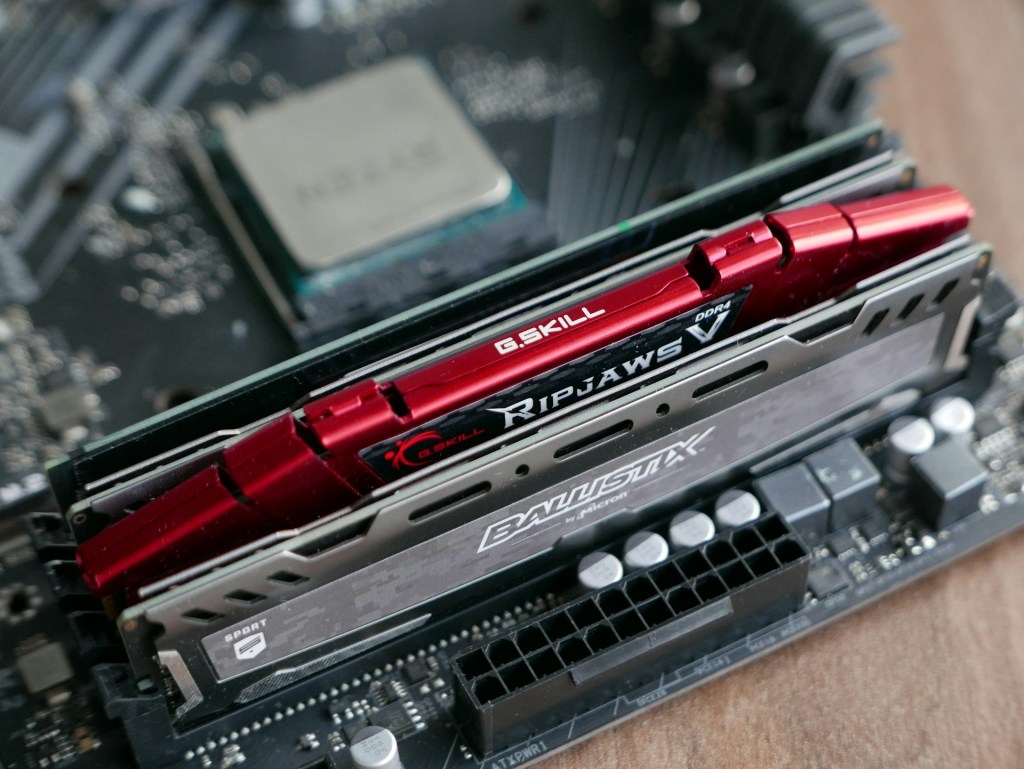
Micron Exits the Consumer RAM and SSD Market — What This Means for Everyday Users
Micron Technology’s decision to exit the consumer RAM and SSD market marks a pivotal change in…
-
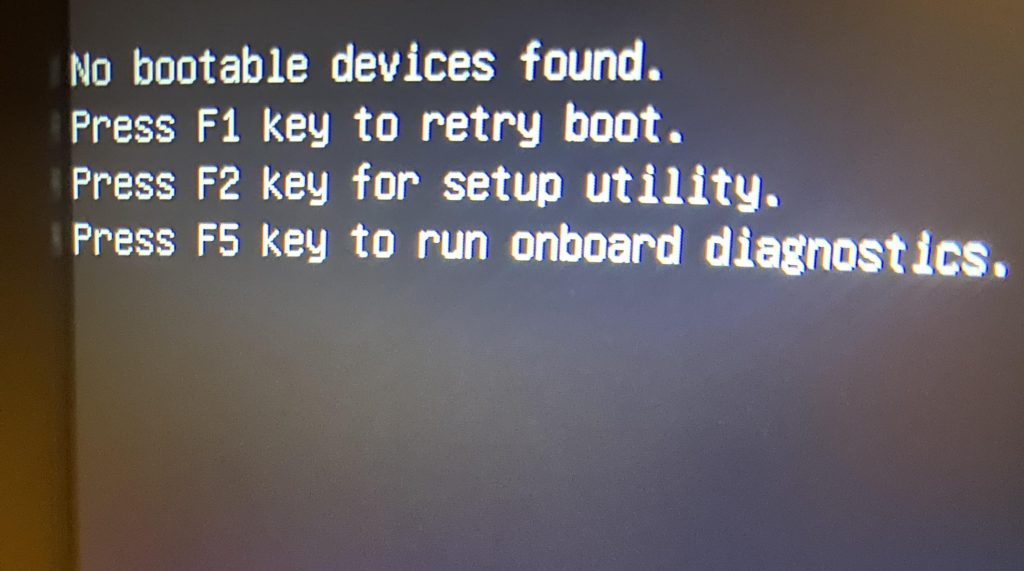
“부팅 가능한 장치가 없습니다(No Boot Device Found)”란 무엇인가 — 그리고 해결 방법
“No Boot Device Found” 메시지는 컴퓨터가 저장장치를 인식하지 못할 때 발생합니다. 주요 원인은 저장장치 고장, BIOS…
-
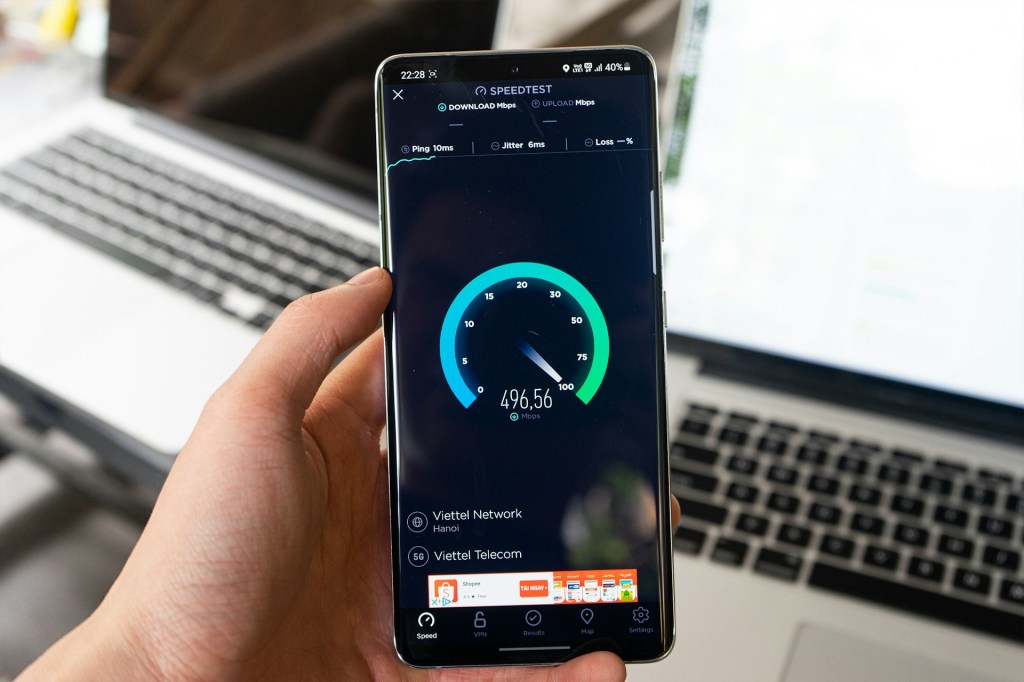
What to Do When Your Internet Keeps Dropping – Wi-Fi Troubleshooting Guide
Internet disconnections can be frustrating, especially during work or streaming. The primary solution is to restart…
-
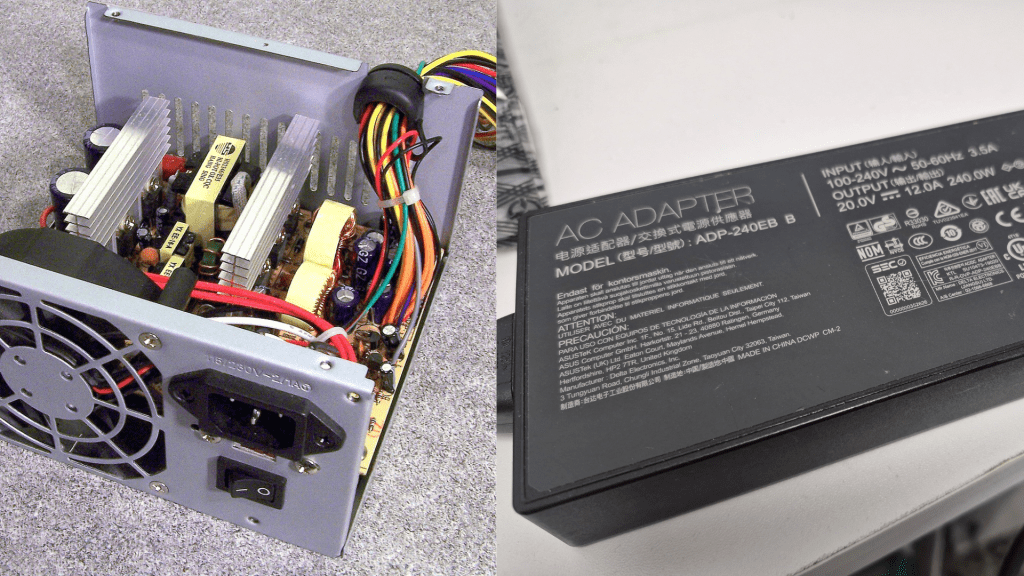
Power Supply “Pop”: Is It Salvageable?
Power supply failures can manifest as loud pops and burning odors, indicating serious hardware issues. Causes…
-
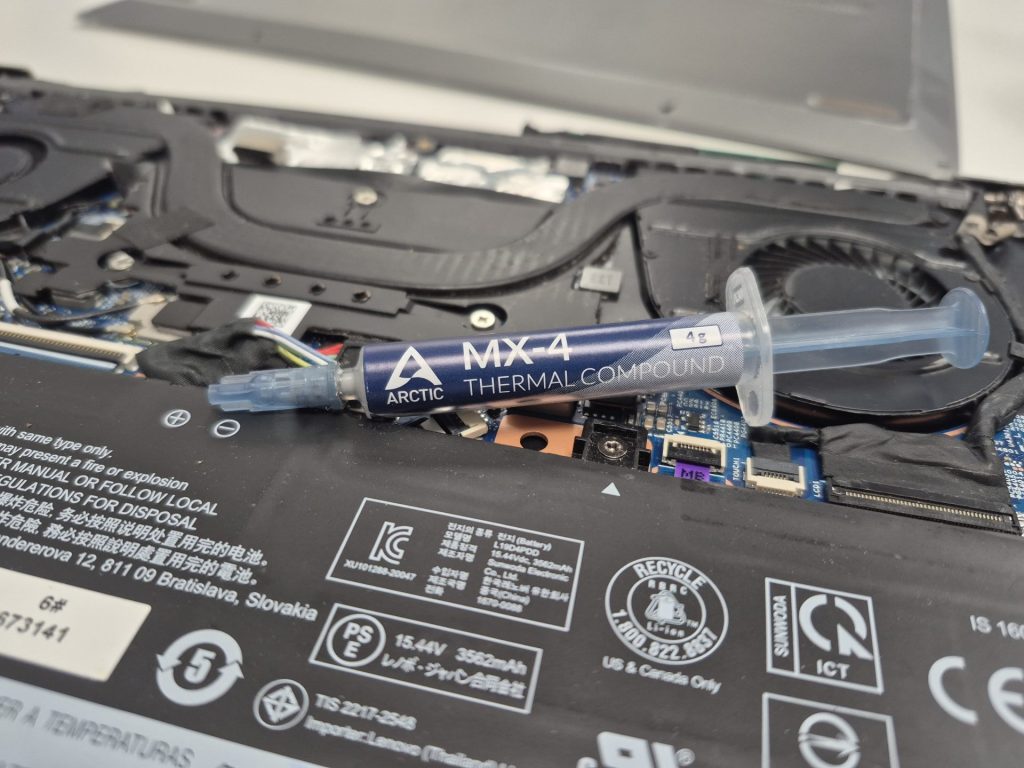
써멀페이스트 교체가 중요한 이유
컴퓨터의 발열 문제는 써멀페이스트의 고갈로 인해 발생할 수 있으며, 이는 시스템 불안정, 성능 저하로 이어질 수…
-
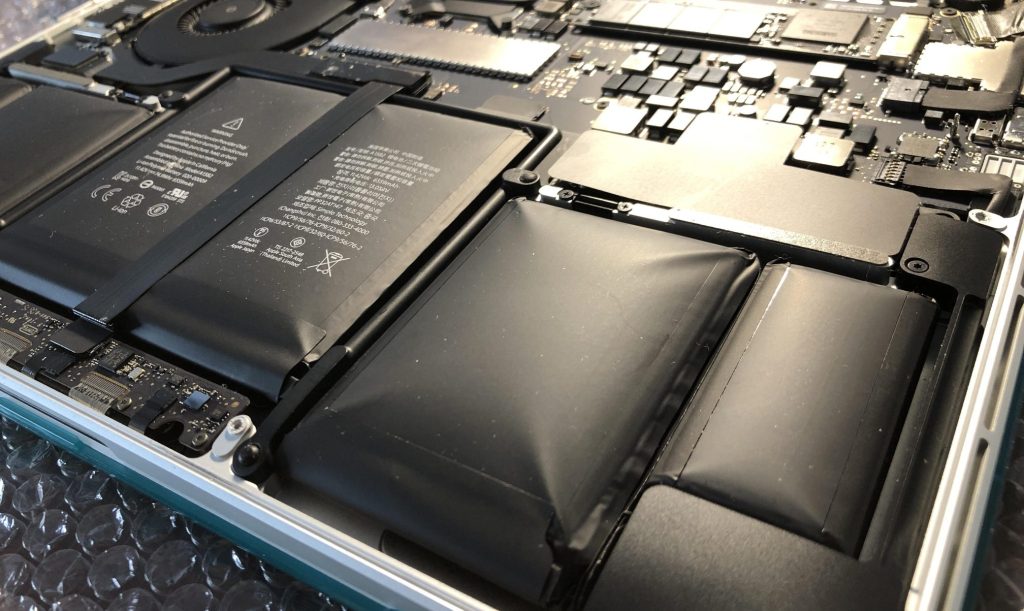
Inflated Lithium Ion batteries, don’t wait before it’s too late.
Lithium-ion batteries, common in portable devices, can swell due to age, heat, and faulty charging, posing…
-
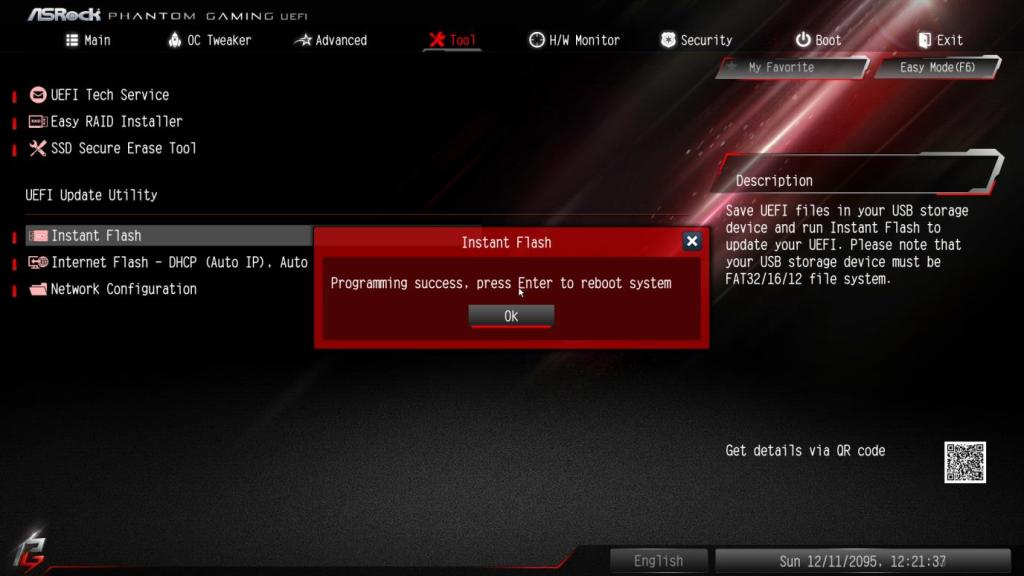
What Are BIOS and Firmware Updates — and Are They Really Necessary?
When people hear the term BIOS update or firmware update, there’s often a sense of unease…
-
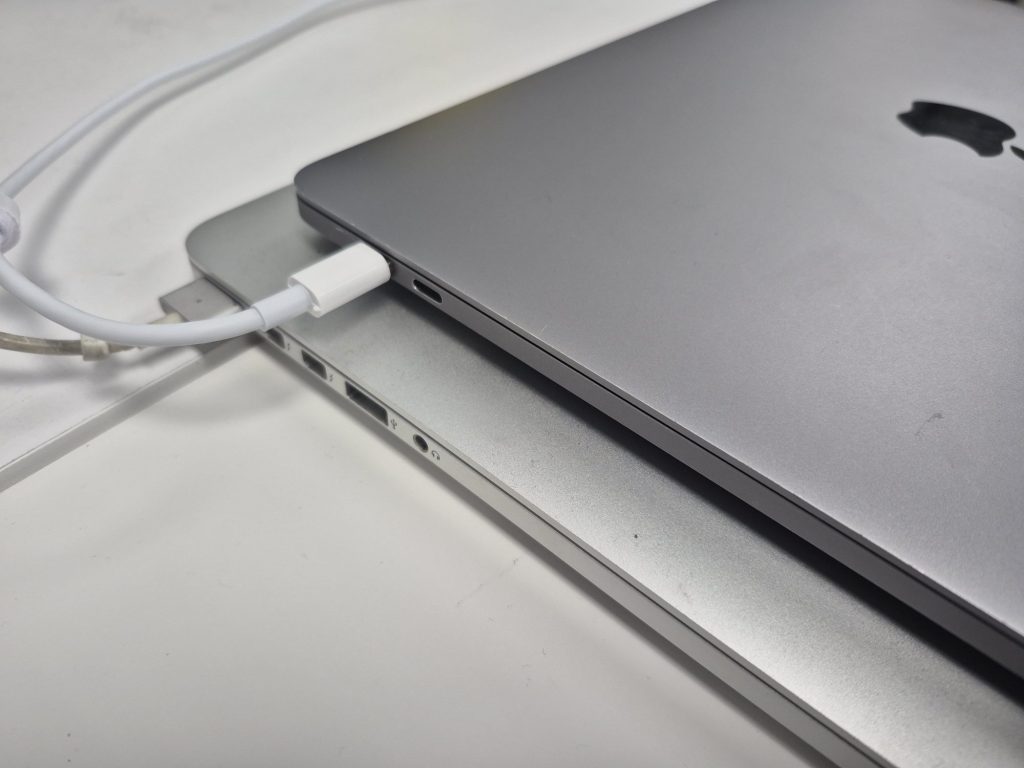
MacBook Charging Issues: Causes, Diagnosis, and Repair Solutions
MacBook charging issues are common and can stem from external factors like damaged chargers or ports,…
-
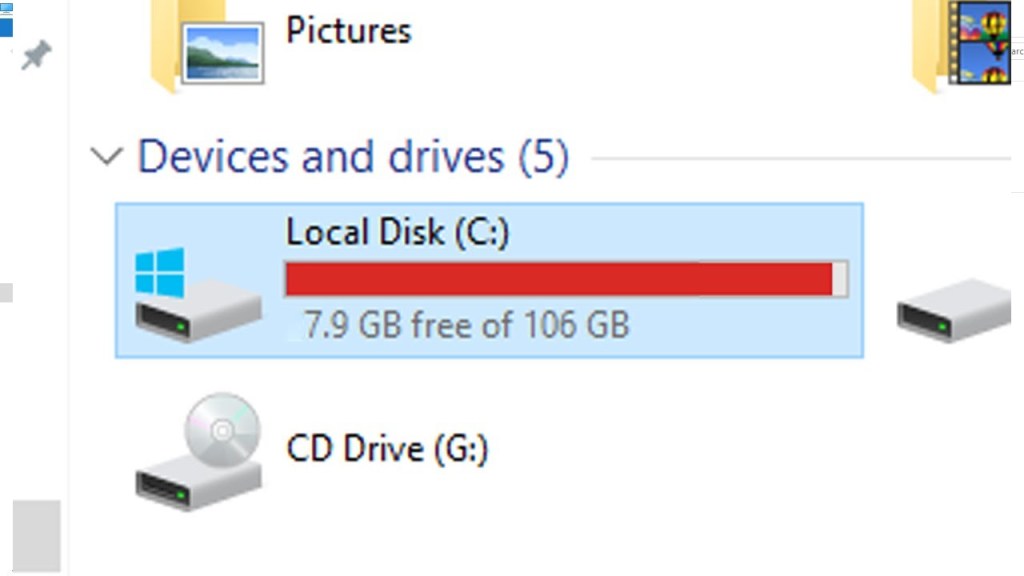
저장 공간 부족이 컴퓨터 속도에 미치는 영향
“컴퓨터가 예전보다 너무 느려졌어요.”많은 분들이 이런 불편을 겪습니다.프로그램이 실행될 때 시간이 오래 걸리고, 부팅 속도도 느려지고,…
-
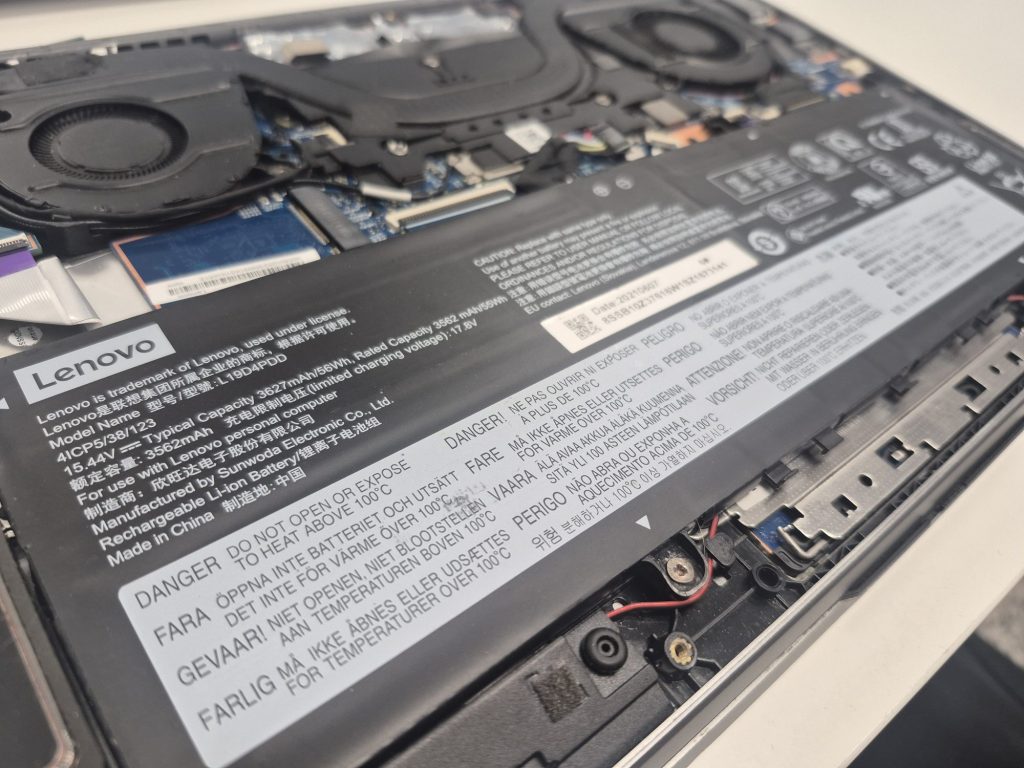
New Aftermarket Laptop Batteries — Why Some Last While Others Don’t
Laptop batteries lose charge capacity over time, necessitating replacement. Consumers often face the choice between OEM…
 ITBrother