
James Hwang
-
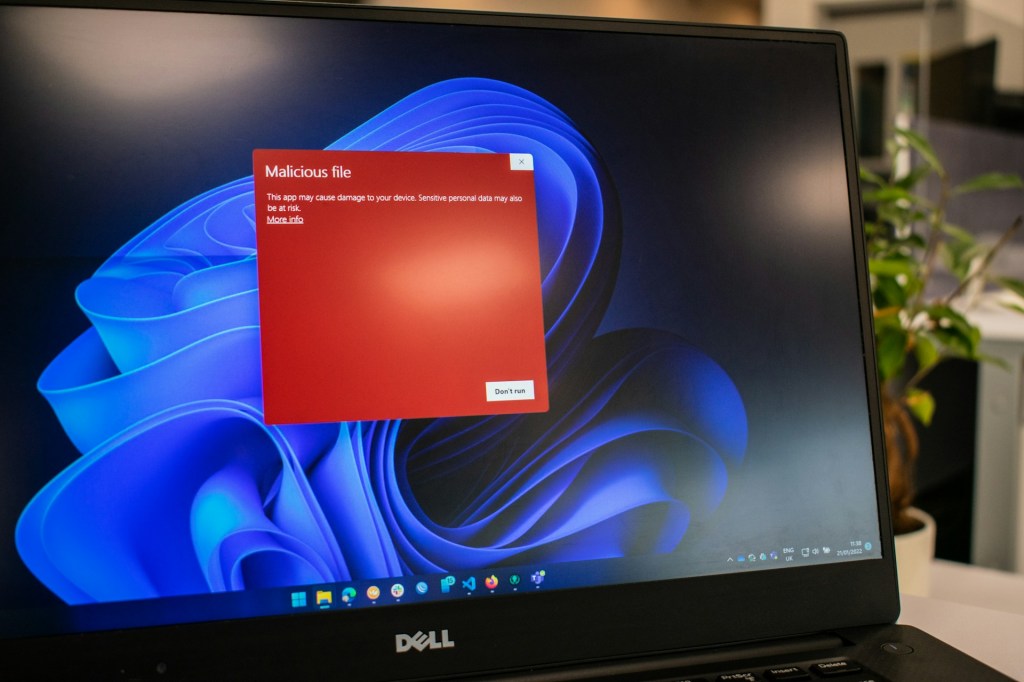
내 컴퓨터에 바이러스가 걸렸을까? 확인해야 할 징후들
컴퓨터 사용이 보편화된 요즘, 바이러스와 악성코드의 위협이 증가하고 있습니다. 사용자들은 웹 서핑 시 경계해야 하며, 랜섬웨어,…
-

Quick Computer Fixes to Try Before Going to a Repair Shop
If your computer is malfunctioning, try simple troubleshooting steps before seeking repairs. Restarting your device, rebooting…
-
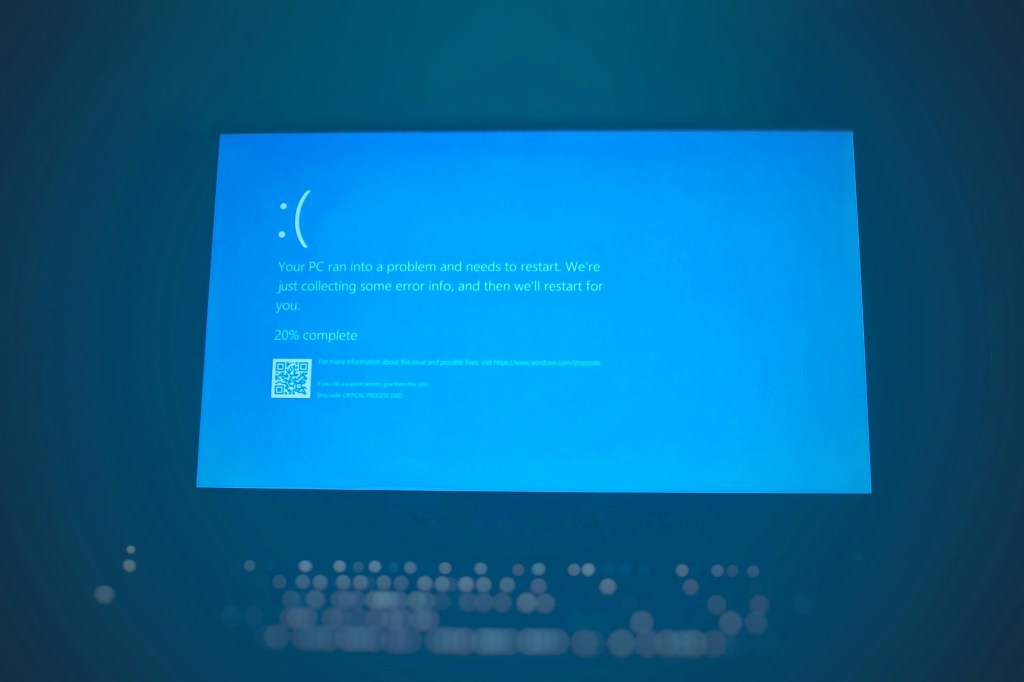
왜 블루스크린이 발생할까? 흔한 원인들과 가능한 해결 방법 정리
블루스크린 오브 데스(BSOD)는 다양한 원인으로 발생하며, 단일 해결 방법은 없습니다. 주로 윈도우 업데이트, 드라이버 문제, 프로그램…
-
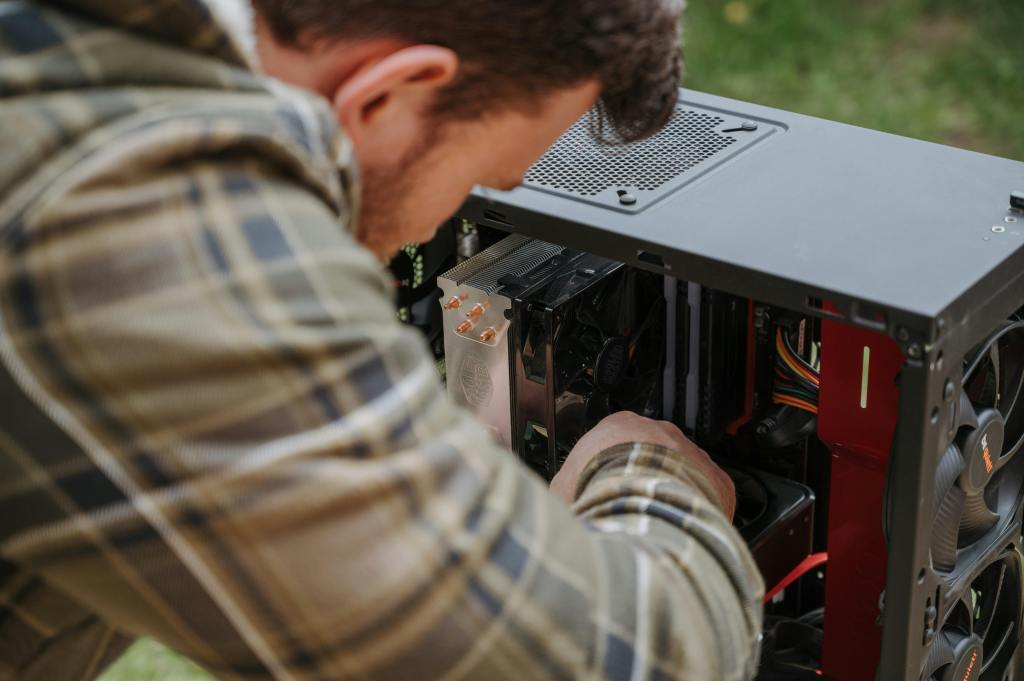
How to Safely Clean Your Computer — Inside and Out
How to Safely Clean Your Computer — Inside and Out Cleaning a computer might seem like…
-
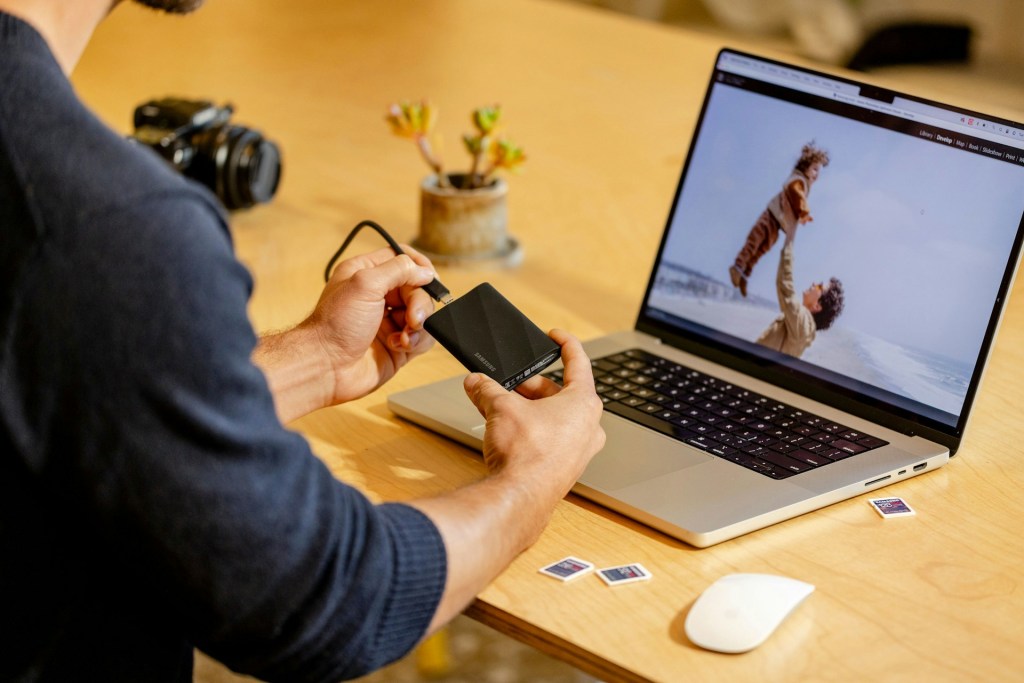
Data Backup 101: A Simple Guide to Protecting Your Important Files
In today’s data-driven world, having a reliable backup system is crucial for everyone. The 3-2-1 backup…
-
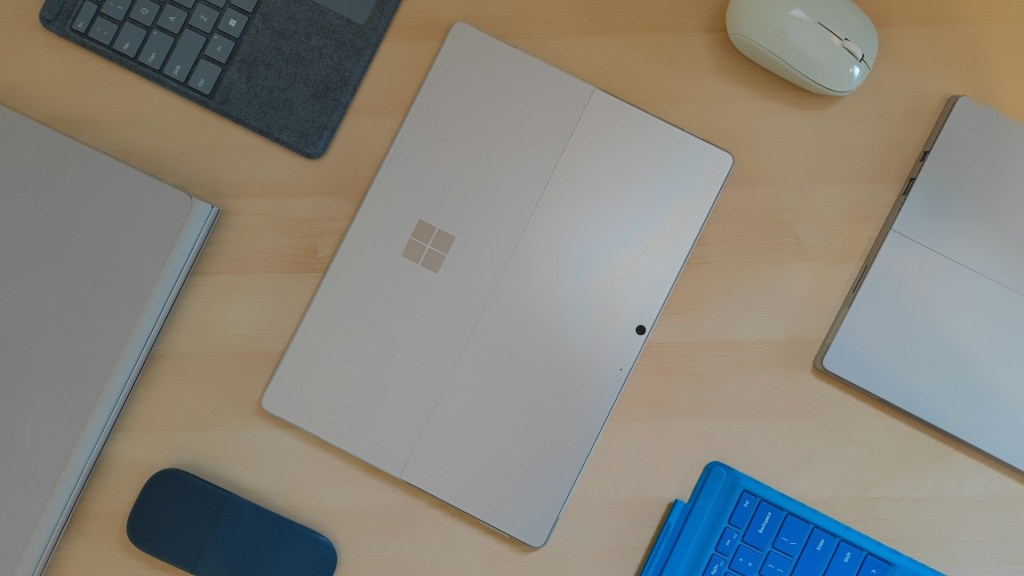
IT’s Guide: When to Replace Your Old Computer or Laptop
When considering whether to repair or replace a computer, evaluate its age, performance needs, software support,…
-

시간이 지나면서 컴퓨터가 느려지는 이유
컴퓨터 속도 저하는 다양한 원인으로 발생하며, 소프트웨어 과부하, 저장공간 부족, 악성코드, 노후 하드웨어, 과열 등이 주요…
-
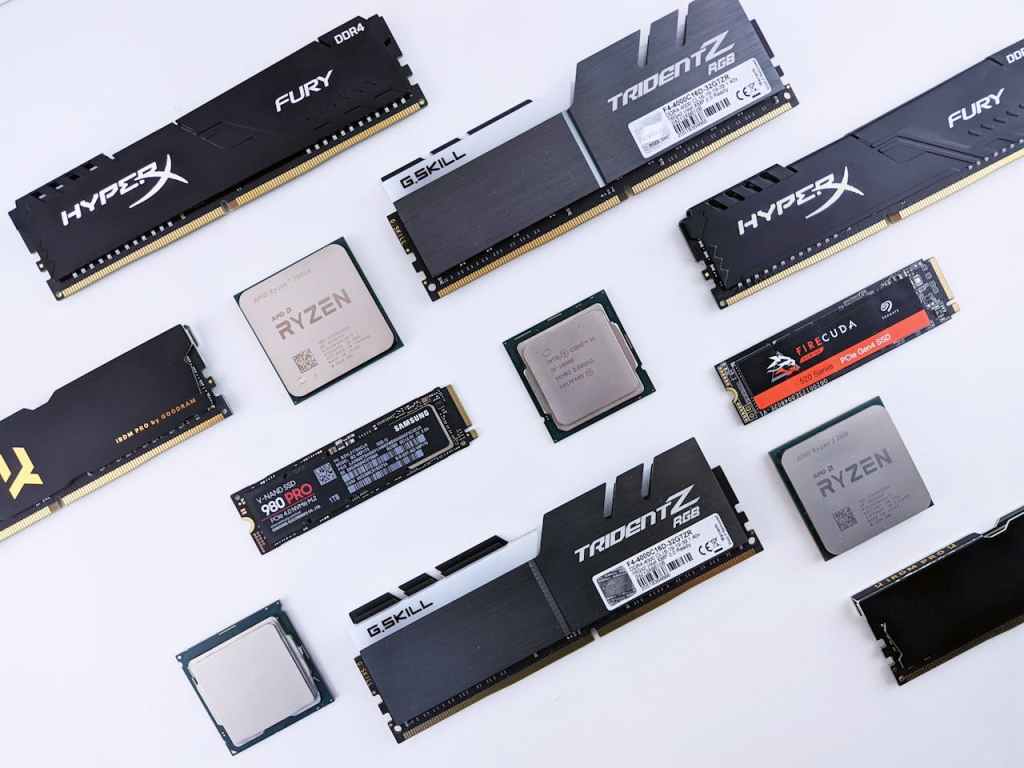
Upgrade Paths for Laptops and Desktops: What You Should Consider First When Upgrading Your PC
When deciding whether to upgrade or replace an old PC, it depends on your usage and…
-
Why Do Blue Screens Happen? A Breakdown of Common Causes and Potential Remedies
The Blue Screen of Death (BSOD) is a common issue in Windows, caused by various factors…
-
Why Your Computer Gets Slower Over Time
Computer slowdowns can result from various factors, including full drives, viruses, outdated hardware, and overheating. Solutions…
 ITBrother