James Hwang
-
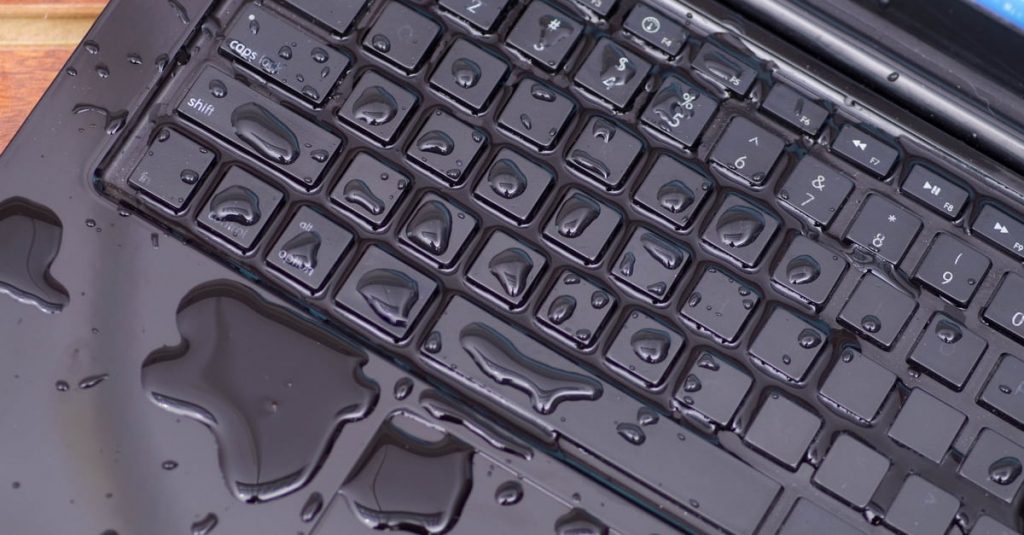
노트북에 물을 흘리면 무슨 일이 일어날까? (그리고 바로 해야 할 일)
노트북에 물이 쏟아졌을 때, 즉시 전원을 끄고 충전기를 분리해야 합니다. 액체 제거 후 전문 수리점에 연락하는…
-
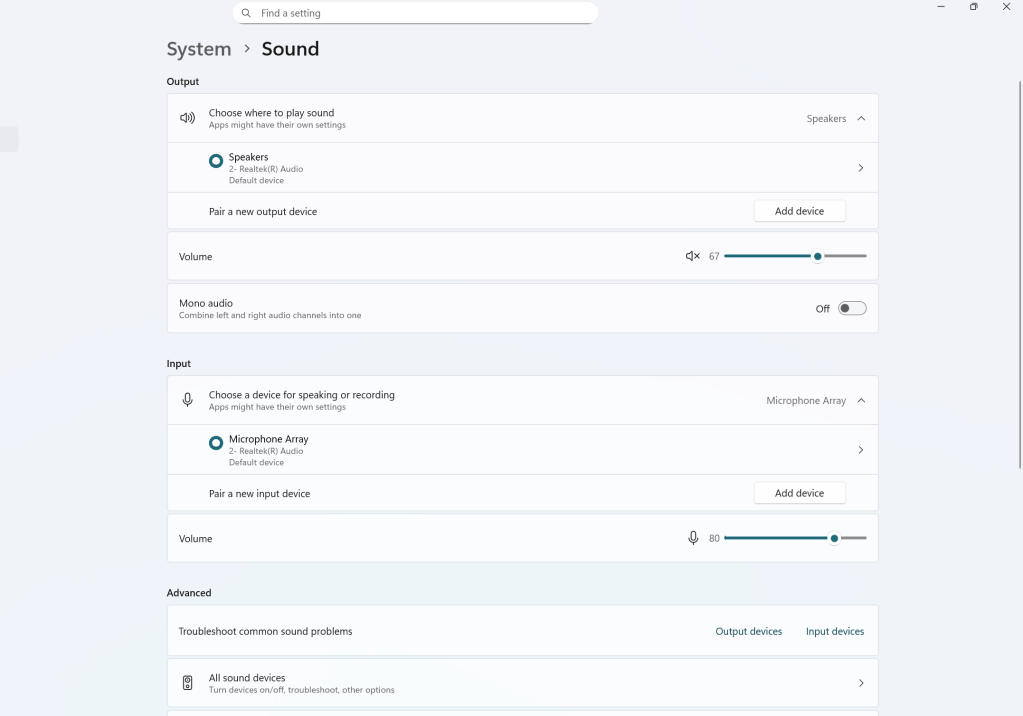
Computer Audio Not Working? Here’s How a Repair Tech Actually Diagnoses It
This audio troubleshooting guide emphasizes understanding whether an issue is software or hardware related before attempting…
-
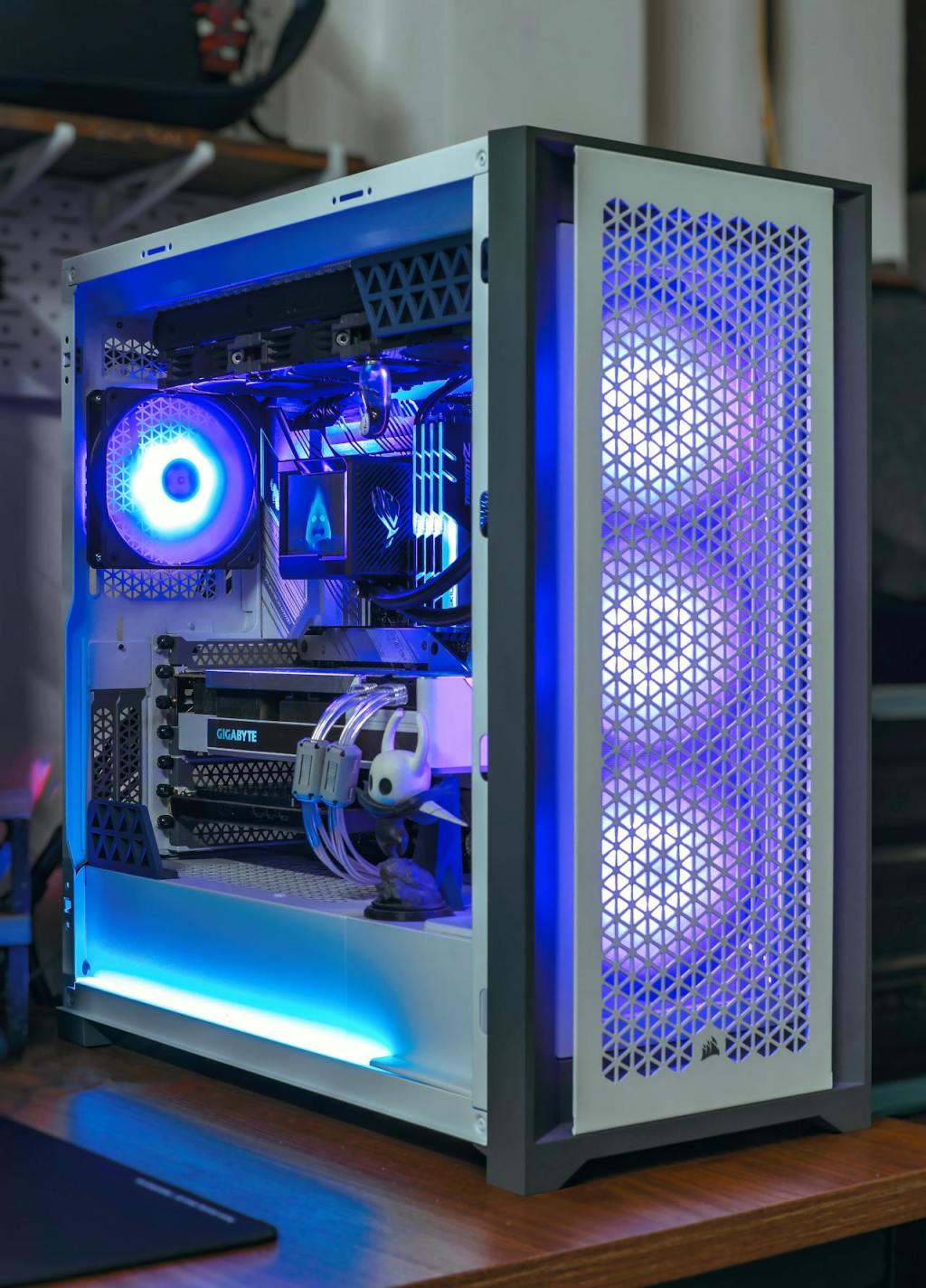
Custom Builds in Late 2025 — Should You Wait or Buy Now?
As the holiday season approaches, PC builders face challenges due to soaring RAM prices, particularly DDR5,…
-
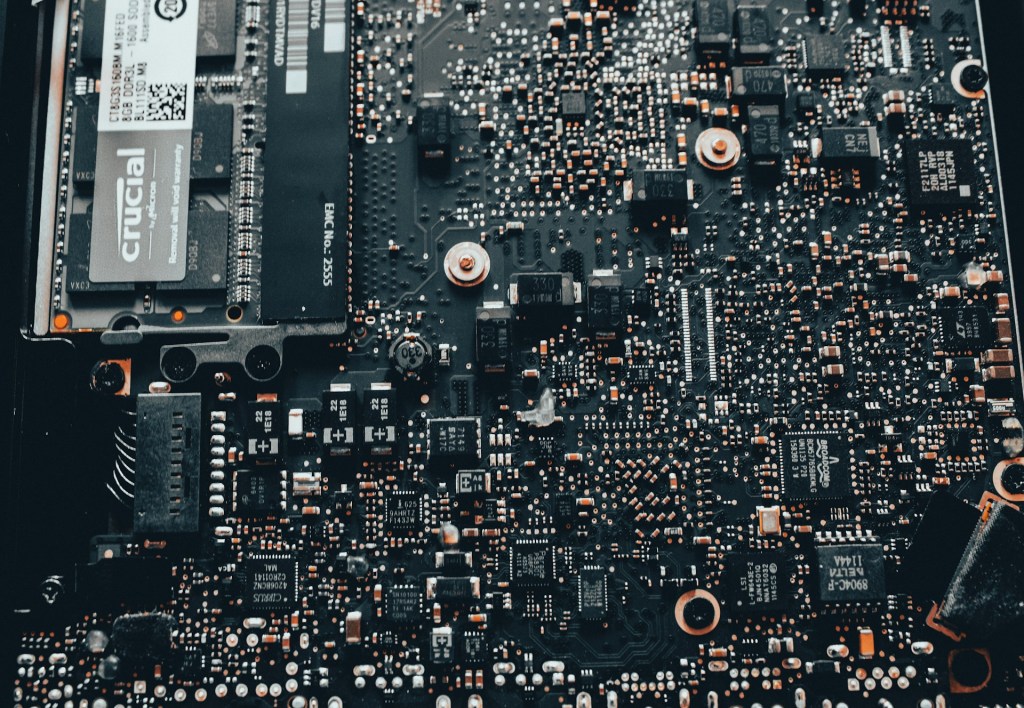
Board Repair: When Is It Worth Considering?
Motherboard repair, often overlooked, can be a cost-effective alternative to replacing a failing laptop or desktop.…
-
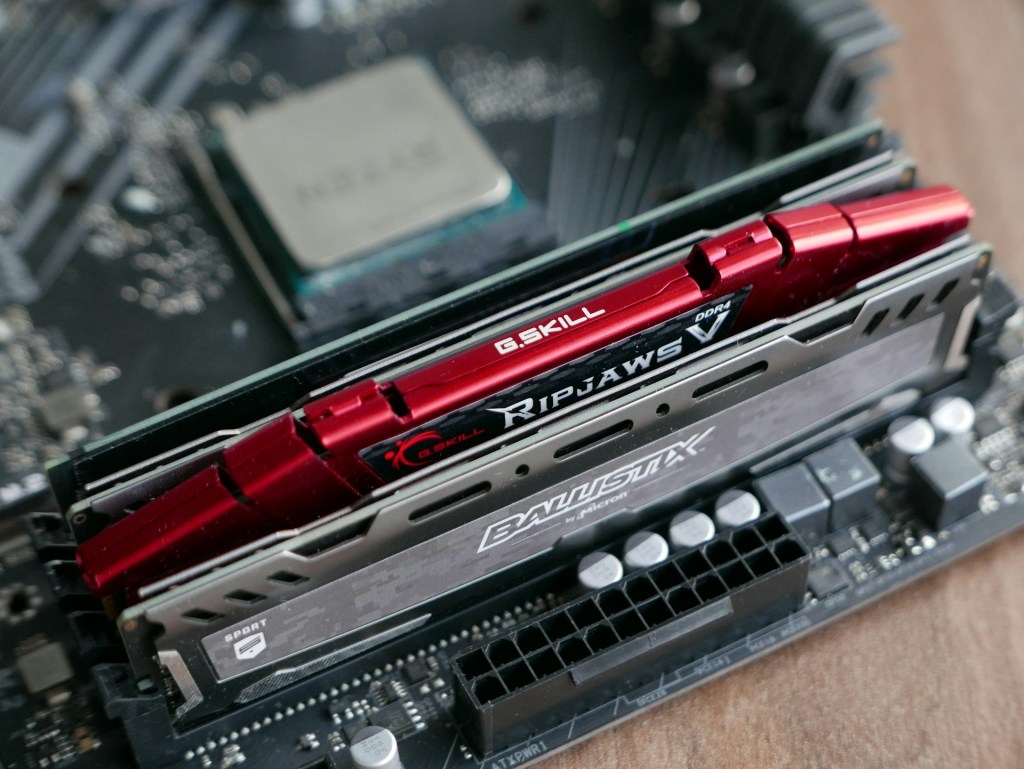
Micron Exits the Consumer RAM and SSD Market — What This Means for Everyday Users
Micron Technology’s decision to exit the consumer RAM and SSD market marks a pivotal change in…
-
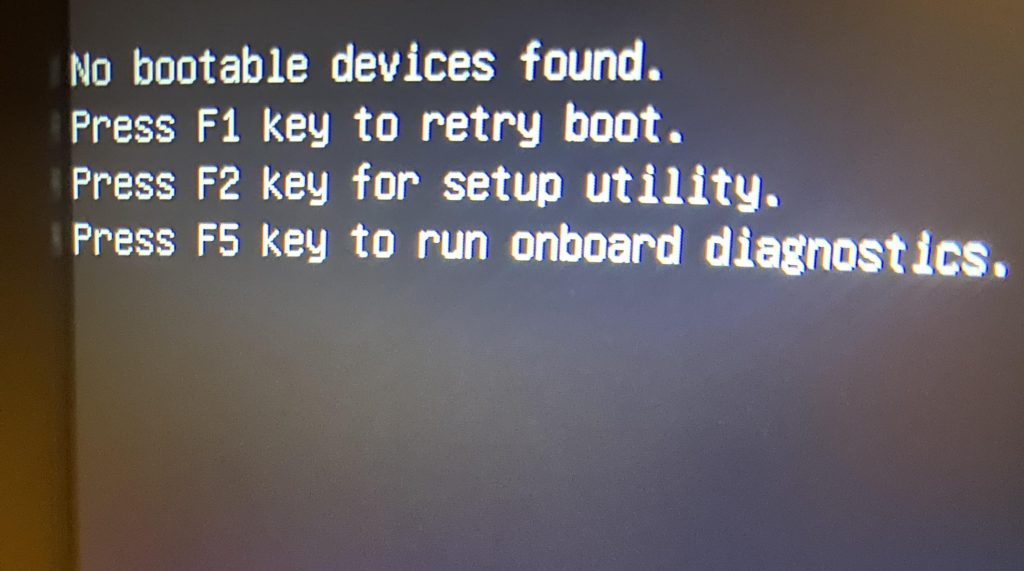
“부팅 가능한 장치가 없습니다(No Boot Device Found)”란 무엇인가 — 그리고 해결 방법
“No Boot Device Found” 메시지는 컴퓨터가 저장장치를 인식하지 못할 때 발생합니다. 주요 원인은 저장장치 고장, BIOS…
-
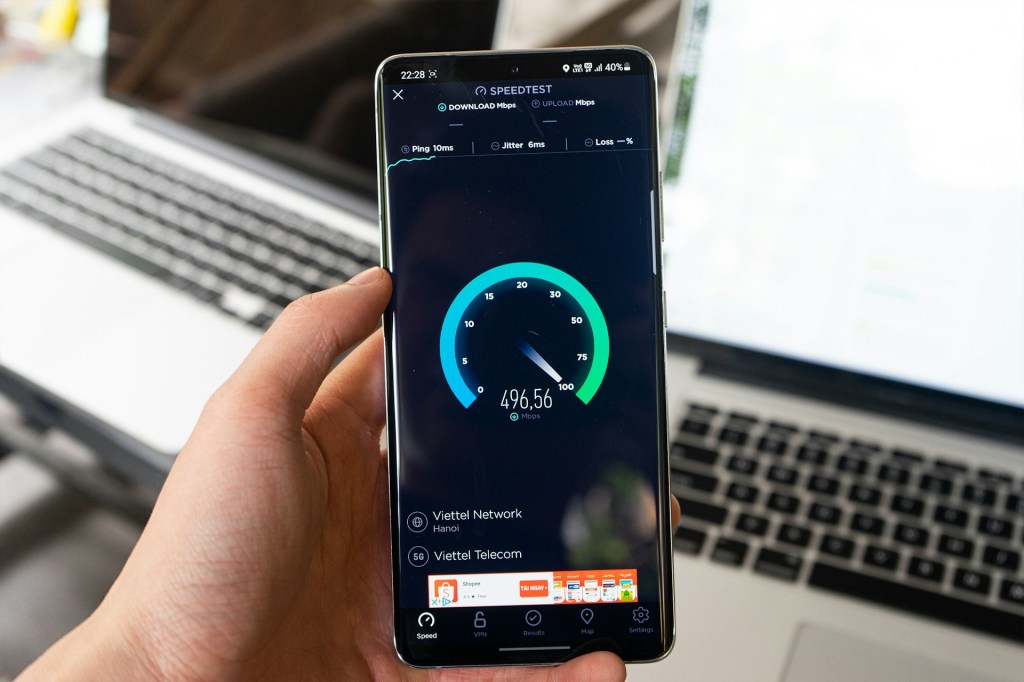
What to Do When Your Internet Keeps Dropping – Wi-Fi Troubleshooting Guide
This guide addresses common internet connectivity issues, providing troubleshooting steps. It suggests checking if problems originate…
-
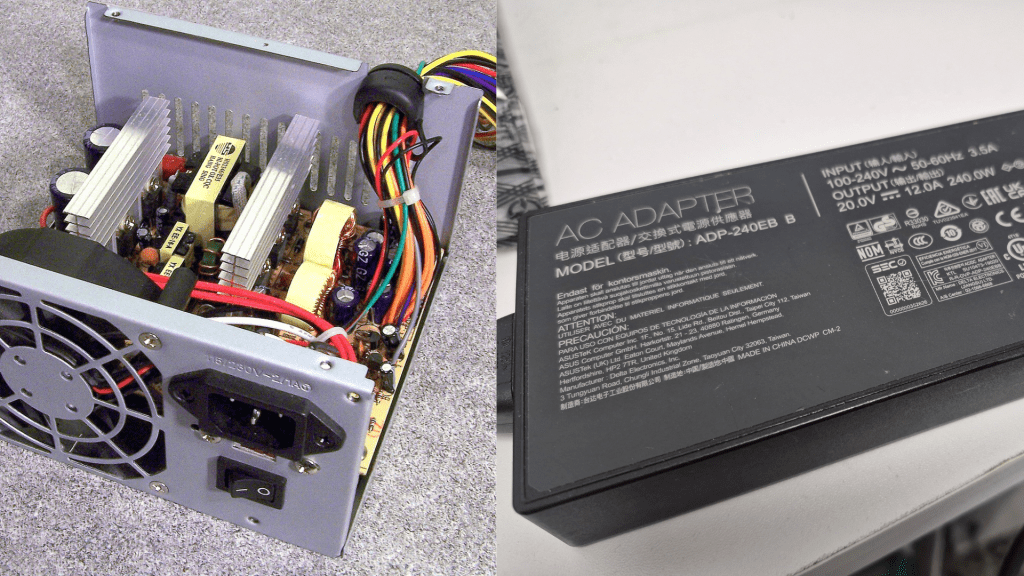
Why Did My Computer Make a Popping Sound? Power Supply Failures Explained
A loud pop or burning smell from your computer signifies a hardware failure, often linked to…
-
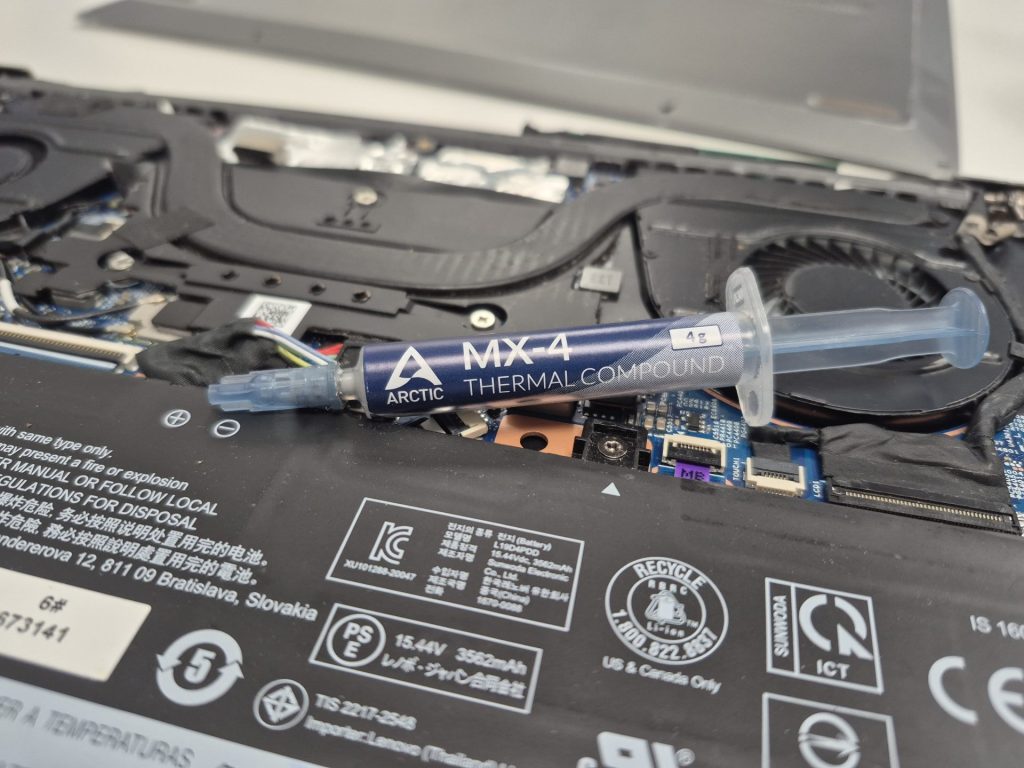
써멀페이스트 교체가 중요한 이유
컴퓨터의 발열 문제는 써멀페이스트의 고갈로 인해 발생할 수 있으며, 이는 시스템 불안정, 성능 저하로 이어질 수…
-
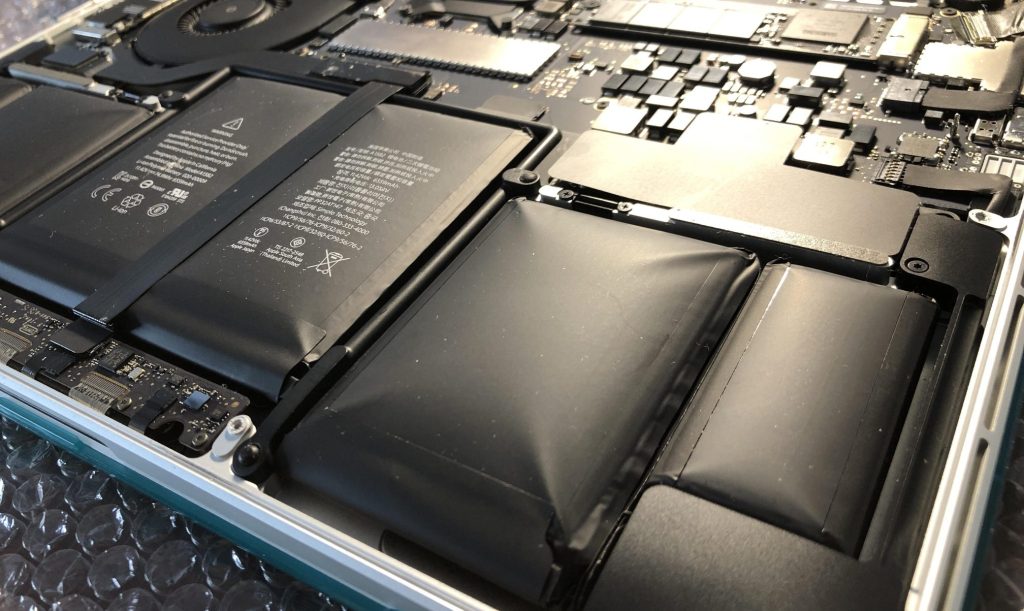
Swollen Laptop or Phone Battery? Here’s What’s Happening — and What to Do
Swollen lithium-ion batteries in laptops and smartphones indicate serious issues, such as age, heat exposure, or…
 ITBrother