
James Hwang
-
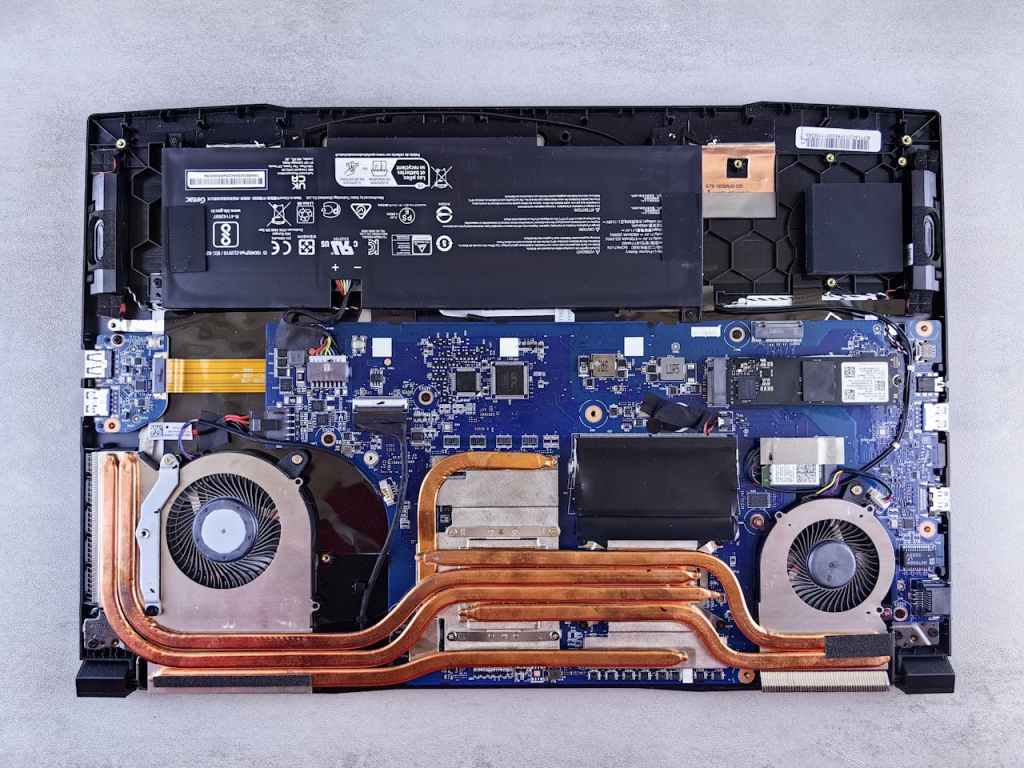
Fans Spin Loudly Even When Idle: What’s the Cause?
Loud computer fans at idle primarily indicate overheating, typically due to dried thermal paste or dust…
-
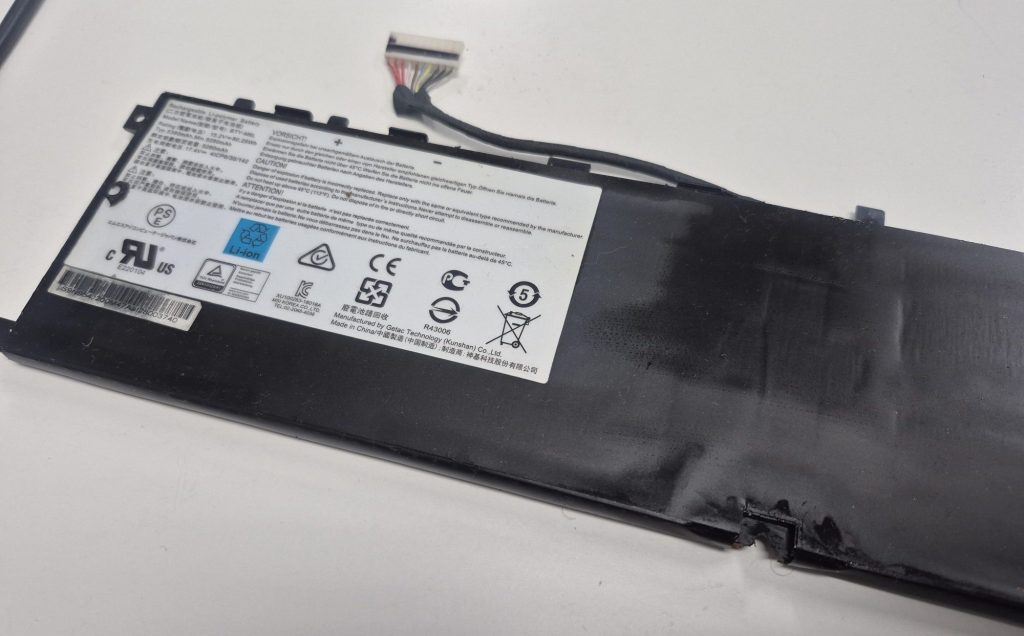
노트북 호환(사제) 배터리 — 어떤 건 오래가고, 어떤 건 금방 망가질까?
노트북은 사용 기간이 길어질수록 배터리 성능이 저하되어 사용 시간이 짧아지고 갑작스럽게 전원이 꺼지는 현상이 발생할 수…
-

Computer Still Slow After a Reset? Here’s What’s Really Going On
When a computer remains slow after a reset, it often points to hardware issues rather than…
-
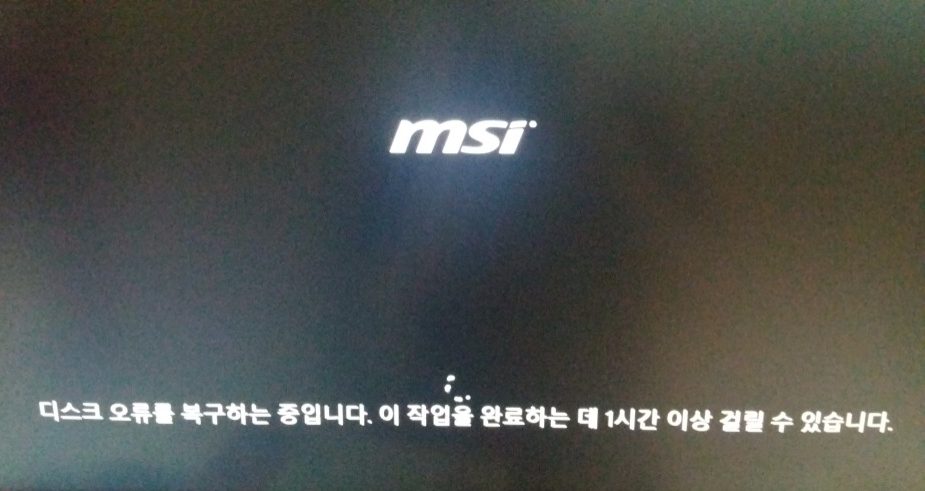
부팅할 때마다 뜨는 “디스크 오류를 복구하는 중입니다” 메시지, 그냥 넘기면 안 되는 이유
컴퓨터를 켤 때마다 뜨는 “디스크 오류를 복구하는 중입니다” 메시지, 그냥 넘기고 계신가요? 단순한 알림이 아니라 하드디스크가…
-
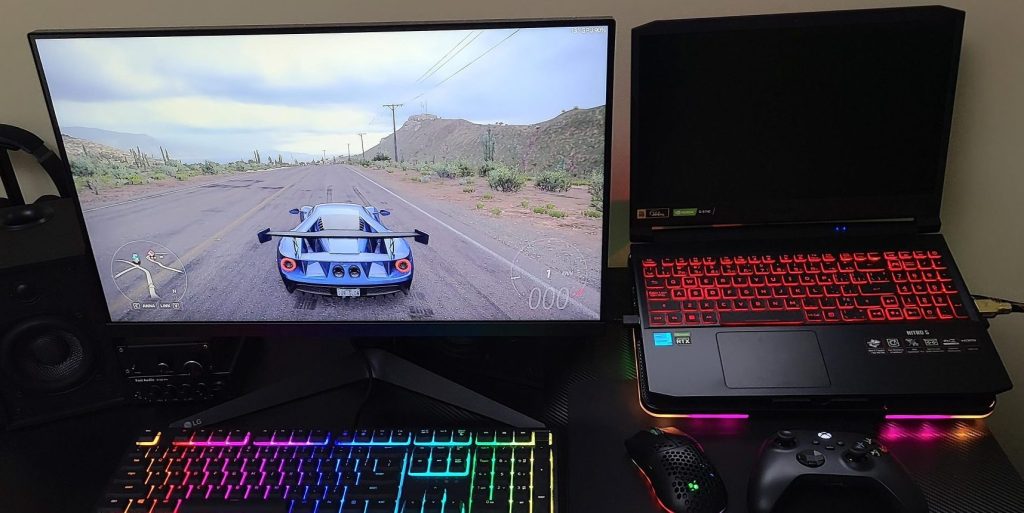
External Monitor Works but Internal Display Does Not
When a laptop’s internal display fails but functions on an external monitor, it often indicates a…
-
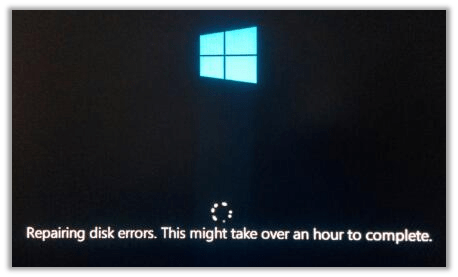
Why Your PC Says “Repairing Disk” at Startup — And What to Do Before It’s Too Late
The “Repairing disk” message often signals a failing hard drive, especially in older computers with mechanical…
-
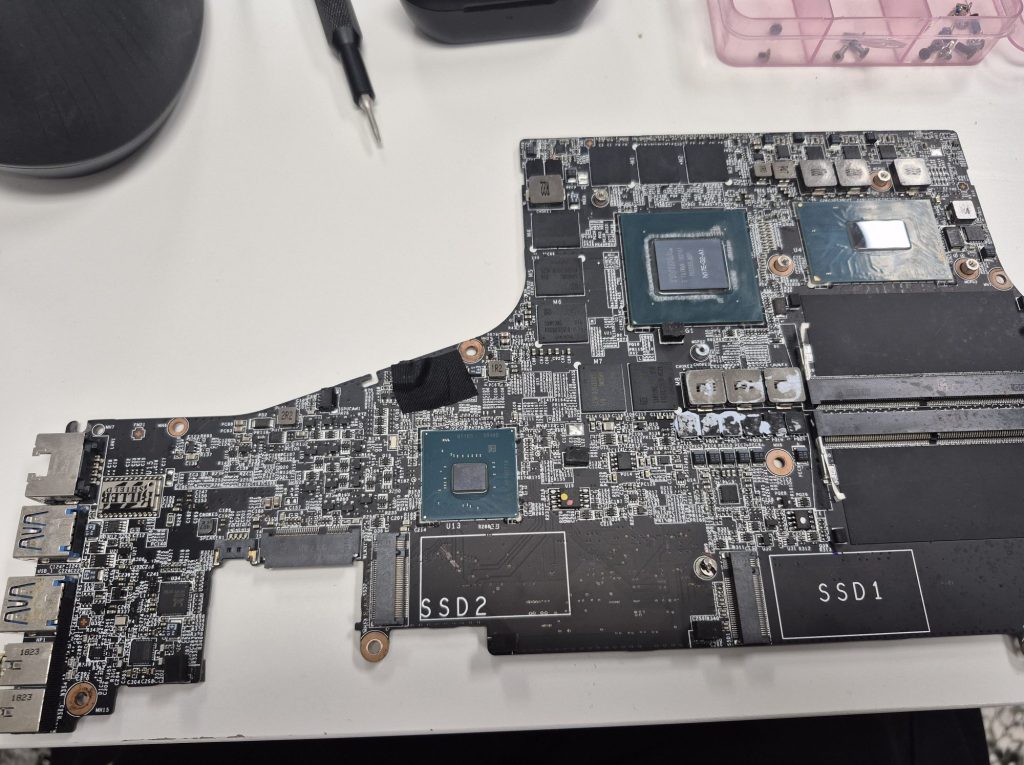
노트북이 충전되지 않거나 켜지지 않을 때 – 수리 가능할까, 아니면 전자 폐기물일까?
노트북이 충전되지 않거나 켜지지 않는 문제는 주로 전원 시스템의 문제와 관련이 있습니다. 충전기, 충전 포트, 메인보드…
-
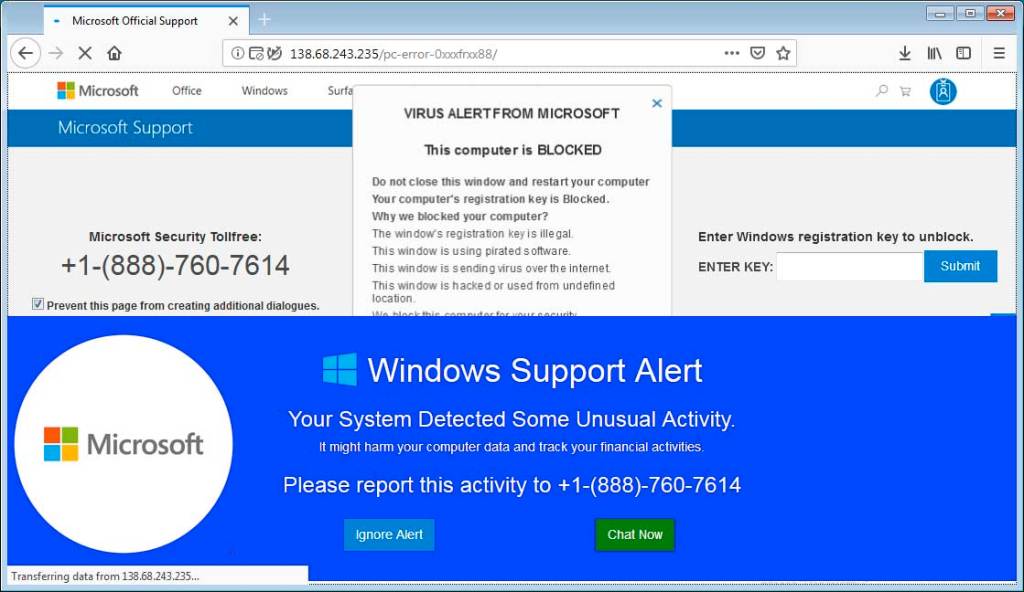
How to Spot a Fake Tech Support Scam (And What to Do Right Now)
Tech support scams are a prevalent and damaging form of cybercrime, especially affecting those aged 60…
-
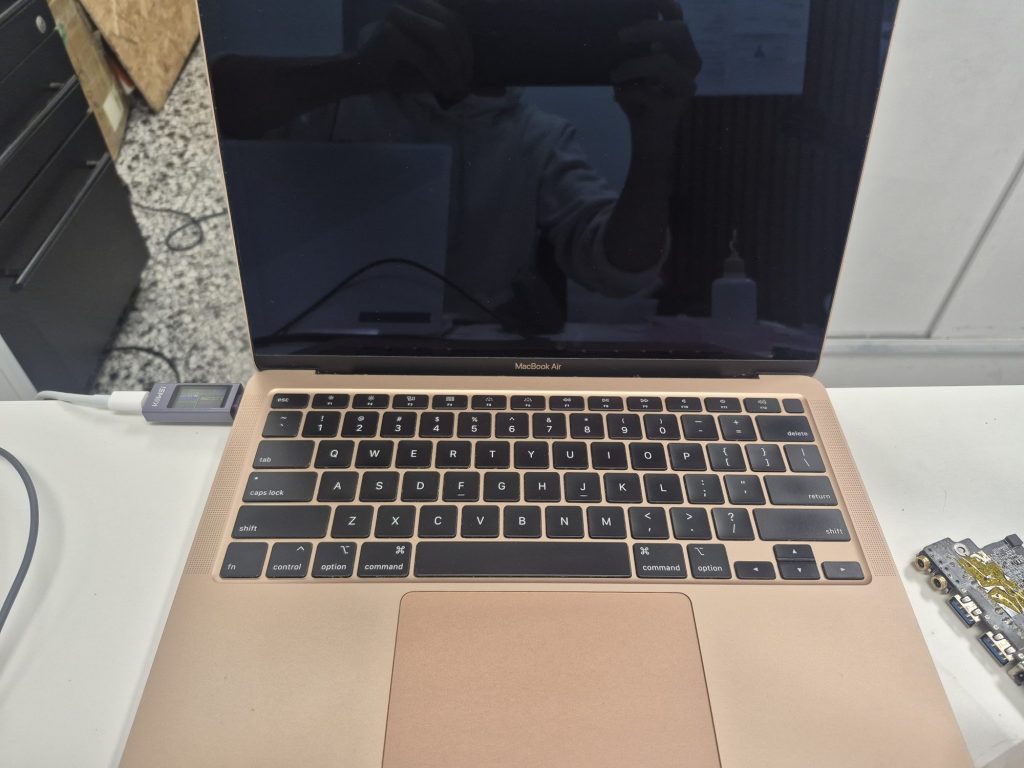
Repair Log: MacBook Air A2179 Won’t Turn On — Liquid Damage Diagnosis & Outcome
A client brought in a MacBook Air A2179 that was completely unresponsive due to liquid damage…
 ITBrother