James Hwang
-
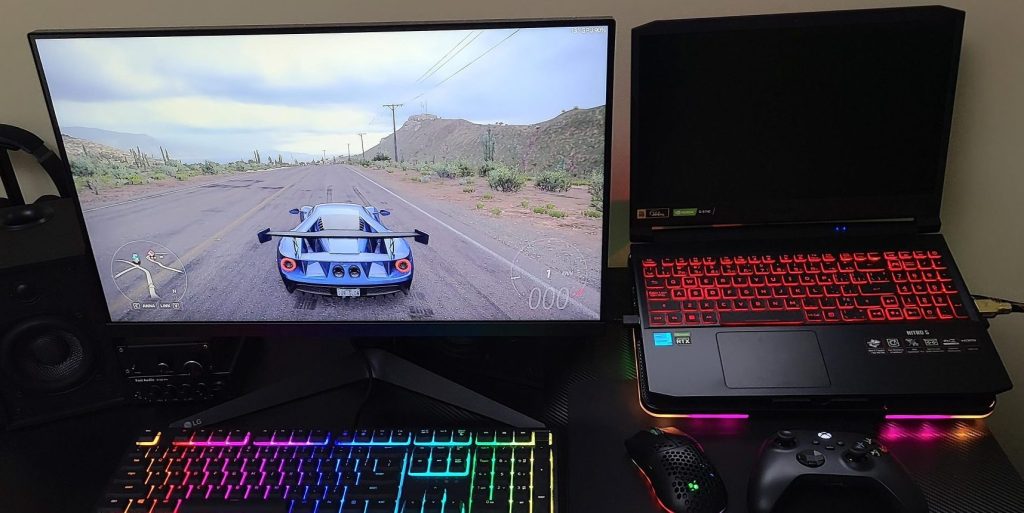
External Monitor Works but Internal Display Does Not
When a laptop’s internal display fails but functions on an external monitor, it often indicates a…
-
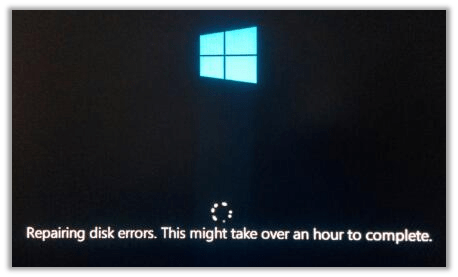
Why Your PC Says “Repairing Disk” at Startup — And What to Do Before It’s Too Late
The “Repairing disk” message often signals a failing hard drive, especially in older computers with mechanical…
-
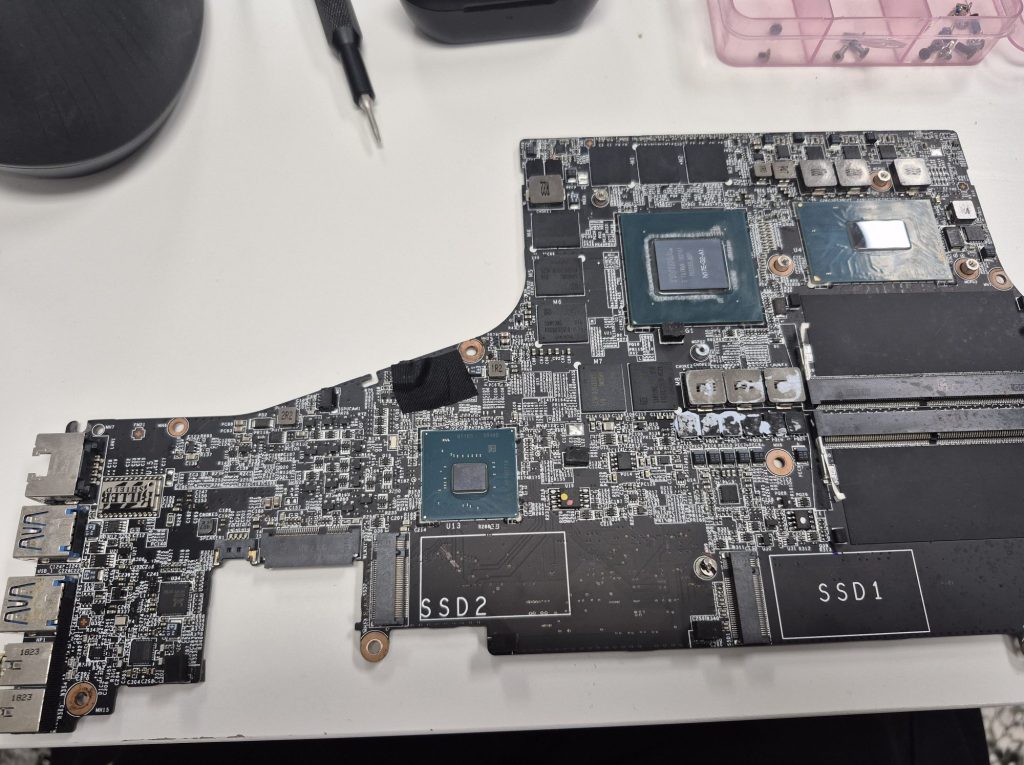
노트북이 충전되지 않거나 켜지지 않을 때 – 수리 가능할까, 아니면 전자 폐기물일까?
노트북이 충전되지 않거나 켜지지 않는 문제는 주로 전원 시스템의 문제와 관련이 있습니다. 충전기, 충전 포트, 메인보드…
-
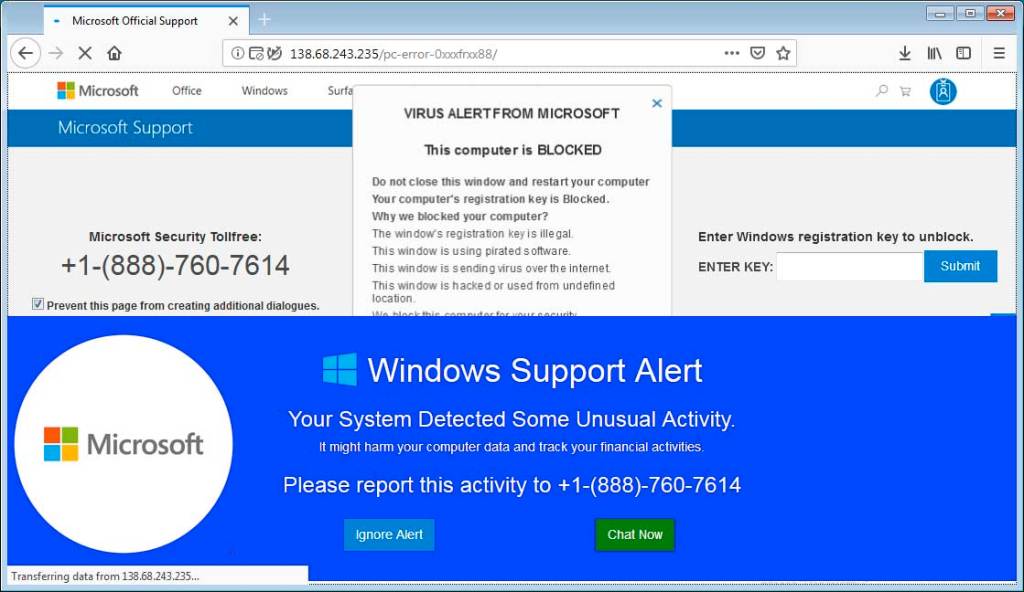
How to Spot a Fake Tech Support Scam (And What to Do Right Now)
Tech support scams are a prevalent and damaging form of cybercrime, especially affecting those aged 60…
-
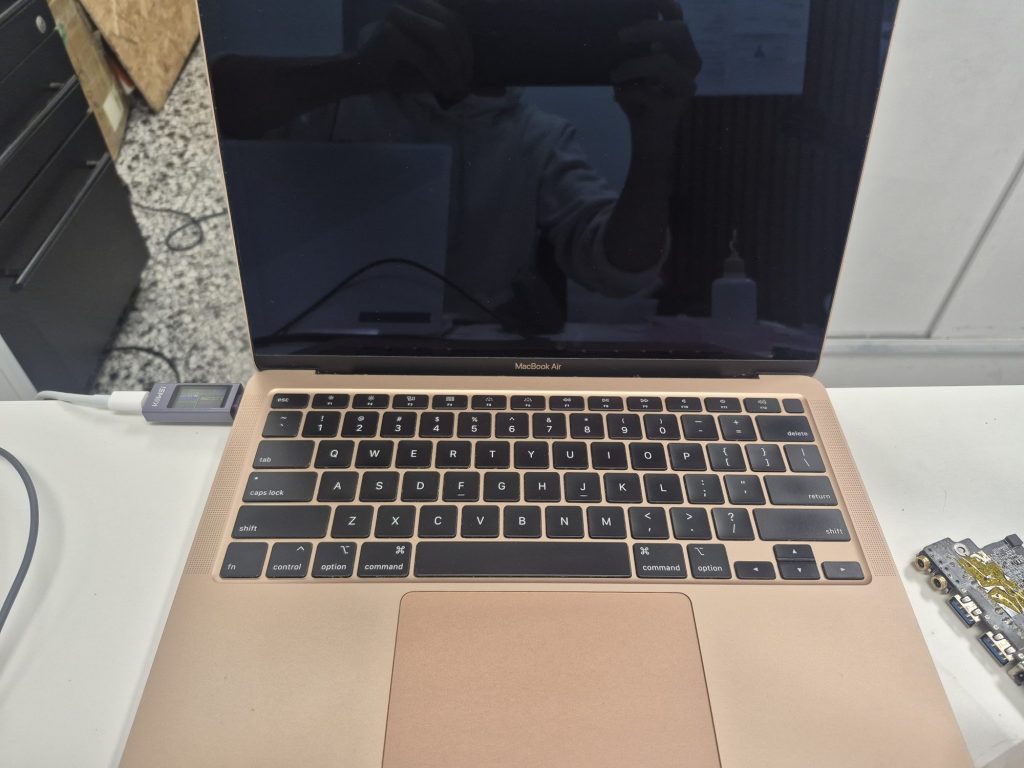
Repair Log: MacBook Air A2179 Won’t Turn On — Liquid Damage Diagnosis & Outcome
A client brought in a MacBook Air A2179 that was completely unresponsive due to liquid damage…
-
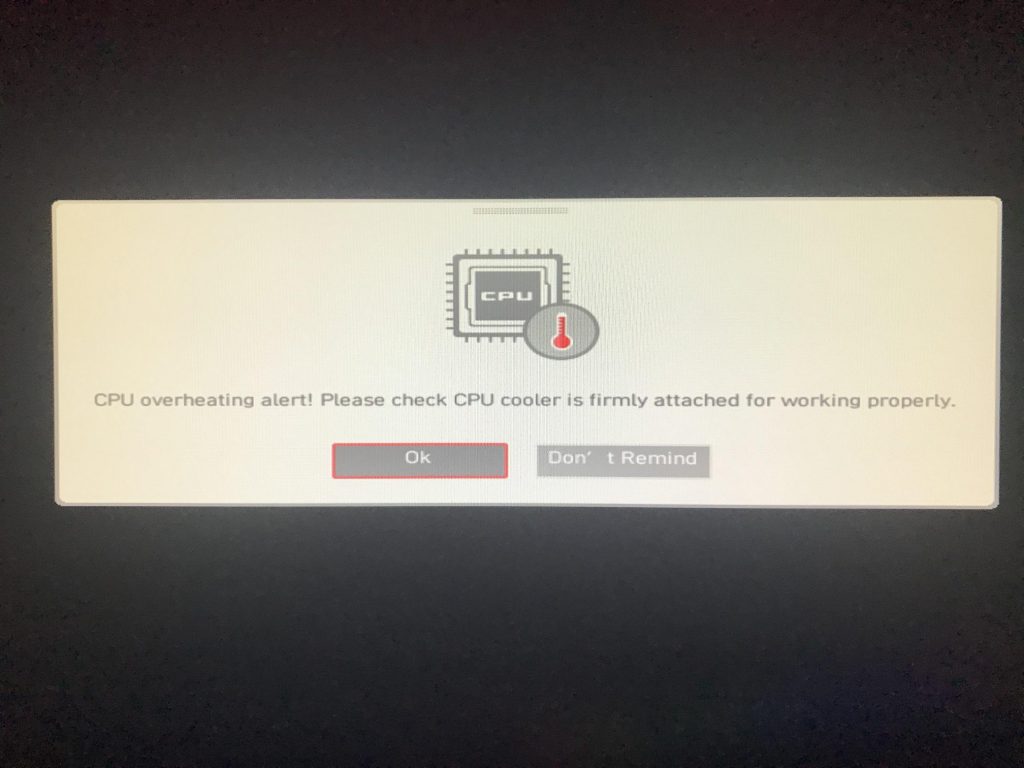
PC가 과열되고 있는지 확인하는 방법 (증상, 원인, 해결법)
PC 과열은 데스크탑과 노트북에서 일반적인 문제로, 적절한 냉각이 없으면 성능 저하와 시스템 손상을 초래합니다. 증상으로는 팬…
-
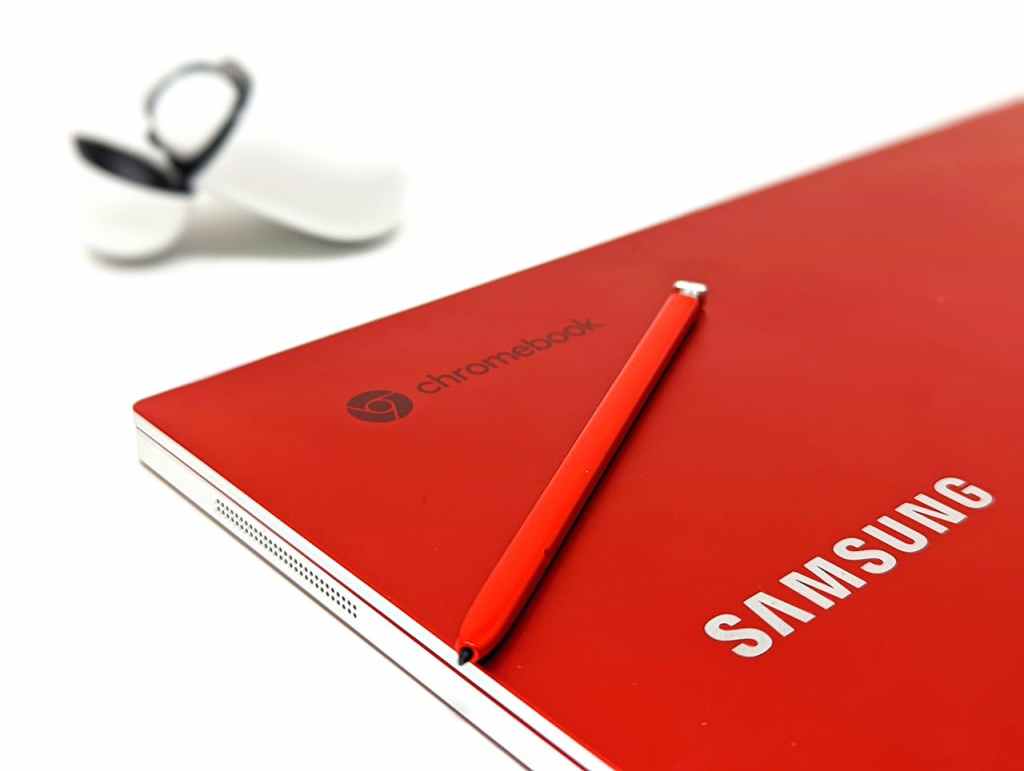
Are Chromebooks Worth Buying? An Honest Look
Chromebooks are laptops running Chrome OS, emphasizing simplicity and affordability, with a reliance on web-based applications.…
-

HDD vs. SSD for Backup: Which Drive Should You Use for Long-Term Storage?
When choosing between HDDs and SSDs for backup drives, HDDs are generally preferable due to their…
-
Diagnostics Logs: MacBook Air Killed by Beach Sand — What Actually Happened?
A customer brought in a dead 2015 MacBook Air, claiming sand caused it to shut down.…
 ITBrother